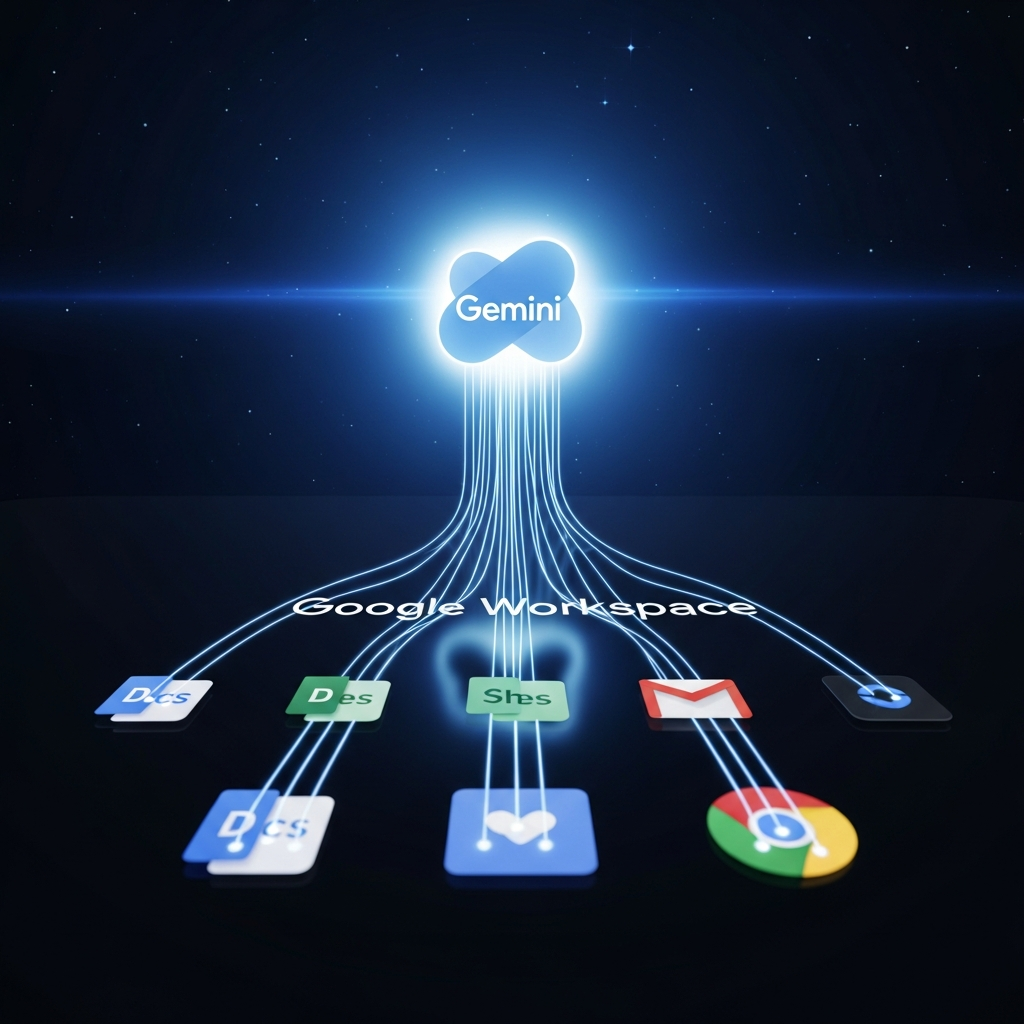
Google has launched a monumental expansion of its Gemini artificial intelligence capabilities, deeply embedding the advanced AI into its widely used Workspace applications and the Chrome browser. This strategic move aims to transform how millions of users interact with their digital tools, boosting productivity and redefining the competitive landscape of enterprise software. Google’s commitment goes beyond simple feature additions; it’s an “existential play” designed to position Workspace as a leading AI-native platform in the escalating “enterprise AI war” against rivals like Microsoft Copilot and OpenAI’s ChatGPT Enterprise. This comprehensive integration promises to make AI an invisible yet indispensable partner in daily workflows, from drafting documents to managing complex data and browsing the web.
Gemini’s Core Vision: Your AI-Powered Collaborator
At the heart of Google’s Gemini rollout is a vision to create an “AI-powered collaborator” that enhances efficiency and empowers users to “get more done.” Workspace VP Yulie Kwon Kim emphasizes that these integrations are not merely about achieving feature parity with competitors but about solidifying Google’s position in the rapidly evolving market. By leveraging its vast ecosystem of services—including Search, Maps, Calendar, and YouTube—Google intends to make Gemini contextually smarter, delivering personalized and highly relevant assistance. The ultimate goal is to make AI feel inherent and seamless, reducing daily friction and allowing users to focus on higher-value tasks.
Deep Dive: Gemini Features in Google Workspace Apps
The integration of Gemini extends across the core Workspace suite, infusing intelligent assistance into the applications users rely on daily.
Google Docs:
Users can now leverage a new “Help me create” feature, where Gemini intelligently gathers information from existing Gmail, Chat, and Drive content to generate structured first drafts. Beyond initial content generation, Gemini offers tools to refine text, enhance clarity, standardize writing styles across multiple contributors, and replicate formatting from other documents. This means quicker starts and more consistent outputs.
Google Sheets:
Gemini in Sheets enables the generation of fully formatted spreadsheets using data pulled from emails, various files, and even online sources. It can automatically populate tables, summarize extensive information, categorize datasets, and retrieve real-time data from the web. This streamlines complex data management and analysis tasks, making powerful insights more accessible.
Google Slides:
Creating compelling presentations becomes significantly faster with Gemini in Slides. Users can prompt the AI to generate editable slides based on specific instructions and contextual information from their existing files, often including original images. This accelerates the creative process, allowing for more impactful visual communication.
Google Drive:
The Drive search function receives a major upgrade with AI-generated summaries. These summaries are designed to surface relevant insights more quickly and efficiently across a user’s stored documents, significantly improving the discoverability and understanding of vast amounts of stored content. This is crucial for managing and retrieving information effectively in large digital archives.
Google Forms (and more):
For institutions like Miami University, Gemini is also streamlining Google Forms. Faculty and staff can quickly create forms and generate summaries of text responses, making data collection and analysis more efficient. Google plans to continue expanding Gemini’s reach throughout the year, with Sheets and Vids slated for further integration.
Gemini Extends to Your Browser: Chrome Integration
Beyond the Workspace suite, Google has initiated a significant integration of Gemini directly into the Chrome browser, fundamentally changing how users interact with web content.
Contextual Browsing Assistance
With Chrome 143, Gemini gained the ability to understand the content of the currently open webpage. Users can now ask questions, request summaries, or clarify concepts directly through a dedicated chat panel, without navigating away from their active tab. The integration also supports voice conversations via Gemini Live, offering a hands-free interaction experience.
Multi-Tab Power and Personalized Insights
A standout feature is Gemini’s multi-tab context capability, allowing it to analyze information across up to ten open tabs concurrently. This facilitates tasks like comparing details from multiple sources or summarizing content from various pages. Gemini in Chrome can also leverage public information from Google services like Search, Maps, and YouTube. With explicit user permission, it connects to personal data in Workspace services (Gmail, Drive, Keep, Calendar, Tasks) for highly contextual and personalized responses.
Advanced Browser Capabilities with Chrome 144
Chrome 144 introduced further enhancements, including “auto browse” (for some non-enterprise users), which allows the AI to perform certain browsing actions automatically. Users can also upload rendered images directly to Gemini from a browser context menu, prompting the AI to generate derivative visuals. Gemini can even utilize Google Password Manager for automatic website sign-ins, and supports third-party tools via Gemini Extensions, expanding its utility within the browser interface.
Global Rollout and Language Support
The integration isn’t just for the US; Chrome 145 will gradually roll out Gemini to users in Canada, New Zealand, and India, with support for a wide array of languages, including major global and Indian languages like Hindi, Bengali, Tamil, and more.
The Enterprise AI War: Google Workspace vs. Microsoft 365
Google’s aggressive Gemini rollout comes amidst an intense “enterprise AI war,” with its Workspace suite generating over $10 billion annually. The competition, particularly with Microsoft 365 and its Copilot AI, is fierce, forcing businesses to choose between rapidly evolving platforms.
Strategic Stakes and Competitive Landscape
While Microsoft gained an early lead with Copilot, integrated across Word, Excel, PowerPoint, and Teams, Google views Gemini’s expansion as an “existential play.” Gartner research indicates that 45% of enterprises plan to increase AI tooling budgets this year, primarily targeting productivity suites. Google aims to leverage its vast, integrated ecosystem—including Search, Maps, Calendar, and YouTube—to make Gemini contextually smarter than its rivals, offering capabilities like Sheets formulas pulling real-time Search trends. Other competitors like Salesforce with Einstein GPT and Slack with its own AI layer further intensify the market.
Key Differentiators: Google Workspace vs. Microsoft 365
A detailed comparison reveals clear trade-offs. Google Workspace excels in real-time document collaboration, simpler applications, and powerful, superior document search. Microsoft 365, on the other hand, boasts more powerful features, templates, and granular controls within its individual desktop applications (Word, Excel, PowerPoint).
AI Tools – Gemini vs. Copilot:
Google Gemini: Included free with most Workspace plans. It writes, summarizes, analyzes, generates content in Docs, Sheets, and Slides, takes meeting notes in Meet, automates workflows, and conducts research. It also creates images and generates tables/formulas in Sheets.
Microsoft Copilot: A basic Copilot Chat is free in M365 apps. However, advanced features require a $21-$30 per user/month add-on subscription. Copilot integrates with Word (document creation), Excel (data analysis, formulas, Python), PowerPoint (presentations), Outlook (email writing/summaries), and Teams (meeting summaries).
Google’s strategy to include Gemini free with most Workspace plans could significantly undercut Microsoft’s pricing, potentially resetting market expectations and making its AI highly accessible.
User Autonomy: Balancing AI Power with Control
Google recognizes the critical need for user agency in AI deployment. This is evident with the introduction of new user controls for AI features, such as those within Google Photos. After feedback indicated that AI-powered queries were sometimes perceived as “slower or less accurate,” Google introduced a toggle. Users can now switch between the AI-powered “Ask Photos” search tool and the classic search experience, reflecting Google’s responsiveness to user experience concerns. This balanced approach ensures innovation is tempered with options to optimize individual experiences.
The Future of Work: Making AI Invisible
Google’s Gemini expansion is focused on the “long game,” aiming to make AI an invisible and inherent part of how work gets done. By reducing daily friction, providing superior context awareness, ensuring speed, and fostering user trust, Google seeks to create significant “stickiness” for its Workspace platform. If Gemini exposes APIs, it could foster a wave of custom workflows via AppSheet and Apps Script, solidifying Workspace as the “platform of record.” This aggressive integration is Google’s bid to safeguard its multi-billion-dollar revenue, encourage existing Workspace users to stay, and counter the significant switching costs involved in moving to competitor platforms.
Frequently Asked Questions
What are the core new Gemini AI features in Google Workspace?
Google’s Gemini AI integration significantly enhances core Workspace apps. In Google Docs, “Help me create” assists with drafting and refining content. Google Sheets gains capabilities for generating, populating, summarizing, and categorizing data, plus real-time web data retrieval. Google Slides can generate presentations and images from prompts. Google Drive improves search with AI-generated document summaries. Additionally, Gemini in Chrome offers page summarization, multi-tab context, and personalized insights based on your Google services.
How does Google’s Gemini integration compare to Microsoft Copilot regarding pricing and features?
Google Gemini is included free with most Google Workspace plans, offering a comprehensive suite of AI features for content generation, data analysis, and workflow automation across Docs, Sheets, Slides, and Chrome. In contrast, Microsoft 365 offers a basic Copilot Chat for free, but advanced Copilot features require an additional add-on subscription, typically costing $21-$30 per user/month. While Microsoft’s individual apps often boast more powerful features, Google’s free, integrated Gemini could reset market expectations for enterprise AI accessibility.
How can I access and control Gemini AI features in my Google Workspace or Chrome browser?
Gemini features are rolling out to Workspace users, with some potentially having immediate access. In apps like Docs and Slides, you might find “Help me write” or a side panel chat. For Chrome, Gemini is available via a dedicated chat panel, initially for most US Workspace users with Chrome 143 and expanding globally with Chrome 145. Google is also introducing user controls, such as a toggle in Google Photos, allowing users to switch between AI-powered search and classic search, providing greater autonomy over AI interactions. Check your specific app interfaces for availability and settings.
—