Samsung is rolling out its highly anticipated One UI 8.5 stable update, bringing a flood of innovative features, enhanced design, and crucial performance improvements to a wide range of Galaxy smartphones and tablets. This significant software upgrade, built upon Android 16 QPR2, marks a pivotal moment for Galaxy users, delivering advanced Galaxy AI capabilities and seamless connectivity features, including AirDrop support via Quick Share. After an extensive beta testing period, the global rollout has officially begun, promising a richer and more intuitive user experience.
The Long-Awaited Global Rollout of One UI 8.5
The stable One UI 8.5 update officially commenced its global rollout on May 6, 2026, initially targeting users in Samsung’s home market, South Korea. This eagerly awaited release is now steadily expanding to other international regions, with major markets like North America, Europe, and India expected to follow rapidly. The Galaxy S25 series, including the S25, S25+, and S25 Ultra, are among the first devices to receive this comprehensive update, following a remarkably long beta program that saw ten beta builds over five months since December 2025.
This extended beta phase, a deviation from Samsung’s typical two-to-three-month cycle, highlights the complexity and scale of the One UI 8.5 update. While the update was technically introduced with the Galaxy S26 series in February, its wider availability to older flagship devices underscores Samsung’s commitment to delivering cutting-edge features across its ecosystem. Users transitioning from the beta program or a previous One UI version can anticipate an update package ranging from approximately 481MB to 583MB, often including the latest April 2026 security patch.
Dive into Innovation: Key Features of Samsung One UI 8.5
The Samsung One UI 8.5 update is far from a minor refresh; it’s a “surprisingly big update” packed with enhancements that touch every aspect of the user experience.
Redesigned Interface and Enhanced Personalization
One UI 8.5 introduces a noticeably redesigned user interface, presenting a cleaner, more sophisticated, and consistent aesthetic. Users will experience immersive visuals, transparent blur effects, and floating elements that react organically to interactions. The update brings:
Fully Customizable Quick Panel: Greater control over notification and settings toggles.
Intelligent Lockscreen Layout: Automatically adjusts to complement your chosen wallpaper, ensuring important information isn’t obscured.
Downloadable Wallpapers: New interactive options that conserve storage when not actively in use.
Weather Effects: Seamlessly integrate current weather conditions directly into your device’s wallpaper.
Customizable Clock Fonts: Fine-tune the thickness of various font styles on your lock screen for a personalized touch.
Next-Generation Galaxy AI Features
A central pillar of the One UI 8.5 update is the significant expansion of Galaxy AI features, transforming how users interact with their devices. These advanced artificial intelligence capabilities were previously exclusive to the newer Galaxy S26 lineup.
Now Nudge: Integrated within the Samsung Keyboard, enriching intelligent interactions and predictive assistance.
Call Screening: Bixby Text Call allows an AI assistant to answer calls, inquire about the caller’s identity, and transcribe the conversation in real-time.
Improved Audio Eraser: Enhanced real-time audio clean-up functionality.
Creative Studio: Now more accessible from the Apps screen, empowering users to create custom wallpapers, stickers, and profile images with ease.
Image Editing via Text Prompts: Describe desired changes, such as altering clothing colors or adding objects, and let AI transform your photos.
Photo Assist: Seamlessly add elements from one image to another and apply fun, stylistic effects to any photo.
Continuous Image Generation: Generate multiple AI image iterations without saving each one, complete with a history feature for review.
Enhanced AI Select: Instantly and precisely select elements in images and videos, with a rewind function for video selections.
Auto Language Detection in Interpreter: Simplifies multilingual conversations by automatically detecting the spoken language.
Seamless Connectivity and Sharing
Connectivity sees a major leap forward, especially for those in Apple’s ecosystem.
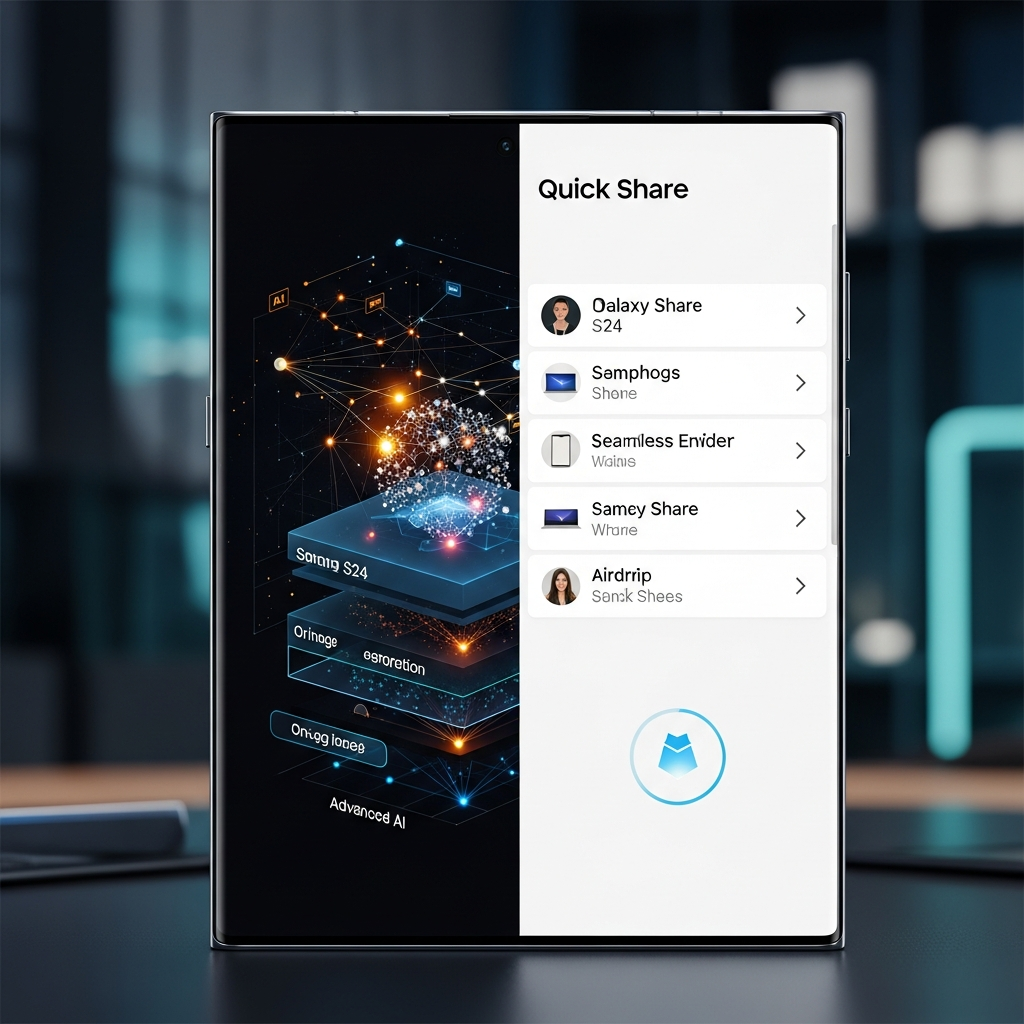
Quick Share with Apple Devices: Crucially, this update enables direct file sharing with iPhones, iPads, and Macs through seamless AirDrop functionality.
Auracast Broadcasts: Expand audio sharing possibilities via Bluetooth, allowing you to broadcast audio to multiple compatible devices.
Storage Share: Provides seamless access to files across all your Samsung devices, including phones, tablets, PCs, and TVs.
Auto Hotspot & Family Device Sharing: Effortlessly share your internet connection and other Galaxy features within family or custom groups.
Photography Enhancements and Productivity Boosts
For photography enthusiasts and productivity-focused users, One UI 8.5 brings professional-grade tools and smarter device management.
Camera Upgrades for Creative Capture
The camera experience is elevated with sophisticated new features designed for both casual and professional photographers.
Pro-grade Document Scans: An automatic scan button appears for documents, allowing multi-page PDF capture and a “Remove” tool to clean up unwanted elements like fingers or moiré patterns.
Auto Motion Photos: Saves storage space by recording motion photos only when movement is detected.
Dual Recording: Capture video simultaneously using both the front and rear cameras, perfect for vlogging or reaction videos.
Log Video Color Previews: Apply cinematic LUT (Look Up Table) previews in real-time while recording, and even in the Gallery and Studio apps, to visualize the final color-corrected look.
New Portrait Filters: Three fresh film-like effects for captivating portrait photography.
Enhanced Productivity and Smart Features
Beyond the camera, One UI 8.5 refines daily interactions, making your Galaxy device even smarter and more efficient.
Smarter Bixby: The digital assistant now better understands natural language commands for settings and features, providing instant, detailed answers and maintaining conversation history.
DeX Mode Improvements: DeX mode now remembers window sizes and positions, enhancing consistency and productivity across desktop-like sessions.
Partial Screen Recording: Capture specific areas of your screen with precision.
Revamped Battery Information: A redesigned settings screen offers clearer insights into remaining battery life, charging status, and usage patterns.
Improved Power Saving: Offers both Standard and Maximum modes for customizable battery longevity, helping you maximize usage.
Direct Voicemail: Callers can record messages directly on your phone, which you can view in real-time.
Personalized Decline Messages: Quick messages are generated based on your calendar events or current activity.
Security, Privacy, and Accessibility
Security and privacy are paramount in One UI 8.5, alongside significant accessibility enhancements.
Privacy Alerts: Notifies users when app permissions pose a data risk, offering suggested actions to mitigate concerns.
Theft Protection: Includes a “Failed authentication lock” and enhanced “Identity check” for crucial settings, bolstering device security.
Temporary Auto Blocker Disable: Allows temporary deactivation with a convenient 30-minute auto-re-enable option for greater flexibility.
Knox Matrix Integration: Provides a clear overview of security update statuses for all connected Samsung devices within your ecosystem.
Bluetooth Hearing Aid Control: Direct settings access from the Accessibility shortcut for improved convenience.
Magnification Control: Magnified areas can now follow mouse cursors or keyboard focus.
Dwell and Corner Actions: Customizable actions when the mouse pointer stops or reaches screen corners, enhancing usability for various input methods.
Devices Confirmed for the One UI 8.5 Update
This major Samsung One UI 8.5 update is rolling out to a comprehensive list of Galaxy devices, ensuring a broad user base benefits from the new features. Confirmed devices include:
Galaxy S Series:
Galaxy S25 series (S25, S25+, S25 Ultra)
Galaxy S25 FE
Galaxy S24 series
Galaxy S24 FE
Galaxy Z Series:
Galaxy Z Fold 7
Galaxy Z Flip 7
Galaxy Z Fold 6
Galaxy Z Flip 6
Galaxy Tab Series:
Galaxy Tab S11 series
Galaxy Tab S10 series
How to Get the Stable One UI 8.5 Update
If you own one of the eligible Samsung Galaxy devices, checking for the stable One UI 8.5 update is straightforward. Navigate to Settings > Software update > Download and install. The rollout is phased, so availability may vary based on your region and carrier. You can anticipate a larger download if you are updating from One UI 8.0, while beta testers will see a smaller package. Make sure your device has sufficient battery and a stable Wi-Fi connection before initiating the download and installation process.
Frequently Asked Questions
What are the biggest new features in Samsung One UI 8.5?
The One UI 8.5 update introduces a host of significant enhancements, most notably expanded Galaxy AI capabilities like Call Screening and advanced image editing via text prompts. It also brings crucial connectivity improvements such as AirDrop functionality through Samsung’s Quick Share, an intelligently redesigned UI, and comprehensive camera upgrades including Pro-grade Document Scans and Dual Recording. These features aim to provide a more intuitive, powerful, and personalized experience for Galaxy users.
Which Samsung Galaxy devices are confirmed to receive One UI 8.5?
The One UI 8.5 update is confirmed for a wide array of flagship and recent Samsung Galaxy devices. This includes the entire Galaxy S25 series (S25, S25+, S25 Ultra), Galaxy S25 FE, Galaxy S24 series, Galaxy S24 FE, Galaxy Z Fold 7, Galaxy Z Flip 7, Galaxy Z Fold 6, Galaxy Z Flip 6, Galaxy Tab S11 series, and Galaxy Tab S10 series. The rollout began with the Galaxy S25 series in South Korea and is expanding globally.
How can I check for and install the One UI 8.5 update on my Galaxy device?
To check for the One UI 8.5 update, open your Galaxy device’s Settings app. Scroll down and tap on Software update, then select Download and install. Your device will then search for available updates. If the update is ready for your region and device, you’ll be prompted to download and install it. Ensure your phone has adequate battery life and is connected to a stable Wi-Fi network for a smooth and uninterrupted installation process.
Conclusion
The arrival of the Samsung One UI 8.5 update marks a significant advancement for Galaxy users globally. This comprehensive software package delivers not just refined aesthetics but a suite of powerful AI tools, enhanced connectivity, and robust performance upgrades. While Samsung’s journey to this stable release, particularly for the Galaxy S25 series, has seen its share of extended beta periods and strategic course corrections, the outcome is a remarkably rich and valuable update. Owners of eligible Galaxy devices should eagerly check for the update to unlock a new level of intelligence, customization, and seamless interaction with their smartphones and tablets. Embrace the future of your Galaxy experience today!