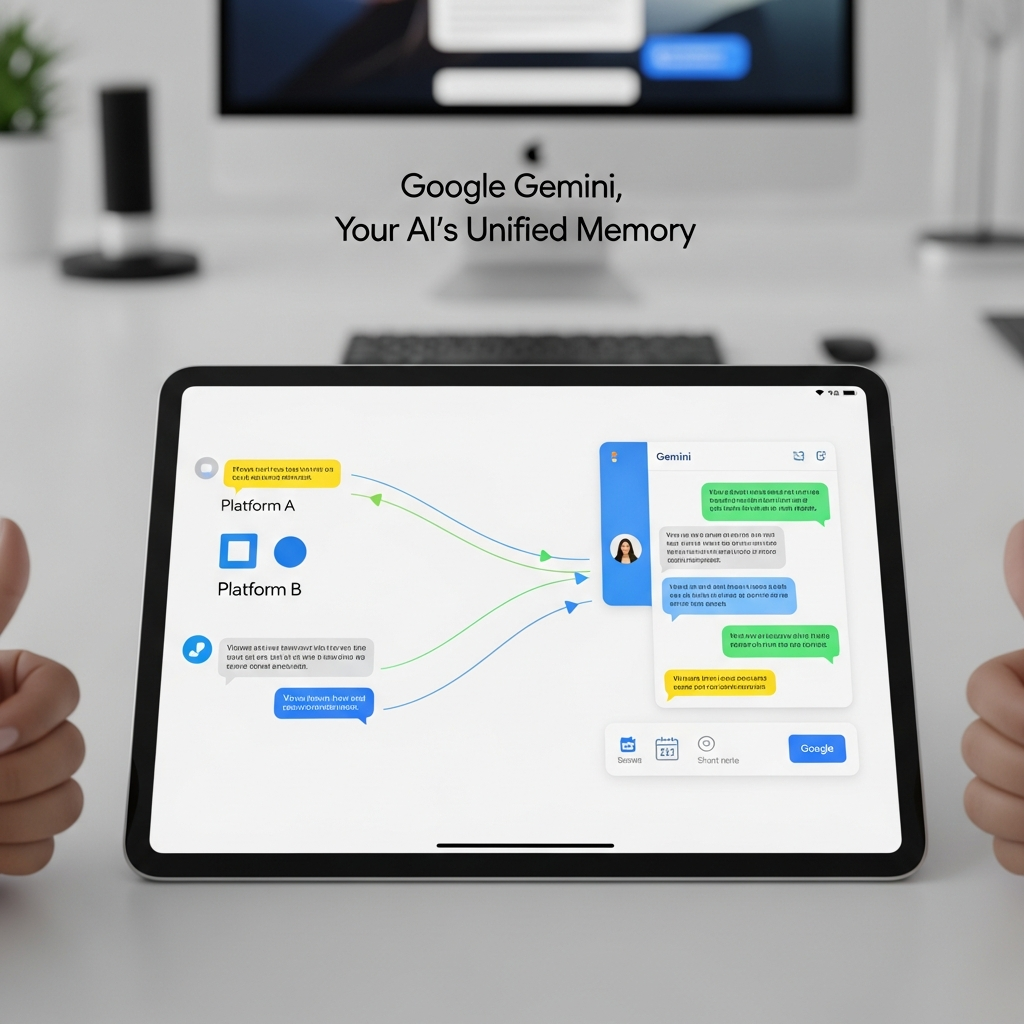
Google Gemini is revolutionizing the personalized AI experience with groundbreaking new tools, empowering users to effortlessly import their AI “memories” and entire chat histories from other platforms. This significant update, rolling out since March 26, 2026, aims to eliminate the daunting task of starting from scratch when switching AI assistants. Now, Gemini can quickly grasp your preferences and context from day one, transforming it into a truly intuitive and knowledgeable companion. This strategic enhancement is set to reshape how users interact with AI, positioning Gemini as a central hub for all your conversational data.
Unlock a Smarter Gemini: Why Seamless AI Migration Matters
The digital landscape is bustling with AI assistants, each promising efficiency and intelligence. However, the friction of switching between them has long been a barrier for users. Imagine having to re-teach an AI your preferences, relationships, or past projects every time you try a new tool. Google recognizes this challenge. Their core philosophy behind these updates is simple: the most helpful AI is one that deeply understands its user. By allowing you to transfer your established context, Google Gemini aims to foster deeper, more personalized interactions, making the transition between AI platforms smoother than ever before. This move reflects a broader industry trend towards data portability and user-centric design, making AI less of a siloed experience and more of an integrated part of your digital life.
The Strategic Imperative: Competing in the AI Arena
The introduction of these import features isn’t just about user convenience; it’s a strategic move in the highly competitive AI chatbot market. Platforms like OpenAI’s ChatGPT have garnered a massive user base, with reported hundreds of millions of weekly active users. Google, despite Gemini’s extensive integration across Android and Chrome, has been working to accelerate its adoption. By dismantling the barriers to migration, Google hopes to attract users who have invested significant time in building context with other AI services. This “easy switch” functionality is a direct challenge to the dominance of rival platforms, signaling Google’s intent to capture a larger share of the consumer AI market by prioritizing user continuity and data ownership. It highlights Google’s recognition that convenience and personalized data are critical factors in retaining and attracting users in this rapidly evolving space.
How to Import Your AI “Memories” into Google Gemini
Google Gemini’s “Memory Import” feature is designed to quickly bring Gemini up to speed on your essential preferences, relationships, and personal context. This innovative capability means Gemini can instantly understand details like your interests, family names, or even where you grew up, without you having to re-enter everything manually. It’s a game-changer for anyone looking to make a swift and meaningful switch to a new AI assistant.
Step-by-Step Guide for Context Transfer
The process for importing your personalized “memories” into Gemini is remarkably straightforward and user-friendly. Here’s how it works:
Access Gemini Settings: First, navigate to the Settings within your Google Gemini application.
Select Import Option: Look for the new import feature specifically designed for “memories” or preferences.
Receive Suggested Prompt: Gemini will provide you with a unique, suggested prompt. This prompt is tailored to help you extract relevant information from your current AI assistant.
Paste into Old AI: Copy the suggested prompt from Gemini and paste it into your existing AI application (e.g., ChatGPT or Claude).
Generate Summary: Allow your current AI to generate a summary of your preferences, relationships, and context based on the prompt.
Paste Back into Gemini: Copy the generated summary from your old AI and paste it back into Gemini.
Instant Analysis: Gemini will then instantly analyze this information, securely store it, and integrate it into its understanding of your preferences.
This secure and guided process ensures that Gemini instantly becomes familiar with your unique context, ready to leverage this understanding in all future interactions.
Importing Full Chat Histories: A Seamless Transition
Beyond just preferences, Google Gemini also allows users to import their complete conversational archives. This feature is crucial for maintaining continuity in ongoing projects, research, or personal discussions. Imagine picking up exactly where you left off, even if your previous conversations happened on a different platform.
Uploading Your Past Conversations
For importing your full chat history, Google Gemini supports a straightforward file upload method. Most leading AI platforms, including competitors like ChatGPT and Claude, offer options to export your chat logs, typically in a ZIP file format.
Export from Old AI: Locate the export function within your previous AI application and download your chat history as a ZIP file.
Upload to Gemini: Within Gemini’s settings, you’ll find an option to upload this ZIP file.
Full Integration: Once uploaded, Gemini integrates these past conversations into its memory. You can then search through old threads, reference previous interactions, and even continue building upon those existing discussions directly within Gemini.
This comprehensive approach to data portability underscores Google’s commitment to making Gemini a central, indispensable AI assistant. To further emphasize this evolving capability, Google is also renaming its existing “past chats” feature to simply “memory” within the app, a change that will roll out progressively over the coming weeks. This renaming highlights Gemini’s enhanced ability to retain and utilize all conversational context, both internal and imported.
Gemini’s Evolving Personal Intelligence
These new import capabilities build upon Google Gemini’s existing “Personal Intelligence.” Gemini already delivers highly personalized responses by integrating relevant insights from your Gmail, Photos, Search history, and prior Gemini chats – always contingent on your explicit user-granted access. For instance, if you previously discussed comparing hotels for a Barcelona trip, Gemini could leverage that prior conversation to construct a seamless, personalized itinerary tailored to your chosen neighborhood. The addition of external chat history import significantly deepens this personal intelligence, allowing Gemini to draw from an even wider pool of your conversational data. This holistic approach ensures Gemini understands not just what you ask, but who you are and what matters to you.
Important Considerations & Regional Limitations
While these new features are incredibly beneficial, it’s important to be aware of their current scope and limitations. Google has implemented specific guidelines for their initial rollout:
Account Types: These new import features are specifically designed for consumer accounts. They are currently not supported for Business, Enterprise, or users under 18 years of age. This ensures that the personal data implications are managed appropriately within consumer privacy frameworks.
Geographic Availability: Initially, the features are not yet available for users in the European Economic Area (EEA), the United Kingdom (UK), or Switzerland (CH). This staggered rollout likely accounts for varying data privacy regulations and compliance requirements in different regions. The initial rollout primarily targets the web across the Arab world, with mobile availability planned soon after.
Google emphasizes that making the switch to Gemini is designed to be fast, easy, and secure, with both memory and chat history import options readily accessible via the Settings page. User consent is paramount, with permissions required for Gemini to access and utilize data from other Google services for full functionality.
Frequently Asked Questions
How do Gemini’s new import tools actually work for “memories” and chat history?
Google Gemini’s new import tools allow for two distinct data transfers. For “memories” (preferences, relationships, context), users go to Gemini’s settings, get a suggested prompt, paste it into their old AI (like ChatGPT), get a summary, then paste that summary back into Gemini. Gemini then analyzes and stores this personalized data. For full chat histories, users export their conversations from their old AI as a ZIP file and then upload that file directly into Gemini, allowing for search and continuation of past discussions.
Which regions and user types are currently excluded from Gemini’s import features?
As of their rollout in March 2026, Google Gemini’s new import features are available for consumer accounts but not for Business, Enterprise, or users under 18 years of age. Geographically, these features are initially unavailable for users in the European Economic Area (EEA), the United Kingdom (UK), or Switzerland (CH). The rollout began across the web, particularly in the Arab world, with mobile deployment planned for later.
Why should users consider importing their data to Google Gemini?
Users should consider importing their data to Google Gemini to achieve a truly personalized and seamless AI experience. This eliminates the need to “start from scratch” when switching AI platforms, as Gemini can instantly understand existing preferences, relationships, and past conversations. This continuity saves time, enhances the relevance of Gemini’s responses, and allows users to consolidate their AI interactions, building upon a rich foundation of their personalized data and context within a single, powerful platform.
Conclusion: Embracing a Smarter, More Personal Gemini
Google Gemini’s new import capabilities mark a significant leap forward in AI personalization and user experience. By making it effortless to transfer your AI “memories” and full chat histories, Google is not only enhancing Gemini’s intelligence but also empowering users with greater control over their digital context. This strategic move strengthens Gemini’s position in a competitive market, promising a more intuitive, informed, and truly personal AI assistant for every user. As AI continues to evolve, features like these will become crucial in determining which platforms truly deliver genuine value by deeply understanding and adapting to the individual user. Dive into Gemini’s new features and experience AI that truly remembers you.