Key takeaways
- YouTube Music is integrating a new Gemini-powered “Ask Music” feature via a dedicated spark icon in the top-right corner.
- The “Samples” discovery tab is being removed from the primary bottom navigation bar on both Android and iOS.
- Premium subscribers will transition to a three-tab navigation bar consisting of Home, Search, and Library.
- The “Ask Music” chatbot allows users to build playlists, discover artists, and query their listening history using text or voice.
YouTube Music Gemini integration is officially entering a new phase of user interaction as Google begins rolling out a dedicated Gemini icon to provide instant access to its “Ask Music” AI assistant. According to reports from 9to5Google, the update is currently being deployed as a server-side rollout across both Android and iOS platforms, signaling a major shift in how users discover and interact with audio content within the app.
What happened: A Streamlined Interface and AI Arrival
On November 18, 2026, updates to the YouTube Music mobile application became increasingly visible to users worldwide. The most prominent change is the introduction of a “Gemini spark” icon located in the top-right corner of the interface. This icon serves As the gateway to Ask Music, a conversational AI chatbot powered by Google’s Gemini technology.
This new access point is appearing across nearly every major screen within the application, including the Home feed, the Library tab, the Now Playing screen, and individual albums and playlists. This placement mirrors the integration of Gemini seen in other Google Workspace applications like Gmail, and it is expected to extend to Google Messages in future updates.
Simultaneously, Google is fundamentally altering the app’s navigation. The “Samples” tab—a vertical video discovery tool that was previously a staple of the bottom navigation bar—is being removed. This change is being implemented via a server-side update, meaning its availability is expanding gradually across different devices and regions. While the dedicated tab is disappearing from the main menu, the Samples functionality itself is not being deleted; instead, it is being relocated to specific pages, such as artist, album, and playlist screens.
Why it matters: The Shift from Browsing to Conversing
The rollout represents a strategic pivot in how Google approaches music discovery. For several years, discovery was driven by manual browsing or visual, short-form video feeds like the Samples feature. By elevating Ask Music to a prominent, persistent icon, Google is moving toward a conversational model where the user’s intent is captured through natural language rather than just clicks and scrolls.
This shift is significant for several reasons. First, it centralizes the Gemini brand within the Google ecosystem, making the AI a ubiquitous assistant rather than a standalone tool. Second, it changes the friction levels of music discovery. While the removal of the Samples tab may make serendipitous discovery slightly more difficult for some, the ability to ask complex questions—such as “build me a playlist for a rainy afternoon” or “tell me more about this artist’s history”—offers a more sophisticated, personalized experience.
Furthermore, the update reinforces the value proposition of YouTube Premium and Music Premium. Access to the Ask Music chatbot is restricted to paying subscribers, creating a clear distinction between the feature sets available to free users and those in the premium tier.
The Evolution of Discovery: From Samples to Gemini
To understand the weight of these changes, one must look at the timeline of YouTube Music’s discovery features. In 2023, YouTube introduced the Samples feed, which utilized a “Shorts-esque” vertical video format to help users find new music through quick, engaging clips. This was a response to the growing popularity of short-form video as a discovery engine.
However, the September 2026 preview of Ask Music and the “personalized AI-audio guide” suggested that Google’s long-term vision involves more than just visual snippets. The new AI-driven approach allows for a deeper level of engagement. The “Ask Music” feature, which was previously only accessible through a specific card in the Home feed, is now being given a permanent home in the top-right corner of the app.

This evolution is also evident in the app’s podcasting strategy. YouTube has introduced a “personalized AI-audio guide” within the Podcasts feed. This feature provides a weekly spoken preview of recommended shows, explaining the reasoning behind the suggestions before the user even begins listening to an episode. This demonstrates a consistent theme: using Gemini to act as a curator that explains the “why” behind the content.
Analyzing the UI Reorganization
Beyond the AI integration, the app is undergoing a significant visual and functional reorganization. These changes affect the core workflow of users on both Android and iOS.
Navigation Changes
The removal of the Samples tab results in different navigation experiences depending on a user’s subscription status:
| User Type | Bottom Navigation Tabs |
|---|---|
| Premium Subscribers | Home, Search, Library |
| Free Users | Home, Search, Library, Upgrade |
This streamlining is intended to reduce clutter and simplify the core navigation for the most frequent users of the service.
Playback and Action Controls
Google is also repositioning interactive buttons on album and playlist pages to alter user workflow. In a notable change to the layout, the Play button has been moved to the right side of the interface. Conversely, the Download, Add to Library, and Comments functions have been grouped together on the left side. This reorganization suggests a move toward grouping “utility” actions separately from “primary” playback actions.
What It Means for You
How these updates affect your daily listening depends largely on your subscription level and how you typically discover music.
- If you are a YouTube Premium subscriber: Expect a cleaner, more streamlined interface. You will gain immediate, one-tap access to the Ask Music chatbot, allowing you to use voice or text to manage your queue, dive into artist lore, or find specific podcasts without navigating through multiple menus.
- If you are a free user: You will notice the removal of the Samples tab and the addition of an “Upgrade” tab in your navigation bar. You will not have access to the Ask Music features, meaning your discovery process will remain more traditional.
- If you rely on the Samples feed for discovery: You may find the new layout slightly more cumbersome. Since the Samples feature is no longer a primary tab, you will need to visit specific artist or album pages to access the vertical video discovery tool.
- If you are a podcast listener: Keep an eye on your Podcasts feed for the new AI-generated spoken previews, which aim to help you decide which shows are worth your time each week.
Counterpoints and Open Questions
While the move toward AI integration is a logical step in the current technological landscape, it is not without potential drawbacks. Critics of frequent UI changes often point to the disruption of “muscle memory.” For long-time users, moving the Play button and regrouping essential tools like Download and Add to Library can create temporary frustration and friction in the user experience.
There is also the question of discovery accessibility. By moving Samples from a primary navigation position to a secondary one located on specific content pages, Google may be inadvertently making it harder for users to stumble upon new music serendipitously. The transition from a visual, high-speed discovery tool (Samples) to a conversational, intent-based tool (Ask Music) represents a fundamental change in the “discovery philosophy” of the app.
Furthermore, some users may question the necessity of a dedicated AI chatbot for tasks that were previously handled by simple algorithms. The success of Ask Music will likely depend on whether the Gemini integration provides genuinely more accurate and intuitive results than the existing recommendation engines.
What Happens Next
As the server-side rollout continues, more users can expect to see the Gemini spark icon appear in their apps. The rollout is described as a “slow” process, meaning it may take several weeks for the update to reach the entire global user base.
Watch for the following signals:
- Wider availability of the Gemini icon: As the rollout reaches critical mass, the feature will become a standard part of the YouTube Music identity.
- Integration with Google Messages: Following the pattern seen in other Google products, the ability to interact with Gemini through music-related queries may eventually extend to the messaging platform.
- Refinements to the AI-audio guide: As more users interact with the podcast previews, Google may expand the capabilities of this “personalized guide.”
As YouTube Music continues to integrate Gemini into its core functionality, the platform is clearly moving toward a future defined by conversational AI and streamlined, subscription-focused navigation
Frequently asked questions
Does the new Ask Music feature require a subscription?
Yes, according to the current rollout details, using the Ask Music chatbot requires either a YouTube Premium or a Music Premium subscription. While the icon may appear for various users, the fullscreen sheet containing the chatbot is a feature reserved for paying members.
Where did the Samples tab go?
The Samples tab has been removed from the primary bottom navigation bar to simplify the app’s interface. However, the feature itself is still accessible on specific pages within the app, including artist pages, album pages, and playlist pages.
Can I use my voice to interact with Gemini in YouTube Music?
Yes, the Ask Music interface includes a voice input option alongside the standard text field. This allows users to interact with the AI assistant using natural language commands to build playlists, find music, or ask about their listening history.
Why did the Play button move?
YouTube Music is reorganizing the user interface on album and playlist pages to alter the user workflow. The Play button has been relocated to the right side of the screen, while other utility functions like Download and Add to Library have been grouped on the left.
References
- YouTube Music removing Samples tab on Android & iOS — 9to5google.com
- YouTube Music rolling out corner Gemini icon to launch Ask Music — 9to5google.com
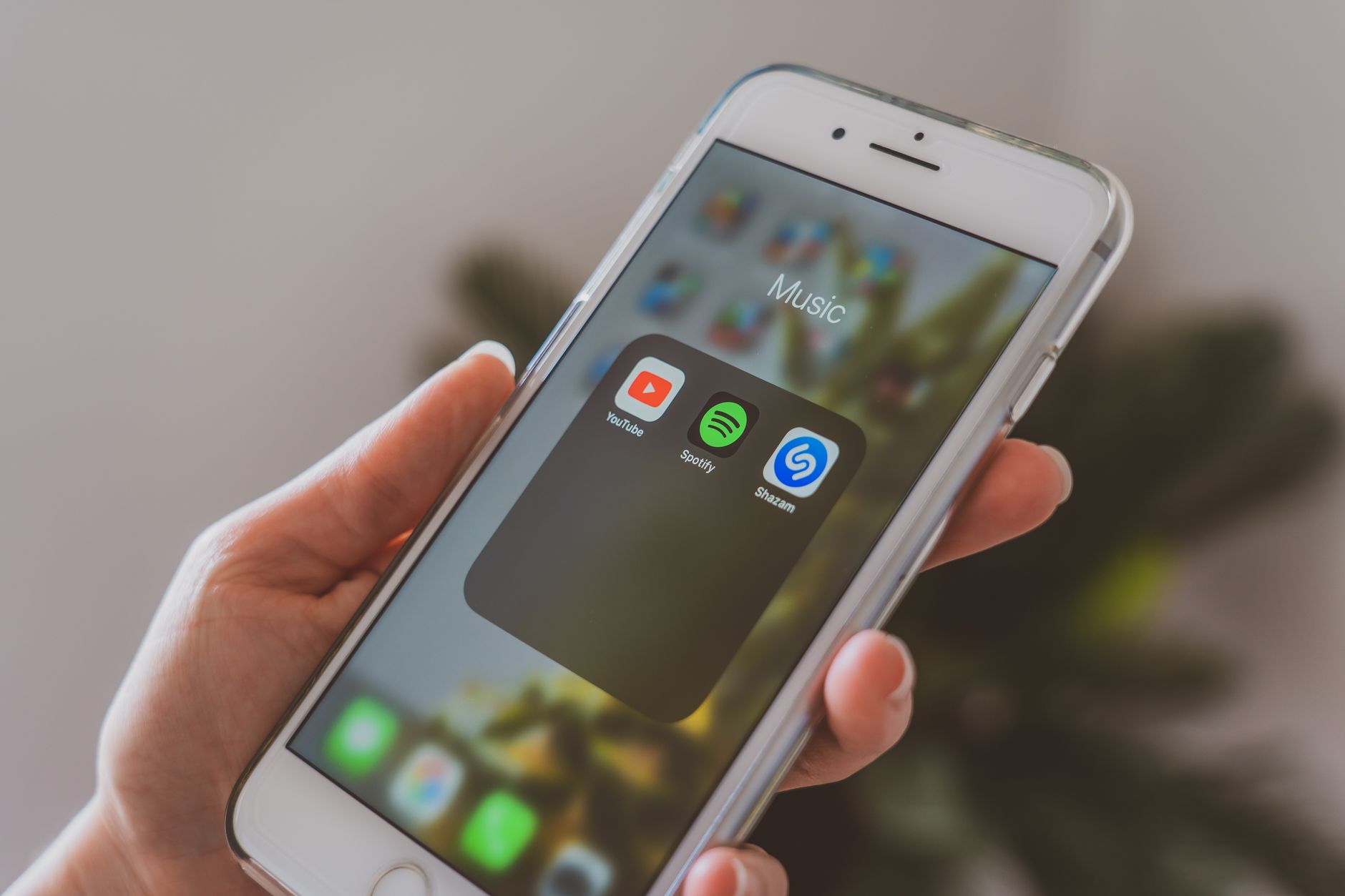
Featured image: Photo by Castorly Stock on Pexels