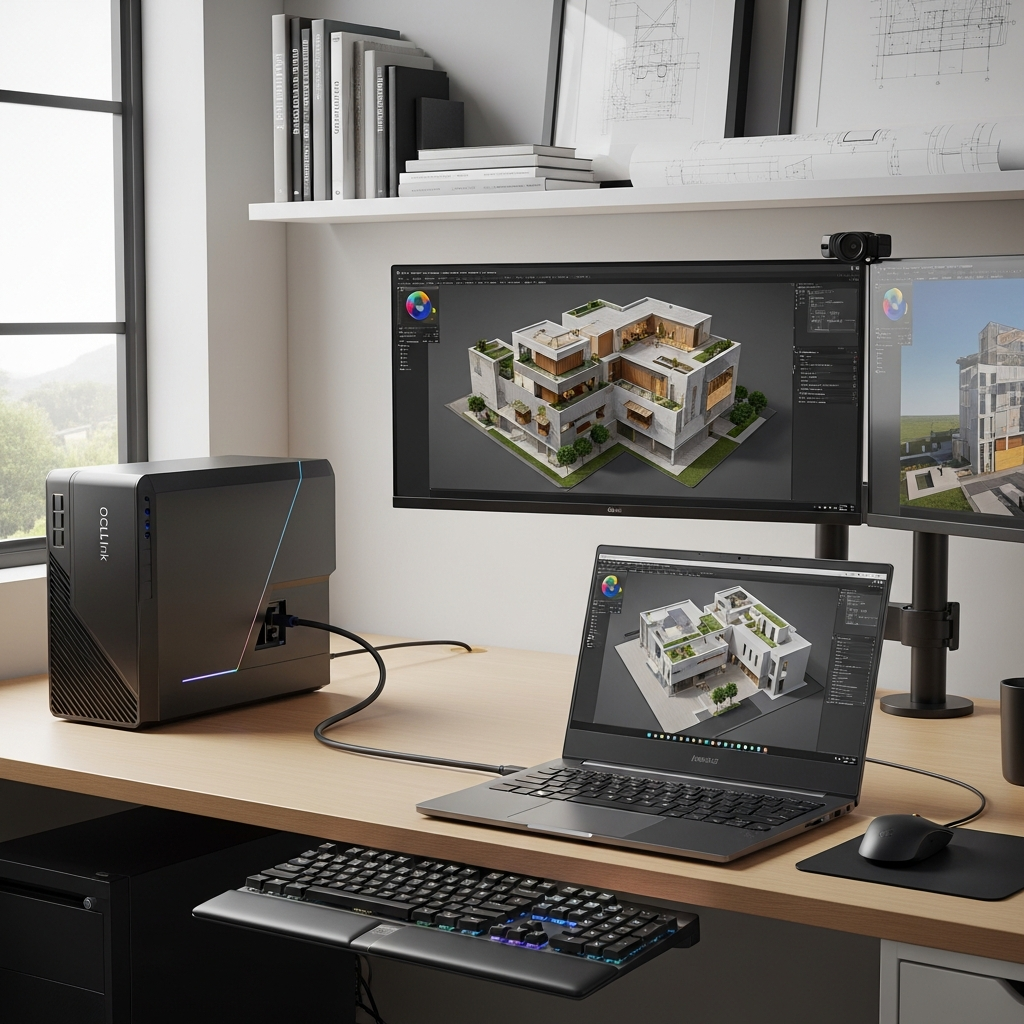
Imagine turning your powerful, repairable laptop into a desktop-class powerhouse whenever extreme performance is needed. Framework, a leader in modular computing, is making this vision a reality with its new OCuLink Dev Kit for the Framework Laptop 16. This innovative solution allows users to connect full-sized desktop graphics cards and other high-speed peripherals, unlocking unprecedented capabilities for gaming, content creation, and professional tasks directly from their laptop. It’s a game-changer for enthusiasts and power users seeking ultimate flexibility and longevity from their devices.
Unleash Desktop-Level Power with Framework’s OCuLink Dev Kit
The Framework Laptop 16 is already known for its modular design, allowing internal GPU upgrades. Now, Framework is expanding this philosophy to external graphics (eGPUs) with the groundbreaking OCuLink Dev Kit. This kit is engineered to provide a direct, high-bandwidth connection between your Laptop 16’s CPU and an external graphics card or other PCIe peripherals. The core promise? To deliver desktop-level performance to a portable machine, significantly extending its capabilities and lifespan.
At its heart, the OCuLink Dev Kit leverages the OCuLink standard, specifically OCuLink 8i. This dedicated interface provides an impressive 8 lanes of PCI-Express bandwidth, translating to a blazing 128 Gbps of bidirectional throughput. This direct link bypasses many bottlenecks associated with other eGPU solutions, ensuring that even demanding desktop graphics cards can perform close to their full potential. Imagine connecting an Nvidia RTX 5090 to a compact handheld device – Framework has demonstrated this potential, showcasing how even less powerful laptops can become GPU powerhouses.
Designed for the Dedicated Power User
Framework CEO Nirav Patel is clear: the OCuLink Dev Kit is not a simple “plug-and-play” consumer product like Thunderbolt. It’s explicitly labeled a “Dev Kit” because it targets a specific audience: enthusiasts, modders, and “power users.” This distinction is critical to understanding its operation and requirements.
Unlike the hot-swappable convenience of Thunderbolt, OCuLink connectors are less robust and do not support hot-plugging. Users must shut down their Laptop 16 before connecting or disconnecting any OCuLink device. Furthermore, the OCuLink standard transmits only PCIe data; it doesn’t carry USB signals or provide power to the laptop. This means connecting a desktop GPU requires a separate desktop power supply, in addition to charging the Laptop 16 itself. While these steps demand a more hands-on approach, they are the trade-off for unparalleled direct PCIe bandwidth, making it ideal for those who prioritize raw performance and are comfortable with a more DIY setup.
Building Your External Graphics Workstation
The OCuLink Dev Kit offers flexibility in how users integrate external graphics. Framework provides the essential adapter boards, but encourages a “bring your own” philosophy for other components like the power supply and enclosure. To keep costs low, Framework plans to release design files, allowing users to 3D-print their own stands or enclosures, fostering a true community-driven approach.
The kit comprises three primary components, which can be purchased individually or as a complete set:
Expansion Bay OCuLink Add-in Card: This card fits into the Laptop 16’s default Expansion Bay Shell, providing the crucial OCuLink port.
Modular GPU OCuLink Adapter: This adapter adds an OCuLink port and necessary board power capability to a Framework Laptop 16’s removable internal graphics card. This allows users to repurpose their internal GPU module as an external eGPU.
- Standard PCIe OCuLink Adapter: This adapter provides an OCuLink port and power input for any standard desktop graphics card or other PCIe expansion card, enabling it to connect to the Laptop 16.
- www.theverge.com
- tech.yahoo.com
- www.digitaltrends.com
- www.theverge.com
- gizmodo.com
This modularity not only offers choice but also provides a “second life” for Framework Laptop 16 discrete GPUs. If you upgrade your internal graphics module, the old one doesn’t become obsolete; it can be repurposed into an external unit.
Expanding Beyond Graphics: The PCIe Ecosystem
While external graphics are the primary focus, the OCuLink Dev Kit’s utility extends far beyond just GPUs. The ability to connect any standard PCIe card opens a world of possibilities for specialized applications. Imagine needing a 100Gb Ethernet card for ultra-fast networking, a high-end video capture device for professional streaming, or specialized scientific computing accelerators. The OCuLink Dev Kit transforms the Framework Laptop 16 into a versatile desktop-class hub, ready for almost any PCIe peripheral you can imagine. This level of hardware flexibility is truly unprecedented in the laptop market.
Framework’s Vision: The Future of Upgradeable Computing
The OCuLink Dev Kit is just one facet of Framework’s broader commitment to modularity and user ownership. The company continually refines its products and expands its ecosystem based on community feedback. For the Laptop 16, this includes recent quality-of-life improvements such as new one-piece haptic touchpads and integrated keyboard covers. These updates address early user feedback, improving the aesthetic and tactile experience while maintaining the modular input system. Framework also introduced a more affordable Ryzen 5 configuration for the Laptop 16, lowering the entry barrier for its innovative platform.
Beyond the Laptop 16, Framework recently unveiled its Laptop 13 Pro, featuring a machined aluminum chassis, enhanced battery life, and a custom VRR screen. They are also developing a high-quality wireless touchpad keyboard, born from CEO Nirav Patel’s frustration with existing options. Furthermore, Framework’s open-source philosophy empowers third-party developers, as seen with the upcoming 10Gb Ethernet Expansion Card, designed by WisdPi and now resold by Framework. This collaborative approach reinforces Framework’s philosophy: “The industry wants you to own nothing and be happy. We want you to own everything and be free.” This ethos drives innovation that puts control and longevity directly into the hands of the user.
Why OCuLink Over Other Solutions?
The decision to use OCuLink for this Dev Kit is strategic. While Thunderbolt 5 promises a more integrated experience with support for USB and power delivery, many laptops that would most benefit from a discrete GPU lack the latest Thunderbolt ports. Other solutions like CopprLink offer full PCIe x16 connections but are bulky, expensive, and rare. Framework’s OCuLink Dev Kit carves out a specialized niche. It offers a high-bandwidth, direct PCIe connection at a more accessible entry point for users willing to engage with a hands-on, DIY setup, making it a compelling choice for a dedicated technical audience.
Frequently Asked Questions
What is the Framework OCuLink Dev Kit and how does it work?
The Framework OCuLink Dev Kit is an accessory for the Framework Laptop 16 that enables users to connect external graphics cards (eGPUs) and other high-speed PCIe peripherals. It uses the OCuLink 8i standard to provide a direct, high-bandwidth link with 8 lanes of PCI-Express (128 Gbps bidirectional throughput) to the laptop’s CPU. This allows the Laptop 16 to leverage the power of desktop-class components for tasks like gaming, video editing, or AI acceleration, effectively transforming it into a powerful desktop workstation.
Where can I get the Framework OCuLink Dev Kit components and what else do I need?
The OCuLink Dev Kit components (add-in card, modular GPU adapter, standard PCIe adapter) will be available for purchase individually or as a set through the Framework Marketplace. Specific pricing and release dates are expected later this year. To fully utilize the kit with a desktop GPU, you will need to “bring your own” desktop computer power supply and a suitable enclosure for the external graphics card. Framework plans to release design files to assist users in 3D-printing their own stands.
Who is the Framework OCuLink Dev Kit designed for, and is it a good alternative to Thunderbolt eGPUs?
The Framework OCuLink Dev Kit is explicitly designed for “enthusiasts” and “power users” who prioritize raw performance and are comfortable with a more hands-on, DIY approach. Unlike simpler Thunderbolt solutions, OCuLink does not support hot-plugging, USB data, or laptop power delivery, requiring users to shut down the laptop before connecting/disconnecting and to provide a separate power supply for the external GPU. It’s an excellent alternative to Thunderbolt eGPUs for users who need maximum PCIe bandwidth, want to repurpose existing Framework GPU modules, or are building custom setups, especially if their laptop lacks the latest Thunderbolt ports.
The Future is Modular and Powerful
Framework’s OCuLink Dev Kit represents more than just an accessory; it’s a powerful statement about the future of personal computing. By offering an accessible, high-performance pathway to external graphics and PCIe peripherals, Framework empowers its users to truly own and evolve their hardware. This commitment to upgradability, repairability, and genuine user choice not only extends the life of devices but also provides an unprecedented level of control and flexibility. For the dedicated enthusiast, the Framework Laptop 16, combined with the OCuLink Dev Kit, is poised to become the ultimate adaptable computing platform, blurring the lines between powerful laptop and custom desktop.