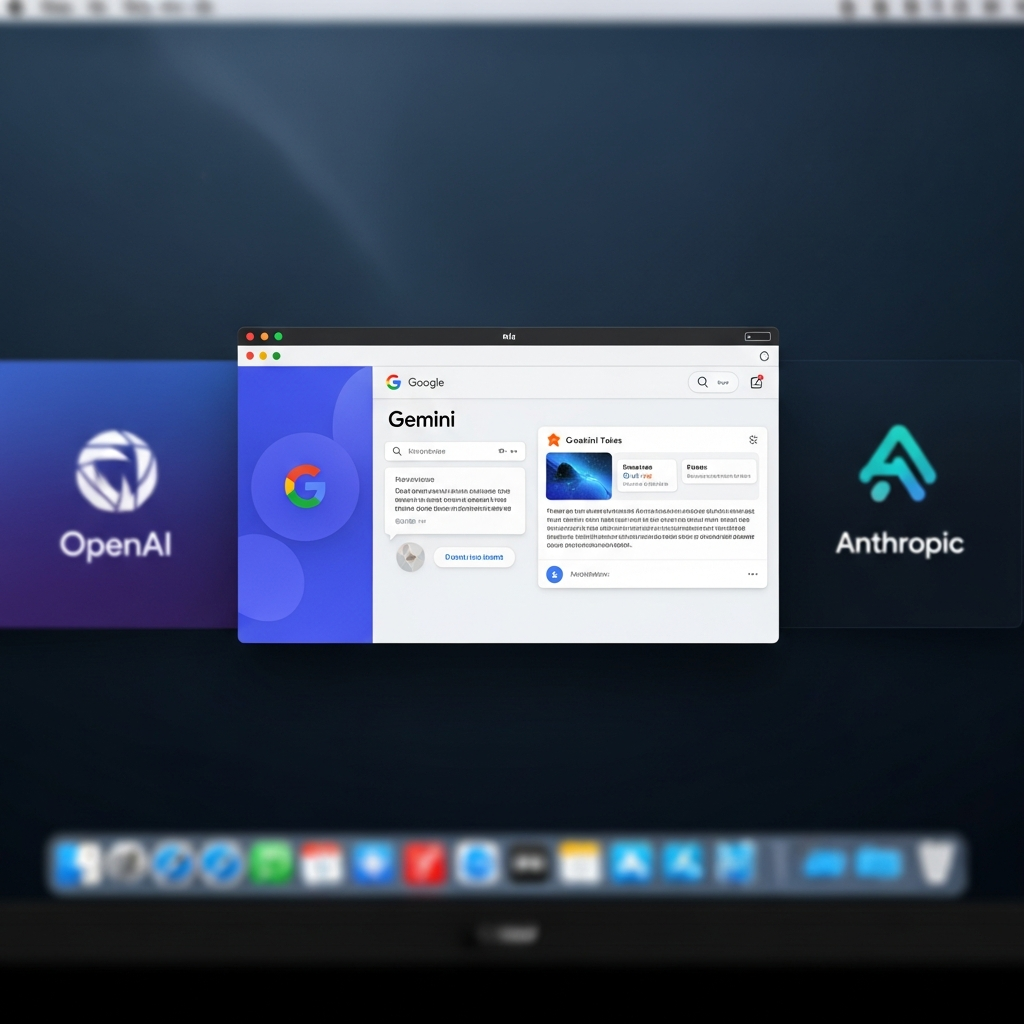
Google has officially launched a native Gemini application for Mac, marking a significant stride in its ambition to embed advanced AI directly into the macOS desktop experience. This strategic move positions Google to fiercely compete with established rivals like OpenAI and Anthropic, both of whom have offered dedicated AI applications for Mac users for some time. The new Google Gemini Mac app promises to revolutionize user workflows, offering instant AI assistance and creative capabilities directly from the desktop.
This isn’t just another browser tab; it’s a commitment to a truly integrated AI experience. Google’s announcement underscores its vision for a powerful, proactive desktop assistant that seamlessly blends into daily computing tasks, providing genuine value and boosting productivity for millions of Mac users globally.
A Truly Native Experience: Built for macOS Performance
Unlike many cross-platform applications built with frameworks like Electron, Google developed the native Gemini app for Mac entirely in Swift. This technical decision highlights Google’s dedication to delivering a polished, high-performance, and deeply integrated macOS user experience. The development was remarkably swift, with a small team creating over 100 features in under 100 days—a testament to Google’s agility in the competitive AI landscape.
The core promise of the Google Gemini Mac app is immediate access to AI assistance. Users can now summon Gemini from anywhere on their Mac with a simple and quick keyboard shortcut: Option + Space. This functionality eliminates the need to switch between applications or browser tabs, allowing users to maintain focus on their primary tasks. Imagine drafting a critical market report and instantly needing to verify a date, or building a complex budget in a spreadsheet and requiring the perfect formula. Gemini provides answers on the spot, letting you get right back to work without breaking your concentration.
Unleashing Productivity: Contextual AI and Creative Power
The native Google Gemini Mac app introduces robust contextual awareness, a game-changer for on-demand assistance. Users can effortlessly share any content displayed on their screen, including local files, directly with Gemini. This empowers the AI to provide relevant help or analysis based on your current visual context.
Consider these practical applications:
Data Analysis: Looking at a complex chart? Simply ask, “What are the three biggest takeaways here?” and receive an immediate, concise summary.
Document Summarization: Share a lengthy document to quickly extract key insights or generate a comprehensive report.
Problem-Solving: Get assistance with code snippets, research queries, or brainstorming sessions without leaving your current application.
Beyond text and analytical support, the Gemini app extends its utility into creative generative tasks. It seamlessly integrates advanced AI models for multimedia content creation:
Image Generation: Utilize Nano Banana to generate and edit images directly from your desktop.
- Video Creation: Leverage Veo to produce high-resolution videos based on text or visual prompts, unlocking significant creative possibilities for professionals and enthusiasts alike.
- techcrunch.com
- www.testingcatalog.com
- impressivetimes.com
- www.testingcatalog.com
- indiantelevision.com
The native macOS application is available globally to all Gemini users running macOS versions 15 and up. Availability commenced immediately as of April 15, 2026, and users can download the app directly from gemini.google/mac.
Gemini’s Ambitious Roadmap: The Future of Desktop AI
While the initial launch of the Google Gemini Mac app offers powerful core functionality, it’s just the beginning. Google has articulated a broader vision to develop a “truly personal, proactive, and powerful desktop assistant,” and internal code analysis reveals exciting features currently in preparation for future releases.
One highly anticipated integration is Gemini Live voice mode. This will mirror the existing Live Mode experience from the Gemini mobile app, allowing for real-time voice conversations with the AI. When active, Gemini Live is expected to manifest as a persistent “sphere overlay” on the desktop, providing a continuous conversational interface. Furthermore, internal evidence points to future inclusion of screen sharing functionality within Live Mode, allowing users to visually share their desktop content with Gemini while speaking—a feature currently exclusive to AI Studio’s Gemini Live models. This dynamic interaction promises a revolutionary way to engage with desktop AI.
Google is also significantly advancing its artificial intelligence offerings by integrating native shopping capabilities directly into Gemini. A new “Shopping Cart” option observed within Gemini’s settings suggests a move towards allowing users to browse, select, and purchase products without ever leaving the AI assistant. This aligns with Google’s “agentic shopping” initiatives, which already facilitate direct checkout from major retailers via its Universal Commerce Protocol. By embedding a dedicated shopping cart, Google aims to provide a persistent, user-friendly home for these checkout flows, making multi-item and comparative shopping more practical.
The convergence of these features—including “Skills for Gemini in Chrome” (reusable, one-click prompt workflows across browser tabs) and previously identified “Agent tab with Skills”—indicates Google’s strategy to unify its Gemini-in-Chrome experience with the main Gemini UI. Should these fully integrate, Gemini could evolve into a powerful “desktop-class AI application” capable of handling web browsing, automation, and e-commerce from a single platform, directly competing with AI browsers like OpenAI’s Atlas and Perplexity’s Comet.
Given this ambitious roadmap and a tweet from Sundar Pichai promising “More features on the way!”, industry experts speculate that many of these intertwined developments, including Gemini Live on desktop and advanced shopping functionalities, will be formally unveiled at the upcoming Google I/O 2026 conference scheduled for May 19–20.
Global Impact: Enhancing AI Shopping in Markets like India
The expansion of Gemini’s capabilities isn’t limited to desktop integration. Google is also significantly enhancing online shopping experiences in key markets like India, leveraging its advanced Gemini AI models with its vast Shopping Graph (over 50 billion product listings). This creates smarter, more conversational shopping across Google’s platforms.
In the Gemini app, users can engage in natural conversations to plan purchases, such as festive outfits or gift lists. The app then provides comprehensive product listings, comparison tables, pricing information from various online sources, and direct purchase links. This feature is currently available in both English and Hindi, catering to a broader audience and transforming casual browsing into more confident and intuitive buying.
Google has also upgraded its AI Mode in Search, repositioning it as a sophisticated natural shopping assistant. Users can pose questions in plain language and receive structured, detailed responses complete with visuals, pricing, reviews, and inventory availability. For fashion enthusiasts, the enhanced Circle to Search feature (on devices like Pixel 10 and Samsung Galaxy S26) can meticulously break down entire outfits and suggest similar products from a single image. These innovations aim to make every scroll more rewarding and less overwhelming, reinforcing Google’s commitment to embedding AI deeply into daily consumer interactions.
Frequently Asked Questions
What exactly is the Google Gemini Mac app and how does it differ from the web version?
The Google Gemini Mac app is a dedicated, native application for macOS, developed entirely in Swift, unlike the browser-based version. This native build offers superior performance, deeper system integration, and instant access via a keyboard shortcut (Option + Space) from any screen or application. While the initial release largely mirrors web functionalities, it sets the stage for advanced features like real-time Gemini Live voice mode, direct screen sharing within Live Mode, and integrated agentic shopping capabilities, which are designed to be more seamless and powerful on a native desktop platform.
Where can I download the native Google Gemini app for Mac and what are the system requirements?
The native Google Gemini app for Mac is available for global download directly from Google’s official website: gemini.google/mac. To install and use the application, your Mac must be running macOS version 15 or later. This ensures compatibility with the app’s native Swift architecture and its advanced integration features, providing users with the optimal AI experience Google intends.
How will the Google Gemini Mac app enhance my daily productivity and creative workflows?
The Google Gemini Mac app significantly enhances productivity by offering instant AI assistance without interrupting your workflow. Its contextual awareness allows you to share screen content or local files to get summaries, verify facts, or generate data points while staying within your current task. For creative professionals, the integration of Nano Banana for image generation and Veo for video creation directly on your desktop streamlines content creation processes. Future updates, including Gemini Live with voice and screen sharing, and integrated shopping tools, promise to make it an even more comprehensive and indispensable tool for both professional and personal use.
Conclusion
The launch of the native Google Gemini Mac app is a pivotal moment in the evolution of desktop AI. By delivering a deeply integrated, high-performance application built specifically for macOS, Google is not only catching up to its rivals but also laying the groundwork for a future where AI acts as a truly proactive and personal assistant. From instant contextual help and powerful generative AI capabilities to a promising roadmap of voice interaction, agentic shopping, and seamless workflow integration, Gemini on Mac is poised to transform how users interact with their computers. This launch underscores Google’s unwavering commitment to making advanced AI tools accessible, intuitive, and genuinely valuable for everyday Mac users, setting the stage for exciting innovations to be unveiled in the months and years to come.