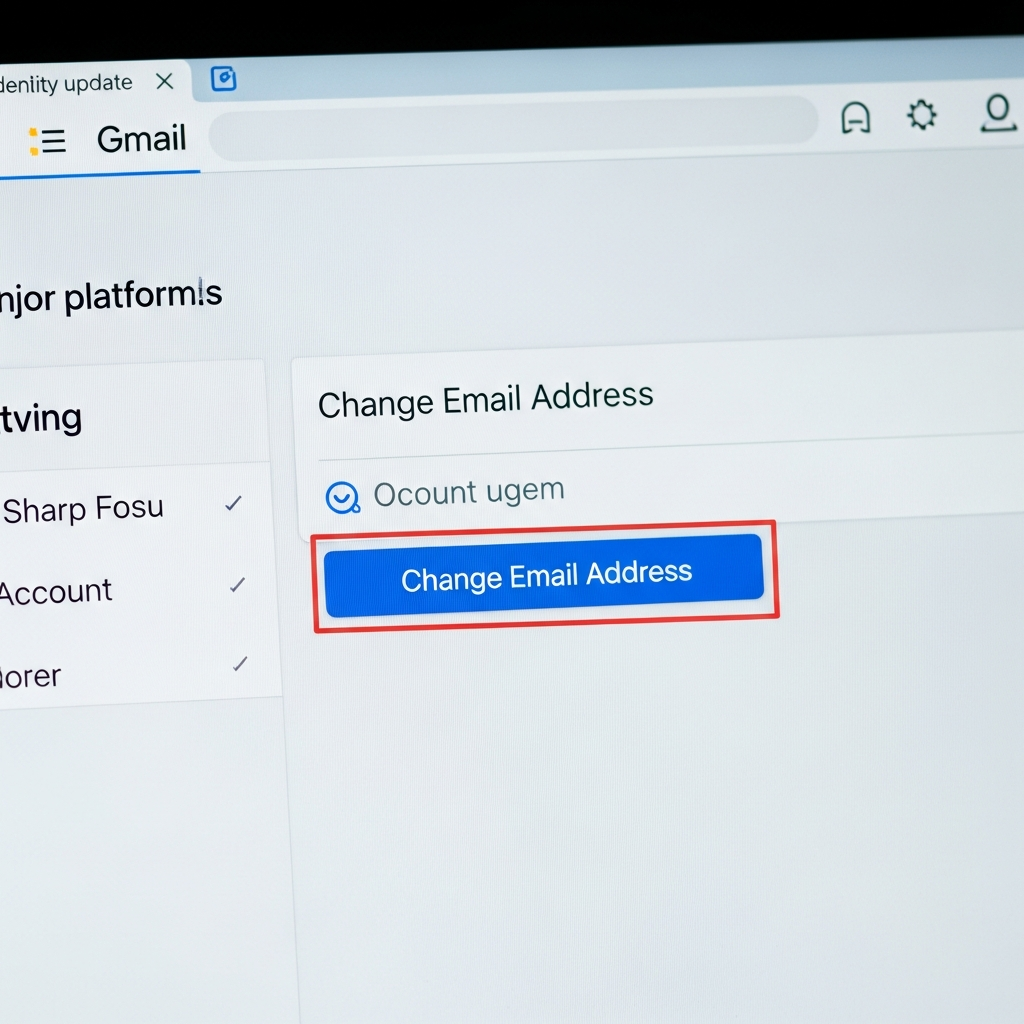
For years, the thought of altering your primary Gmail address felt like a digital fantasy. Once created, that @gmail.com handle became an immutable part of your online identity, dictating your login across countless Google services. But that era appears to be ending. Exciting news suggests Google is finally rolling out an experimental feature allowing users to change their core Gmail address, a game-changer for digital identity management. This long-awaited functionality, initially spotted in an official Google support document, signals a significant shift, first appearing in India.
This move addresses a pervasive frustration shared by millions. Many users are tethered to old, perhaps unprofessional or simply outdated, usernames chosen years ago. With this new capability, you might soon be able to refresh your digital presence without the arduous task of creating a brand-new Google Account and migrating all your precious data. It promises a new level of flexibility for personal Google Account users.
Unlocking a New Digital Identity: What This Means for You
The inability to change an @gmail.com address has been a rigid constraint within the Google ecosystem. Unlike competitors such as Microsoft Outlook or Proton Mail, which offer robust alias management or full email address changes, Google previously restricted this to managed Google Workspace accounts. For personal users, your initial Gmail address was your permanent login for YouTube, Google Drive, Photos, and all other connected services.
This experimental rollout directly challenges that long-standing policy. Imagine shedding that old university email handle or the username from your teenage years for something more reflective of your current self or professional aspirations. The core information, gleaned from various sources including an official Google support document (currently available only in Hindi), indicates a gradual, region-specific deployment, beginning with India. While Google has yet to make an official public announcement, the existence of such a support page confirms the feature’s legitimacy and imminent arrival for more users.
How the Gmail Address Change Works
The new process is surprisingly seamless and user-friendly, designed to maintain your account’s integrity. When you opt to change your @gmail.com address:
Your Old Address Becomes an Alias: Crucially, your original Gmail address isn’t deleted. Instead, it transforms into an alias for your Google Account. This means you will effectively have two active @gmail.com addresses linked to a single account.
Unified Inbox: Emails sent to either your new address or your old alias will arrive in the same unified inbox. This ensures you miss no important communications during the transition or from contacts who still use your old address.
Retained Data: All your existing data remains untouched. Your files in Google Drive, photos in Google Photos, purchase history, saved contacts, and every other piece of data across Google services will stay securely linked to your account. There’s no need for cumbersome data migration.
Flexible Sign-In: You can continue to sign into Google services using either your newly chosen email address or your previous one. This offers unparalleled convenience and prevents immediate disruption to your daily routines.
Old Address Ownership: The original Gmail address remains tied to your account. It cannot be claimed or reused by another individual, preserving your unique digital footprint.
This functionality marks a significant leap forward in personal account management, aligning Google’s offerings more closely with the flexibility users expect from modern email providers.
Navigating the Rollout: What We Know and Key Limitations
The rollout strategy appears to be cautious and phased. The fact that the initial support document surfaced in Hindi strongly suggests India is the primary testing ground. Google is gradually making this option visible to users, meaning it won’t appear for everyone simultaneously. This staggered approach is typical for major feature releases, allowing Google to monitor performance and feedback before a wider global adoption. The absence of an official announcement means details are still subject to change, so ongoing vigilance is advised.
While offering unprecedented flexibility, this new feature comes with important guardrails:
12-Month Lock-in Period: After successfully changing your primary Gmail address, you will be unable to modify or delete that new address for a period of 12 months. This cooldown period is likely in place to prevent misuse and provide stability to your account identity.
Limited Changes: Some reports indicate a potential maximum of three address changes permitted per account in total. While you can always revert to your original address, these limitations highlight Google’s careful approach to managing such a fundamental identity shift.
Third-Party Service Friction: Google advises caution regarding third-party services. If you use “Sign in with Google” for external websites or rely on services like Chromebook or Chrome Remote Desktop, you might need to re-authenticate or adjust specific settings. It’s always wise to verify app settings and consider backing up critical data before making a change.
Security Vigilance: New features often create opportunities for cybercriminals. Be highly suspicious of any unsolicited emails or messages asking you to “confirm” or “update” your Gmail address through external links. Legitimate changes will always occur directly within your official Google Account settings.
These limitations demonstrate Google’s commitment to balancing user flexibility with robust account security and integrity. Users should proceed with awareness and follow official guidance carefully.
How to Check if the Gmail Address Change Feature is Available to You
As this feature rolls out gradually, it won’t be immediately accessible to all. However, checking your eligibility is straightforward:
- Visit Your Google Account: On a phone or computer, open your web browser and navigate to
myaccount.google.com/google-account-email. - Access Personal Information: From the left-hand menu, select “Personal Information.”
- Locate Email Settings: Under the “Email” or “Contact info” section, look for “Google Account email.”
- Look for the “Change” Option: Here, you should see an option or a button labeled “Change email address for your Google Account” or “Change your Google Account email address.”
If this option is present, you can proceed by entering and confirming your desired new, available username. If the button or link is missing, it simply means the feature hasn’t yet rolled out to your specific region or account. Remember, accounts managed by organizations (like workplaces or schools) typically require administrator approval for such changes. Keep an eye on your Google Account settings for future updates.
The Broader Impact on Your Digital Life
This long-overdue feature is more than just a convenience; it represents a significant enhancement in personal digital identity management. In an age where our online presence is crucial, having control over our primary email address—which often serves as our digital identity anchor—is paramount. It allows for greater professionalism, helps combat identity fatigue, and reflects life changes (like name changes or career shifts) without the penalty of losing years of accumulated data and services.
This update positions Google more competitively with other email providers and reflects a growing understanding of user needs for adaptability in their online lives. As the rollout progresses globally, millions will gain the power to curate a more accurate and satisfying digital self.
Frequently Asked Questions
What exactly happens to my old Gmail address when I change it?
When you change your primary Gmail address, your old address is not deleted. Instead, it automatically becomes an alias for your Google Account. This means you will continue to receive emails sent to your old address, and they will arrive in the same unified inbox as emails sent to your new address. Both the old and new addresses can also be used to sign in to all Google services, ensuring seamless continuity and access to all your existing data, like Drive files and Photos.
How can I find out if the Gmail address change feature is available to me?
To check for the feature, visit myaccount.google.com/google-account-email on a web browser. From there, navigate to “Personal Information” and look under the “Email” or “Contact info” section for an option titled “Change email address for your Google Account.” If this option is visible, the feature has rolled out to your account. If it’s absent, it means the gradual rollout has not yet reached your region or account.
Are there any risks or important considerations before changing my Gmail address?
Yes, several key considerations exist. After changing your address, you cannot alter or delete your new* email address for 12 months. Some reports suggest a total limit of three changes per account. You should also anticipate needing to re-authenticate or adjust settings for third-party services that use “Sign in with Google.” Crucially, remain vigilant against phishing scams; Google will never ask you to confirm an email change via unsolicited emails. Always make changes directly through your official Google Account settings.
Conclusion
The potential to change your Gmail address marks a monumental shift for Google users worldwide. This long-awaited feature promises enhanced flexibility and control over your digital identity, moving past years of rigid account restrictions. While the rollout is experimental and beginning in India, the existence of official support documentation confirms its legitimacy. Users can look forward to a more adaptable online experience, refreshing their email identity while retaining all their valuable data. Keep a close eye on your Google Account settings, and be prepared to embrace a new era of personal digital management when this powerful feature arrives for you.