The era of Samsung’s proprietary messaging app is drawing to a close. Samsung has issued an official “End of Service Announcement” for its Samsung Messages application in the United States. Set for July 2026, this significant change means Google Messages will become the standard messaging experience for most Galaxy device users. This move marks the culmination of a multi-year strategic shift, aiming to unify and enhance the Android messaging experience across the ecosystem.
Samsung is proactively guiding users through this transition. The company promises a seamless shift to Google Messages, highlighting numerous upgrades and advanced features. This comprehensive guide provides everything you need to know about the discontinuation, who is affected, how to make the switch, and the benefits awaiting you with your new default messaging app.
The End of an Era: Why Samsung is Switching to Google Messages
Samsung’s decision to discontinue its native Samsung Messages application is not sudden. It represents a strategic pivot towards a more unified and feature-rich messaging experience for its vast user base. This long-anticipated change has been in the works for years. Samsung began pre-installing Google Messages as the default on some Galaxy devices as early as the Galaxy S21 series in 2021. More recently, the Galaxy S25 series stopped pre-installing Samsung Messages entirely. The upcoming Galaxy S26 series will fully skip it, exclusively featuring Google Messages.
The primary motivation behind this shift is standardization. By embracing Google Messages, Samsung aims to leverage Google’s superior RCS (Rich Communication Services) support. This enables a more modern messaging app experience. It also promises enhanced cross-device consistency across the broader Android ecosystem. Furthermore, it allows for faster delivery of new features and security updates. This strategic alignment ultimately streamlines Samsung’s operations. It lets the company focus its development efforts on other core aspects of its One UI ecosystem.
Who is Affected by the Samsung Messages Discontinuation?
The “End of Service Announcement” specifically impacts Galaxy users in the US. Most users running modern Android versions will need to transition.
Impact on Galaxy Smartphones
The discontinuation primarily affects Galaxy users on Android 12 and newer operating systems. If you have a device running these versions, you will eventually need to switch. After July 2026, sending messages via the Samsung Messages app will no longer be possible. The only exceptions are emergency service numbers or pre-defined emergency contacts. The app will also be removed from the Galaxy Store after July. This means you won’t be able to download it.
Important Note: Devices operating on Android 11 or older versions are not affected by this change. These older devices will continue to support Samsung Messages, likely due to compatibility considerations.
Impact on Samsung Smartwatches
The change also extends to some older Samsung smartwatches. Specifically, Tizen OS watches (those released before the Galaxy Watch 4 series) are affected. After July 2026, users of these watches will no longer be able to see their full message conversation history. However, these older watches will still enable you to read and send basic text messages. This means core communication remains, but with reduced functionality.
Temporary RCS Conversation Disruptions for Older Devices
For Samsung devices released before 2022, a specific caution is noted. Switching messaging applications may temporarily disrupt ongoing RCS conversations. If you’re in an active RCS chat, you might experience a brief interruption. However, these advanced conversations can resume if both parties switch to Google Messages. Regular MMS/SMS messaging will remain available and uninterrupted during this transition period. This ensures you can still send and receive standard texts and multimedia messages.
Seamless Transition: How to Switch to Google Messages
Samsung aims to make the transition to Google Messages as straightforward as possible. You’ll receive in-app notifications and on-screen instructions directly from Samsung Messages.
Here’s a simple, step-by-step guide to make Google Messages your default messaging app:
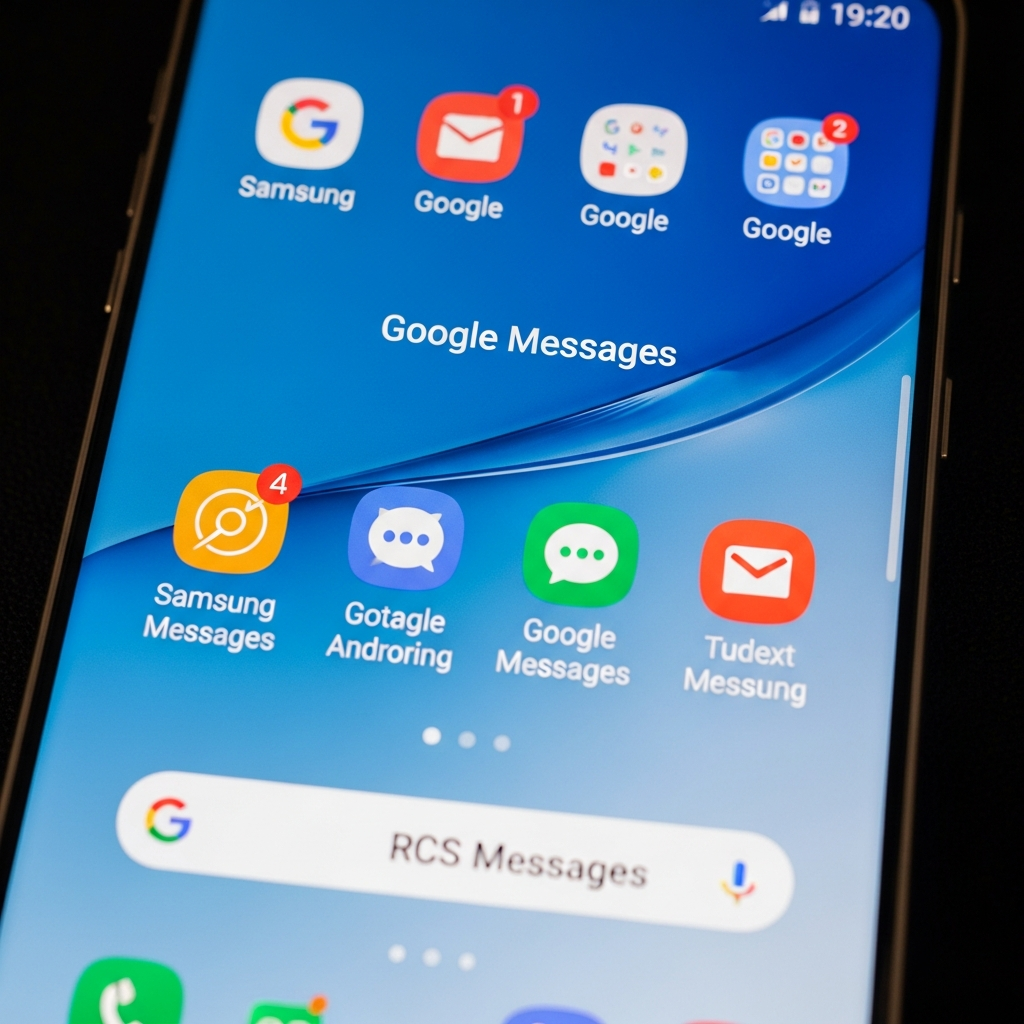
- Open or Download Google Messages: Look for the white icon with a blue conversation bubble. If you don’t have it, download it from the Galaxy Store or Google Play Store.
- Follow the Prompt: The first time you open the app, a message will appear. It will say, “To use Messages, make it your default SMS app.”
- Tap ‘Set default SMS app’: This button will initiate the process.
- Select Google Messages: From the list of available messaging apps, choose Google Messages.
- Tap ‘Set as default’: Confirm your selection.
For Android 14+ users: After successfully switching, the Google Messages icon will automatically shift to your homescreen dock.
For Android 12 and 13 users: You may need to manually remove the old Samsung Messages icon and replace it with Google Messages on your home screen dock.
Unlocking New Features: The Power of Google Messages
The shift to Google Messages brings a host of advanced features and benefits. These enhancements aim to provide a superior and more secure messaging experience.
Here are the key “upgrades” you can expect:
RCS Messaging Across Platforms: Enjoy advanced features like sharing high-quality photos and videos. Participate in enhanced group chats with ease. See real-time typing indicators, ensuring a more dynamic conversation. Crucially, RCS is enabled across both Android and iOS, fostering a more consistent experience with friends and family regardless of their smartphone brand.
Expressive AI Features: Access powerful Gemini features directly within your chats. Bring AI-powered expressivity to your conversations. This includes tools for remixing photos and smart replies, making your interactions more engaging.
Powerful Security & Spam Protection: Google Messages offers robust security measures. AI-powered scam detection and strong spam filters identify and block suspicious texts. This helps keep your inbox clean and your personal information safer from threats.
Multi-Device Connectivity: Seamlessly switch conversations between your various devices. Continue chats without interruption across your phone, tablet, or smartwatch. This ensures a consistent and convenient messaging experience no matter which device you’re using.
This unified approach to messaging aligns with broader industry trends. It provides a more modern and secure platform for daily communication.
Beyond the Switch: What This Means for Android Messaging
Samsung’s full commitment to Google Messages signifies a major step towards standardization within the Android ecosystem. For years, the fragmentation of messaging apps on Android has been a challenge. The dominance of third-party apps like WhatsApp highlighted the need for a strong, default alternative. With Google Messages becoming the standard, particularly for the largest Android manufacturer, RCS messaging is set to become even more pervasive and effective.
This move solidifies Google Messages‘ position as the primary messaging platform for future Samsung devices. While some users on platforms like Reddit initially expressed complaints about losing a proprietary app, the long-term benefits of a unified, feature-rich, and secure messaging experience are significant. It streamlines updates, enhances cross-device compatibility, and pushes forward the capabilities of Android-to-Android (and even Android-to-iOS) communication. This transition truly marks the end of an era for Samsung’s individual messaging app development. It signals a stronger integration of One UI with Google’s services.
Frequently Asked Questions
When will Samsung Messages officially stop working in the US, and which devices are affected?
Samsung Messages is officially discontinuing its service in the United States in July 2026. This change primarily affects Galaxy users on Android 12 and newer operating systems. After this date, messages will no longer be delivered through the app, except for emergency contacts. The app will also be removed from the Galaxy Store. Devices running Android 11 or older versions, however, are not affected by this discontinuation and can continue to use Samsung Messages.
What steps should I take to smoothly transition from Samsung Messages to Google Messages?
Transitioning to Google Messages is straightforward. First, ensure you have the Google Messages app installed on your Galaxy device (it’s often pre-installed on newer models). Open the app, and you’ll typically see a prompt asking to “Set default SMS app.” Tap this, then select Google Messages from the list and confirm by tapping “Set as default.” Samsung Messages will also provide in-app guidance. For Android 14+ users, the icon will automatically move to your dock. Users on Android 12 or 13 might need to manually adjust their home screen icons.
What are the key benefits of switching to Google Messages, and why is Samsung making this change?
Switching to Google Messages brings several benefits, including enhanced RCS Messaging for high-quality media, dynamic group chats, and typing indicators, which works across Android and iOS. You’ll also gain access to expressive AI features powered by Gemini, robust AI-powered scam detection, and seamless multi-device connectivity. Samsung is making this change to create a more unified, consistent, and feature-rich messaging experience across its Galaxy devices and the broader Android ecosystem, leveraging Google’s advanced platform for better security, faster updates, and a richer communication environment.
Embrace the Future of Messaging
The shift from Samsung Messages to Google Messages marks a pivotal moment for Galaxy device users in the US. This change, effective July 2026, is designed to elevate your messaging experience with advanced features, enhanced security, and seamless multi-device integration. While it signals the end of an era for Samsung’s proprietary app, it ushers in a new standard of unified and powerful digital communication. We encourage all affected users to transition to Google Messages soon to familiarize themselves with its capabilities and ensure uninterrupted service. Upgrade your communication and unlock a world of richer, smarter interactions today!