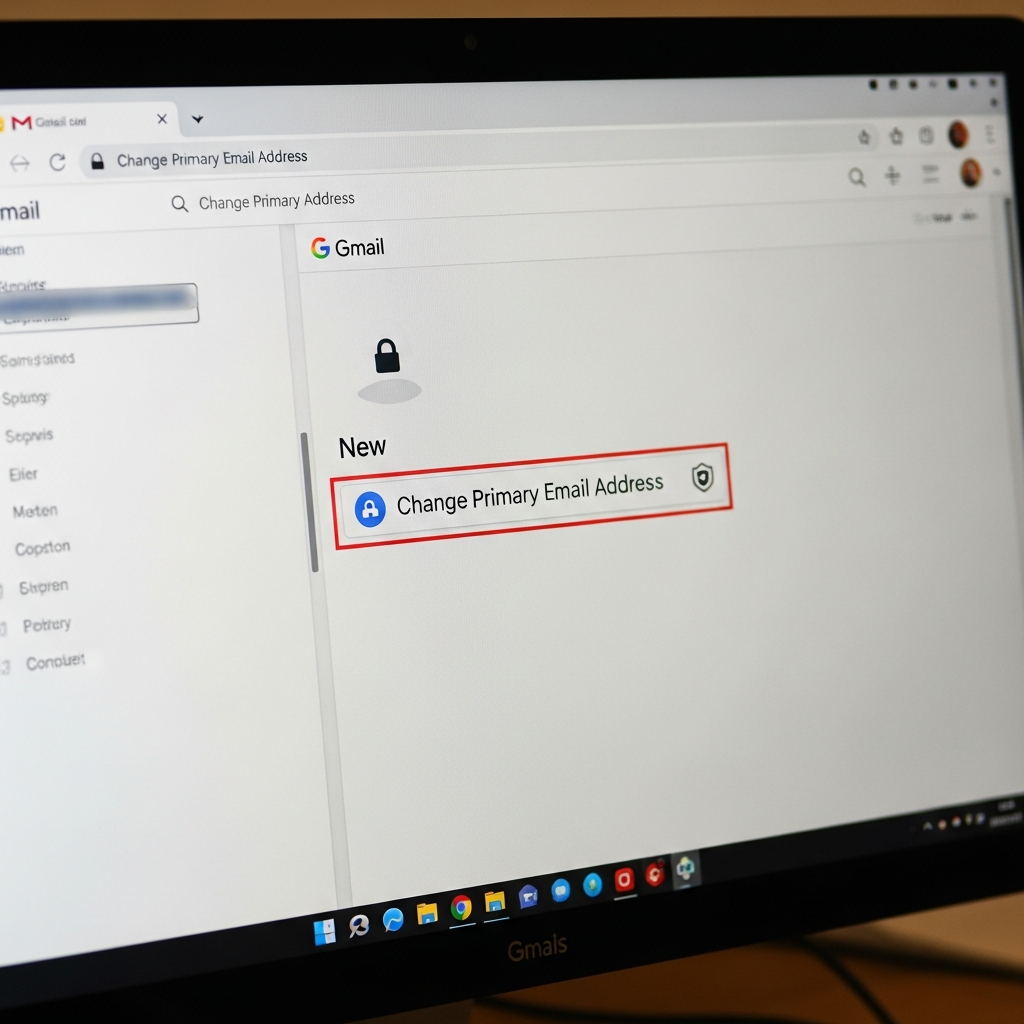
For 22 years, your Gmail address was essentially set in stone. Whether it was an embarrassing relic from your youth or simply no longer fit your professional identity, changing it meant creating an entirely new Google account – a cumbersome task involving extensive data migration and re-linking services. But a significant shift is here. Google has finally rolled out the ability for users to update their primary Gmail address, a feature long requested by its billions of users. While this update offers crucial flexibility for managing your digital persona, it also highlights a broader conversation about online privacy and email security that every user needs to understand.
Unlocking Your New Digital Identity: The Long-Awaited Gmail Address Change
The internet has evolved dramatically since Gmail launched in 2004, and our digital identities need to evolve with it. Many of us created our first email addresses as teenagers or college students, often resulting in quirky, informal, or even “cringeworthy” usernames that don’t reflect our current professional or personal lives. Think “v0t3f0rp3dr02004@gmail.com” or “mrbrightside416@gmail.com”—handles Google CEO Sundar Pichai himself jokingly referenced when announcing the change. This update finally empowers users to shed those outdated identifiers without undergoing a complete digital overhaul.
The rollout, which began quietly in India and is now widely available to US Google Account users, represents a massive step towards a more adaptable online experience. Previously, getting a new Gmail address meant creating a fresh account, then laboriously forwarding emails, transferring contacts, and updating countless online logins. Now, your existing inbox, comprehensive contact list, and all data within your Google Drive seamlessly transition to your new username. This eliminates the arduous manual migration tasks that were previously unavoidable, offering genuine relief for those looking to “rebrand” their digital presence.
How to Change Your Gmail Address: A Step-by-Step Guide
The process for updating your Gmail address is straightforward, though Google notes it’s being rolled out gradually, so the option might not be immediately visible to all users. Here’s how you can initiate the change:
- Sign in to your Google account.
- Navigate to “Manage your Google Account” (often found by clicking your profile picture).
- Select “Personal info” from the left-hand menu.
- Under the “Contact info” section, click on “Email.”
- Look for “Google Account email” and then select the option to “Change Google Account email.”
- It’s always recommended to back up your data before making significant account changes, although Google states existing data will be preserved.
- Enter your desired new username. If it’s available and meets Google’s criteria (not currently in use or recently deleted), you can select it.
- Confirm the change.
Once complete, your newly chosen address becomes your primary Google Account email. Critically, your previous address transitions into an “alternate email” and remains active. This means you can sign in with either your new or old address, and emails sent to both the new and old addresses will still be delivered to your unified inbox. You can even identify which address an email was sent to by checking the “to” field. This flexibility ensures continuity while allowing you to present a fresh face online.
Important Considerations: Limitations and Potential Disruptions
While highly beneficial, this new feature comes with specific rules and potential minor disruptions that users should be aware of. Google has implemented limitations to ensure security and prevent abuse:
Frequency Limit: You can change your Gmail address only once every 12 months (or once per year).
Lifetime Limit: There’s an overall limit of three address changes per account. This means your choices should be carefully considered.
Availability: You cannot claim a username currently in use by another individual, nor can you immediately reclaim a username that has been recently deleted.
Third-Party Applications: Some applications and websites that use your Gmail account for login purposes might not immediately recognize the newly changed address. This could lead to temporary sign-in issues, requiring you to re-authorize your Google account, re-link saved payment methods, or reconnect to services like Chrome Remote Desktop. Google advises checking their help page for troubleshooting, and in persistent cases, reverting to your previous email might be necessary (though your new address remains functional).
Old Address Still Works: The most significant consideration, and a point of concern for some security experts, is that your old Gmail address continues to work as an alias. While convenient, ESET’s Jake Moore warns this “sounds helpful but potentially increases impersonation and phishing attacks.” It means that if your old address was compromised or known to scammers, it still acts as a pathway to your inbox.
Beyond the Rename: The Unaddressed Email Security Challenge
While the ability to change a legacy Gmail address is a welcome feature, it doesn’t solve the fundamental problem of email privacy and the constant deluge of spam and phishing attempts. As the original article astutely points out, an email address dating back to 2004 (or even 2024) is likely listed in countless databases used by marketers and scammers. Changing your address helps refresh your digital identity, but it doesn’t automatically protect your new address from future exposure. As soon as you begin using a new address for sign-ups, it, too, becomes susceptible.
This brings us to a crucial comparison with Apple’s “Hide My Email” feature. For those unfamiliar, “Hide My Email” allows users to generate unique, random, “throw-away” email addresses for new sign-ups or checkouts. These aliases forward to your primary inbox but can be deactivated at any time, effectively severing ties with services that might misuse or expose your email. This ensures your real email address remains private and off those undesirable lists.
“An email address used to be permanent but now it’s finally editable like a username, which is a huge shift in how identity works online,” Jake Moore notes. “But until Google creates a ‘hide my email’ equivalent to what Apple offers, users may be better off creating a separate email address for multiple sign ins.” Google reportedly has a “Hide My Email” option in development, but its general availability remains uncertain. This represents a missed opportunity for Google. Had they launched the address change alongside a robust privacy-focused “Hide My Email” offering, it would have been a truly comprehensive solution, protecting new addresses from the outset and solving multiple problems at once.
Elevating Your Email Security: Proactive Strategies
Given the limitations of the Gmail address change feature, proactive measures are essential to safeguard your digital privacy:
Strategic Address Change: When you do change your Gmail address, use this as an opportunity for a “digital cleanse.” Only give out your new, primary address to trusted contacts and essential services.
Dedicated “Junk” Email: Create a secondary, non-Gmail address (or another Gmail account) specifically for online sign-ups, newsletters, and less critical services. This isolates potential spam and data breaches from your main communication channel.
Leverage Existing Gmail Features: Explore Gmail’s “manage subscriptions” feature to clean up your inbox from unwanted newsletters. You can also use Gmail’s alias trick (adding +something to your username, e.g., yourname+shopping@gmail.com) for tracking where your email address is being used, although this doesn’t offer the same level of control as a true “Hide My Email” service.
Consider Privacy-Focused Alternatives: For maximum privacy and security, services like Proton Mail offer robust encryption and features that inherently protect your email identity. They often allow easy data import from Google, facilitating a smoother transition if you decide to explore alternatives.
Strong Passwords & 2FA: Regardless of your email address, always use strong, unique passwords and enable two-factor authentication (2FA) on all your accounts. This is the bedrock of online security.
Ultimately, Google’s move to allow Gmail address changes is a welcome enhancement for user control and identity management. It addresses a real pain point for millions. However, it’s crucial for users to understand its scope and limitations. While you can now present a more professional online persona, the broader challenge of digital privacy and protection against spam and phishing requires a more comprehensive approach that goes beyond a simple name change.
Frequently Asked Questions
What is Google’s new Gmail address change feature?
Google has introduced a new feature allowing users to change their primary Gmail username (email address) without creating an entirely new account, a capability that was unavailable for the service’s first 22 years. This update, rolled out to US Google Account users after an initial launch in India, means your existing emails, contacts, and Google Drive data seamlessly transfer to your new address. It addresses the common issue of users having outdated or embarrassing email handles from their younger years that no longer fit their current digital identity.
How do I change my Gmail address, and what are the limitations?
To change your Gmail address, sign into your Google account, navigate to “Manage your Google Account,” then “Personal info,” “Email,” and finally “Change Google Account email.” It’s advisable to back up your data beforehand. Key limitations include being able to change your address only once every 12 months, with a lifetime limit of three changes per account. Your old address remains active as an alternate, and both the new and old addresses will receive emails to your unified inbox. Users should also be aware of potential temporary sign-in disruptions with some third-party applications.
Is changing my Gmail address enough to protect my digital privacy?
No, changing your Gmail address is a positive step for refreshing your digital identity and professional image, but it’s not a complete solution for protecting your digital privacy or preventing spam and phishing. Your old address remains active as an alias, which could still be targeted. Unlike Apple’s “Hide My Email” feature, Google’s update doesn’t generate “throw-away” addresses to shield your primary email from being listed in databases used by marketers and scammers. For enhanced privacy, consider using a separate “junk” email for non-critical sign-ups and explore privacy-focused email providers.