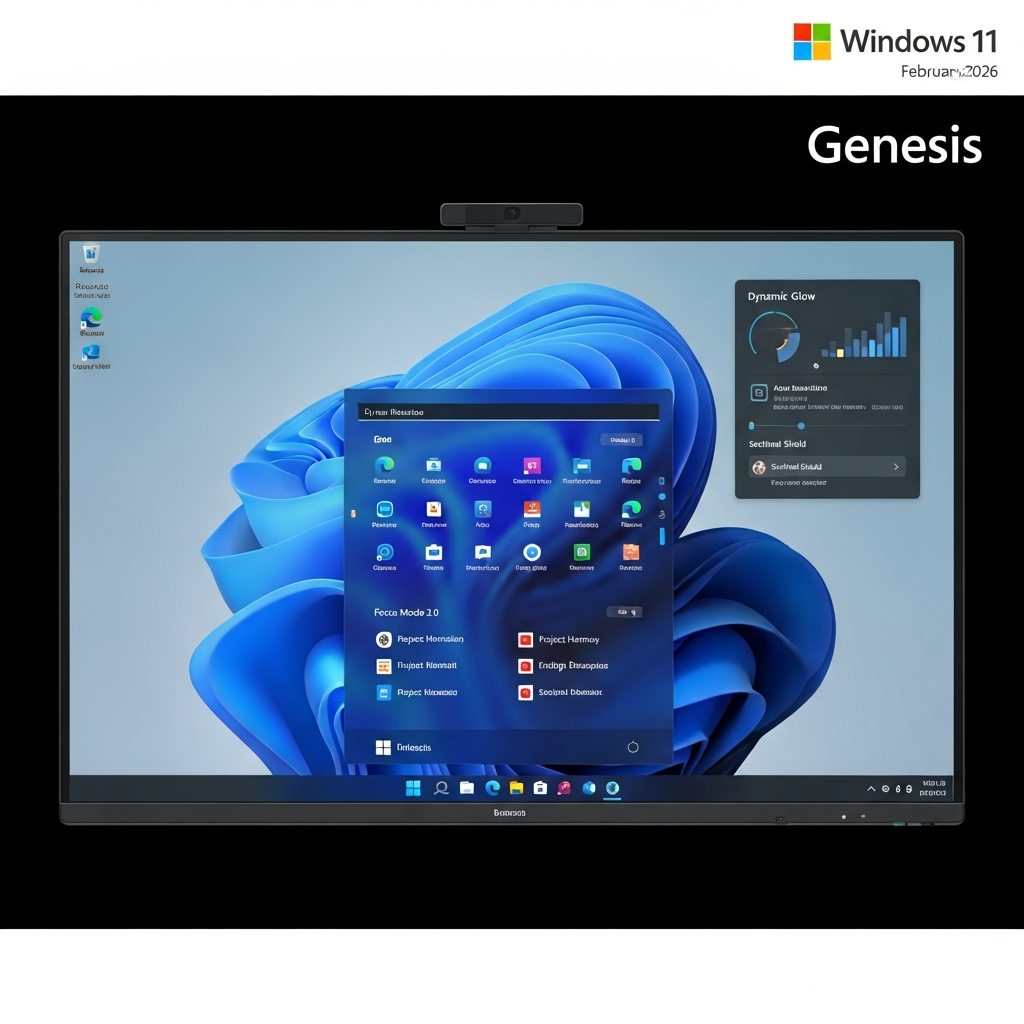
Get ready for a significant upgrade to your Windows 11 experience. Microsoft is rolling out its comprehensive February 2026 update, packed with essential new features and crucial bug fixes. Unlike many routine monthly patches, this release promises to genuinely enhance how you interact with your PC, boosting productivity, security, and accessibility. This pivotal Windows 11 February update is designed to address key user pain points and introduce compelling functionalities, setting a new standard for operating system improvements.
Why This Windows 11 Update Matters
Microsoft has been listening to user feedback, and the February 2026 update for Windows 11 (versions 25H2 and 24H2) is a direct response. Following previous updates that sometimes introduced more frustrations than fixes, this release aims to restore confidence. It signals a renewed commitment from Microsoft to improve core system performance, reliability, and the overall user experience. This isn’t just a minor patch; it’s a strategic move to deliver meaningful enhancements across the board.
Beyond the Routine: A Significant Shift
Many monthly Windows 11 patches often feel like routine maintenance, primarily focusing on minor bug fixes and security adjustments. However, the upcoming February update stands out. Microsoft has made a concerted effort to integrate a suite of new features alongside critical stability improvements. This holistic approach means users will not only benefit from a more stable system but also gain access to powerful tools that streamline workflows and enhance accessibility. The preview update, identified as KB5074105, is already available to Windows Insiders, offering an early glimpse into these exciting changes before the official rollout on February 10.
Key Features Rolling Out in the February 2026 Update
The core of this Windows 11 February update lies in its ten major enhancements. Each feature is designed to make your daily computing tasks smoother, more secure, or more accessible. These aren’t just cosmetic tweaks; they represent genuine functional improvements that users have been requesting.
Seamless Productivity: Enhanced Cross-Device Resume
Cross-Device Resume, a feature that first appeared in May 2025, is receiving a significant upgrade. This tool allows you to seamlessly transition tasks between your Android phone and your Windows 11 PC, echoing Apple’s Handoff. The expansion now includes wider support for popular applications.
You can now start Spotify playback on your phone and pick it up instantly on your PC. Microsoft 365 users will appreciate the ability to resume work on Word documents, Excel spreadsheets, and PowerPoint presentations. Furthermore, browsing sessions from the Vivo Browser app are now supported. For users with Honor, Oppo, Samsung, Vivo, or Xiaomi phones, working on online files opened via the Copilot app can also be effortlessly moved between devices, truly blurring the lines between mobile and desktop productivity.
Creative Control: Advanced Windows MIDI Services
Musicians and developers alike will welcome the substantial improvements to the Windows MIDI service. This update brings enhanced support for both MIDI 1.0 and the more advanced MIDI 2.0. New capabilities include the ability to share MIDI ports across multiple applications, assign custom names to ports for easier management, and enjoy overall performance improvements.
This update also addresses various bug fixes related to MIDI functionality. It’s important to note that accessing the full scope of these MIDI changes, particularly for advanced MIDI 2.0 features, may require a separate download of the App SDK and Tools packages from Microsoft’s Windows MIDI Services landing page. These enhancements underscore Microsoft’s commitment to supporting creative professionals.
Empowering Accessibility: Narrator and Voice Enhancements
Accessibility features are getting a robust boost in this update. Narrator, Microsoft’s screen-reading tool, is receiving more granular customization options. Users can now precisely adjust how on-screen controls are announced, choose which specific details are spoken aloud, and set the order in which information is read. This level of control allows for a more personalized and efficient navigation experience for visually impaired users.
Voice Access, which enables PC control and navigation using speech, now features a redesigned setup wizard. This guided process simplifies downloading speech models for chosen languages, connecting microphones, and understanding the feature’s extensive capabilities. Additionally, Voice Typing gets a crucial new setting: “Wait Time Before Acting.” This option lets users adjust the delay before a spoken command is executed, significantly improving accuracy and accommodating diverse speech patterns.
Sharper Security: Smarter Smart App Control (SAC)
Smart App Control (SAC) is a vital security feature designed to block untrusted or potentially malicious applications before they can even run on your system. Previously, SAC had a frustrating limitation: once deactivated, it could not be re-enabled without a complete reinstallation of Windows 11. This “mystifying sting in the tail,” as some experts called it, meant users could accidentally lose a valuable layer of protection.
With the Windows 11 February update, this critical flaw is finally rectified. Users will now have the ability to deactivate and reactivate Smart App Control at any time through Windows Security, making it far more convenient and practical. This improvement ensures that a powerful security tool is genuinely user-friendly and less prone to accidental permanent disablement.
Streamlined Experience: Settings UI and Hello Enhancements
Several quality-of-life improvements are also making their way into the Windows 11 interface. The Device information card, which provides quick access to key system details like your processor, has been moved from the bottom of the System page to the more prominent Home tab in the Settings menu. This seemingly minor change significantly improves accessibility to crucial system information. A new ‘device card’ will also appear on the Settings home page when signed in with a Microsoft account, offering an at-a-glance summary of key PC specifications.
Windows Hello Enhanced Sign-in Security (ESS) is expanding its capabilities by now supporting peripheral fingerprint sensors. Previously limited to built-in sensors, this enhancement extends secure, biometric sign-in options to a wider range of devices, including desktops. Setting it up is straightforward: simply connect a supported biometric device and configure it via Settings > Accounts > Sign-in options. Furthermore, the AI-powered agent in the Windows 11 Settings menu, which assists users in finding and changing settings via natural language, is expanding its language support to include German, Portuguese, Spanish, Korean, Japanese, Hindi, Italian, and Simplified Chinese.
Crucial Bug Fixes and Performance Improvements
Beyond the exciting new features, the Windows 11 February update also delivers a comprehensive suite of bug fixes aimed at improving system stability and responsiveness. Microsoft is committed to addressing known issues to provide a smoother, more reliable user experience.
Elevating Core System Stability
Several irritating bugs are being squashed in this update. File Explorer, a component often criticized for sluggishness, receives targeted tweaks to improve its navigation responsiveness, particularly when accessing folders over a network. A frustrating Lock Screen issue that caused it to become unresponsive has also been addressed. Another common annoyance – desktop icons unexpectedly moving around when opening or renaming certain files – has been fixed.
Other notable fixes include resolving instances of Explorer.exe hanging on first sign-in, issues with truncated shutdown warning messages, and the Start menu opening on the wrong side of the screen for Arabic or Hebrew users. The update also tackles problems with Windows Sandbox becoming unresponsive during startup and erroneous messages appearing in multi-app kiosk mode. These fixes collectively contribute to a more stable and predictable computing environment.
How to Get the February Update (and Preview Details)
The official rollout of the Windows 11 February update is scheduled for February 10, 2026. However, if you’re eager to experience these enhancements sooner, Microsoft has already released Preview Update KB5074105 to members of the Windows Insider Program. This early patch includes the same features and fixes that will arrive with the broader public release.
Joining the Windows Insider Program allows you to get early access to upcoming features and provide feedback directly to Microsoft. If you’re interested in testing these new functionalities, detailed guides are available to help you enroll in the program. Keep in mind that while preview builds offer early access, they might also come with their own set of minor bugs or instabilities, as they are still in development.
Frequently Asked Questions
What are the most significant new features in the Windows 11 February 2026 update?
The Windows 11 February 2026 update, including Preview Update KB5074105, introduces several key enhancements. Most notably, Cross-Device Resume now supports Spotify, Microsoft 365 apps, and more Android phone brands for seamless task switching. Smart App Control (SAC) can finally be toggled on and off without requiring a full Windows reinstall, a major security improvement. Additionally, there are significant updates to Windows MIDI services for musicians, enhanced accessibility options for Narrator and Voice Access, and general quality-of-life improvements like a new Device information card in Settings.
How can users access the Smart App Control (SAC) toggle in Windows 11 after the update?
After the February 2026 update, users can easily manage Smart App Control (SAC) directly within Windows Security. This means you will no longer need to perform a clean installation of Windows 11 if you wish to re-enable SAC after turning it off. The ability to toggle SAC on or off at will is a crucial improvement, providing greater flexibility and convenience for managing this important security feature designed to block untrusted or malicious applications.
Should I join the Windows Insider Program to get the February 2026 update early?
Joining the Windows Insider Program to get the February 2026 update (KB5074105) early can be beneficial if you’re keen to experience new features immediately and are comfortable with potential minor instabilities. Insiders receive preview builds before the general public rollout, allowing them to provide feedback directly to Microsoft. However, preview builds are, by nature, still under development. If system stability is your top priority, waiting for the official public release on February 10, 2026, is recommended. This ensures you receive the most polished and thoroughly tested version of the update.
The Future of Windows 11: Microsoft’s Commitment
This comprehensive Windows 11 February update marks a significant step for Microsoft in enhancing the operating system. By delivering a blend of powerful new features and crucial bug fixes, the company demonstrates its commitment to improving the usability, accessibility, and overall experience of Windows 11. It’s a clear signal that Microsoft is actively responding to user feedback and striving to create a more robust and enjoyable computing environment. As Windows 11 continues to evolve, updates like these are vital in shaping its future, providing genuine value and innovation for users worldwide.