Your Spotify playlists are more than just collections of songs; they’re the vibrant soundtracks to your life, a sonic diary of memories, moods, and discoveries. From epic road trips to quiet study sessions, these unique musical journeys evolve with you, reflecting your changing tastes and experiences. Spotify offers a powerful suite of tools designed to help you not just build but truly master these personal soundscapes, making them feel fresh, dynamic, and deeply connected to your listening universe. Dive into these essential strategies to unlock the full potential of your music collections and transform your everyday listening into an immersive, personalized experience.
Elevate Your Listening: 5 Ways to Optimize Your Spotify Playlists
Maximizing your Spotify experience involves more than just hitting play. It’s about leveraging the platform’s innovative features for seamless integration, deep personalization, enhanced discovery, collaborative listening, and superior audio quality. Here are five crucial ways to get more from your treasured music on Spotify.
1. Seamlessly Transfer Your Music Collection
Starting fresh can be daunting, especially when your musical history lives on other platforms. Spotify streamlines this process, ensuring your favorite tunes aren’t left behind. Thanks to the latest TuneMyMusic integration, available on mobile and rolling out globally, bringing your existing playlists into Spotify is incredibly simple. This feature eliminates the hassle of manually recreating playlists, allowing you to instantly consolidate your entire music library in one place.
To bring your cherished playlists home:
Open the Spotify mobile app and navigate to Your Library.
Scroll to the very bottom and tap “Import your music.”
Follow the prompts to connect with TuneMyMusic.
Select the streaming service you wish to transfer from, and watch as your playlists seamlessly appear in your Spotify library.
This integration ensures that new users can quickly enjoy personalized recommendations, like daylist and Release Radar, which begin to feel familiar from the moment your imported playlists start playing.
2. Personalize Playlists Beyond the Music
Once your music resides within Spotify, the real fun of personalization begins. Beyond just curating tracklists, you can imbue your playlists with a unique identity that mirrors their vibe. A standout feature, now available in 128 markets worldwide, allows you to design custom cover art directly within the Spotify mobile app. This means you can add unique images, colors, text effects, and graphic elements, making your playlists visually as distinctive as their sound.
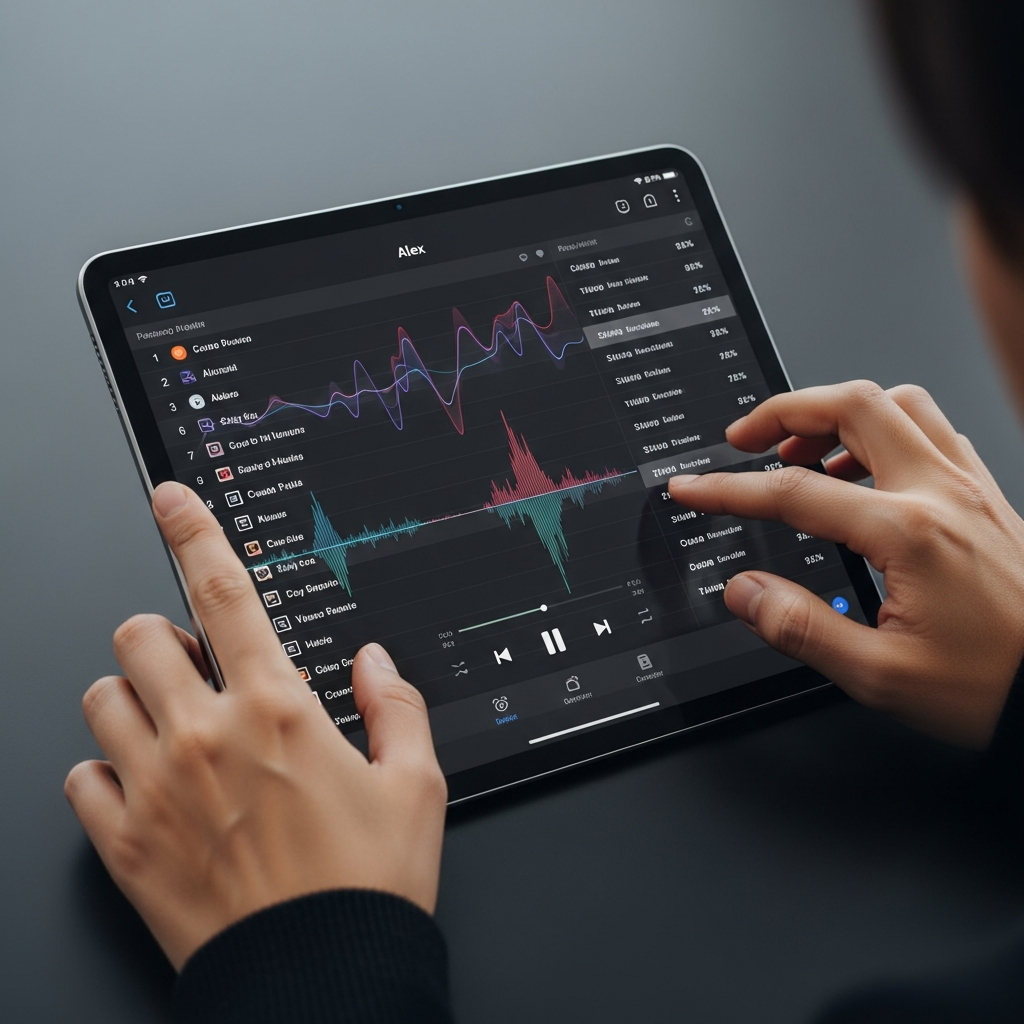
For Premium users, the creative possibilities expand even further. The new Mix tool (currently in beta) allows you to add seamless transitions between tracks, adjusting fades, EQ, and volume levels for a smooth, DJ-like flow. This feature transforms a simple playlist into a cohesive listening journey. Furthermore, Smart Filters, available in select markets for Premium subscribers, enable you to organize your entire library by specific moods, genres, or activities, offering unparalleled control over your listening environment. Think beyond rigid genres; as many playlist obsessives recommend, curating playlists by vibe or mood (e.g., a “kitchen groove” mix) often leads to a richer, more personal experience.
3. Supercharge Your Discovery & Recommendations
Spotify’s personalization engine is a marvel, constantly learning your tastes to offer hyper-relevant suggestions. The moment you start listening to your imported or newly created playlists, this engine kicks into high gear, ensuring that even new listeners receive familiar and enjoyable recommendations. Features like daylist provide dynamic, mood-based playlists that update throughout your day, perfectly matching your current vibe. Discover Weekly offers a fresh batch of personalized song recommendations each week, while Release Radar keeps you updated on new music from artists you follow.
To further refine your recommendations, Spotify now allows you to exclude specific tracks from your Taste Profile. This means you can prevent one-off listens—like sleep sounds or children’s songs—from skewing your algorithm, ensuring that personalized features like Wrapped and Discover Weekly truly reflect your genuine preferences. For an even broader discovery, Spotify’s integration with ChatGPT offers personalized music suggestions directly within your AI conversations. Simply mention Spotify in a ChatGPT prompt, connect your account, and ask for tracks or playlists matching any mood or activity.
4. Share, Collaborate, and Connect with Friends
Music is often best enjoyed together, and Spotify makes social listening effortless. Your meticulously crafted playlists are a reflection of who you are, making them perfect for sharing. With the in-app Messages feature, available for users 16 and older in select markets, you can instantly share favorite playlists, tracks, and podcasts, and chat about what you’re listening to without ever leaving the app.
For collaborative music creation, Blend allows you and your friends to combine your listening tastes into a shared playlist, discovering how your preferences align. If you’re a Premium user, Jam takes social listening to the next level, enabling real-time listening sessions where everyone can contribute to the queue and enjoy music together synchronously. These tools foster a deeper connection through shared audio experiences, turning individual listening into a communal celebration.
5. Experience Superior Sound & Ubiquitous Access
Your carefully curated playlists deserve the best possible sound quality. Spotify now delivers on this with Lossless audio for Premium listeners in eligible markets. This feature streams your favorite tracks in Spotify’s highest sound quality yet, up to 24-bit/44.1 kHz FLAC, providing a richer, clearer, and more immersive listening experience. To enable Lossless audio, simply navigate to Settings > Media Quality in your app and select your preferred playback settings for Wi-Fi, mobile data, or downloads. Look for the “Lossless” indicator in the Now Playing view to confirm the enhanced quality.
Beyond pristine audio, Spotify ensures your playlists are always with you. With support across more than 2,000 devices, from smart speakers and TVs to gaming consoles and wearables, your music library is truly ubiquitous. Whether you’re at home, on the go, or exercising, your personalized playlists are just a tap away, delivering a consistent and high-fidelity experience across all your listening environments.
Beyond the Basics: Advanced Spotify Playlist Strategies
While the core features enhance your playlist experience, embracing a few advanced strategies can truly elevate your curation game. One key insight from experienced curators is to move away from rigid genre-based playlists towards mood or ‘vibe’ playlists. Instead of “Pop Hits,” consider “Morning Coffee Chill” or “Focus Flow.” This approach allows for a more dynamic blend of sounds and artists that genuinely matches a feeling or activity, reflecting how most people consume music today.
Don’t underestimate the power of Spotify’s own curated content for inspiration. Regularly check your Daylists and Blends for fresh, tailored suggestions based on your evolving tastes and those of your friends. Additionally, the “Recommended songs” section at the bottom of any playlist you create is a goldmine for discovering tracks that fit your existing curation. While sometimes temperamental, it often provides excellent suggestions to keep your playlists growing. Finally, remember to regularly update your playlists – at least every two months. This “playlist housekeeping” keeps your collections fresh, active, and ensures they continue to provide genuine value as your tastes and the music landscape evolve.
Frequently Asked Questions
How do I transfer existing playlists from other streaming services to Spotify?
Transferring your existing music library to Spotify is straightforward thanks to its integration with TuneMyMusic. Simply open the Spotify mobile app, go to “Your Library,” scroll down to “Import your music,” and follow the prompts to connect with TuneMyMusic. You’ll then choose your source platform, and your playlists will be automatically transferred, ensuring you don’t lose any of your curated music history. This feature is available globally and simplifies the transition for new Spotify users.
Which Spotify features help me discover new music for my playlists?
Spotify offers several powerful features to help you discover new music and keep your playlists fresh. Daylist provides dynamic, mood-based playlists tailored to your daily listening habits. Discover Weekly delivers a personalized mix of new song recommendations each week. Release Radar alerts you to the latest tracks from artists you follow. Additionally, Blend allows you to discover music by combining your taste with friends, and the new ChatGPT integration offers AI-powered music recommendations based on your prompts. Don’t forget the “Recommended songs” section at the bottom of your own playlists for tailored suggestions.
Is Spotify Premium necessary to get the most out of my playlists?
While many excellent playlist features are available for free, Spotify Premium significantly enhances your playlist experience. Premium subscribers gain access to Lossless audio for superior sound quality, Jam for real-time collaborative listening sessions, and the Mix tool for seamless track transitions. Premium users also benefit from Smart Filters to organize their entire library by mood or activity. However, even free users can transfer playlists, create custom cover art, enjoy personalized playlists like daylist, and collaborate on shared playlists, offering a robust experience for all.
Ignite Your Listening Journey
Your Spotify playlists are dynamic extensions of your musical identity, ripe for exploration and enhancement. By harnessing Spotify’s innovative tools for seamless transfers, deep personalization, intelligent discovery, collaborative enjoyment, and superior audio fidelity, you can transform your listening experience. Dive into the app today, bring over your cherished music, and start falling in love with your soundtracks all over again. Whether you’re a seasoned audiophile or a casual listener, the power to truly master your music flow is now at your fingertips.