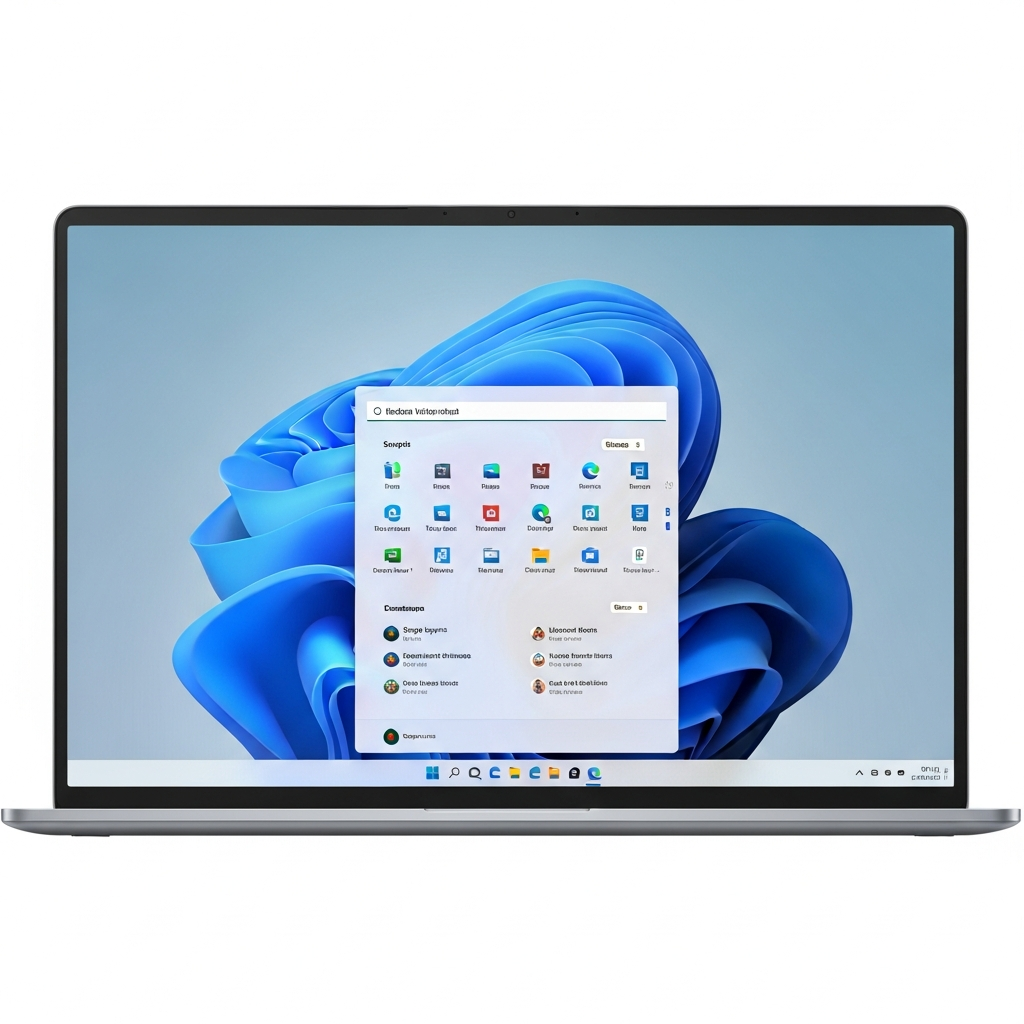
Prepare for a significant upgrade to your digital experience! Windows 11 is poised to receive a major update, introducing a suite of powerful new features designed to enhance productivity, security, and everyday use. From a built-in network speed test right on your taskbar to enhanced webcam controls and crucial security improvements, these additions promise a more intuitive and capable operating system. Get ready to explore a faster, smarter, and more personalized Windows 11 experience very soon.
Unpacking the Latest Windows 11 Features: What’s New?
Microsoft is consistently refining Windows 11, delivering updates that bring tangible benefits to users. This latest rollout is no exception, packed with highly anticipated functionalities. Initially, these enhancements are accessible to Windows Insiders on the Release Preview Channel through specific test versions (Builds 26100.7918 and 26200.7918). However, the general public can expect a rapid deployment.
According to Windows expert Zac Bowden from Windows Central, these innovative Windows 11 features are slated to become widely available in the coming weeks. They will likely arrive as part of an optional cumulative update towards the end of February. This swift transition ensures that all users can quickly benefit from the improved capabilities.
Instant Network Insights: The Taskbar Speed Test
One of the most practical new tools arriving with this Windows 11 update is a seamlessly integrated network speed test. Users can now monitor their internet performance directly from the taskbar. Simply right-click the network icon to initiate the test.
This convenient feature opens in your default web browser, providing swift measurements for LAN, Wi-Fi, and even mobile connections. It simplifies network troubleshooting, helping you quickly identify and address any performance bottlenecks. This marks a significant step towards a more self-sufficient operating system, putting critical diagnostic tools right at your fingertips. While not part of this specific update, Microsoft has previously hinted at making the taskbar even more flexible with expanded placement and sizing options in future iterations.
Express Yourself with Expanded Emoji 16.0
Communication is becoming increasingly visual, and Windows 11 is keeping pace. The update introduces Emoji 16.0, significantly expanding your expressive capabilities. This new collection includes a variety of fresh designs, such as a distinct fingerprint emoji, a graceful harp emoji, and a practical shovel emoji.
These additions are easily accessible via the familiar Windows 11 emoji window. They offer more nuanced ways to convey messages and personalize your digital interactions. This enhancement caters to the evolving landscape of online communication.
Precision Control: Enhanced Webcam Settings
For anyone relying on video calls or content creation, improved webcam management is a welcome change. Windows 11 now offers enhanced control over supported webcams directly within the Settings menu. You can finally adjust the pan and tilt functions of your camera with ease.
These new controls are located under Settings > Bluetooth & devices > Cameras, within the “Basic settings” section for your selected camera. This integrated management provides greater flexibility. It enhances your professional presentations and personal connections by ensuring your framing is always perfect.
Boosting Security: Sysmon Arrives Natively
Security remains a top priority, and Microsoft is bolstering Windows 11’s defenses. One of its most robust security tools, Sysmon, is now being integrated natively into the operating system. Sysmon (System Monitor) offers detailed insights into system activity, helping identify malicious behavior.
While included in this preview update, Sysmon will be disabled by default upon its initial release. This default setting allows users to enable it when ready, providing a powerful layer of proactive threat detection and system monitoring. Its native inclusion signifies Microsoft’s commitment to delivering advanced security features directly to its user base.
Beyond the Headlines: Other Notable Improvements
Beyond these headline-grabbing features, the latest Windows 11 update brings several other significant additions to enhance your user experience:
Backup and Restore Functions: New and improved tools provide greater peace of mind for safeguarding your data.
Quick Machine Recovery: This feature streamlines the process of restoring your system to a previous state, minimizing downtime.
- WebP Images as Desktop Backgrounds: Expand your customization options by using WebP format images directly as your desktop background.
- www.pcworld.com
- www.techradar.com
- www.windowscentral.com
- www.pcworld.com
- theconversation.com
Numerous other smaller enhancements are also included. For a comprehensive list, users are encouraged to consult the official Windows Insider blog post. These diverse additions collectively contribute to a more robust, user-friendly, and secure Windows 11 environment.
Windows 11’s Evolution: A Broader Microsoft Strategy
This rich array of new Windows 11 features is not an isolated event; it reflects Microsoft’s continuous commitment to operating system innovation. Just last August, Windows 11 received the KB5064081 optional update, which introduced a personalized start page for Recall, refined Windows Hello authentication, and new customization options for lock screen widgets. These consistent updates underscore a broader strategy: making Windows 11 a perpetually evolving platform.
Furthermore, these local enhancements align perfectly with Microsoft’s strategic shift towards “edge computing.” With the soaring costs associated with generative AI, Microsoft is increasingly looking to offload computational work from expensive data centers to users’ local devices. Features like a built-in network speed test, enhanced webcam controls, and native Sysmon security contribute to a more self-sufficient operating system. This local processing can improve privacy, reduce data center load, and pave the way for more efficient on-device AI capabilities in the future.
While Microsoft champions Windows 11 as its flagship, the company also acknowledges its vast Windows 10 user base. For users in the European Economic Area (EEA), for instance, Microsoft recently made its Extended Security Updates (ESU) program free for an additional year, until October 2026, without requiring cloud syncing. This balancing act ensures ongoing support for older OS versions while actively driving the transition to the more advanced Windows 11. These new features are clearly designed to make that upgrade even more appealing.
Frequently Asked Questions
What are the key new features arriving in the upcoming Windows 11 update?
The next major Windows 11 update introduces several significant features. Users can look forward to a built-in network speed test accessible from the taskbar, an expanded set of Emoji 16.0 characters (including fingerprint, harp, and shovel), and enhanced webcam controls for supported devices allowing pan and tilt adjustments. Additionally, Microsoft’s powerful security tool, Sysmon, will be natively integrated, albeit disabled by default. Other improvements include new backup and restore functions and Quick Machine Recovery.
How can I access the new network speed test feature in Windows 11?
Accessing the new network speed test is designed for convenience. Once the update is installed, simply right-click on the network icon located in your Windows 11 taskbar. This action will launch the speed test directly in your default web browser. It measures LAN, Wi-Fi, and mobile connections, providing quick insights into your network performance for troubleshooting or monitoring purposes. This integration makes checking your internet speed faster and easier than ever before.
When can I expect these new Windows 11 features to be available on my PC?
These exciting new Windows 11 features are already available for testing by Windows Insiders on the Release Preview Channel. For the general public, Windows expert Zac Bowden at Windows Central anticipates that these updates will roll out in the coming weeks. They are expected to arrive as part of an optional cumulative update, likely towards the end of February, making them widely accessible very soon. Users should ensure their system is up to date to receive these enhancements promptly.
Conclusion: Embrace the Future of Windows 11
The upcoming Windows 11 update marks another pivotal moment in the operating system’s evolution. By introducing valuable features like the taskbar speed test, advanced webcam controls, and robust Sysmon security, Microsoft is delivering on its promise of a more capable and user-centric experience. These additions, coupled with continuous improvements and strategic shifts towards edge computing, solidify Windows 11 as a modern, forward-thinking platform.
Stay vigilant for the optional cumulative update in the coming weeks. Dive into these new game-changing features to unlock a faster, more secure, and highly personalized Windows 11 environment. Your journey with a constantly improving Windows 11 is just beginning.