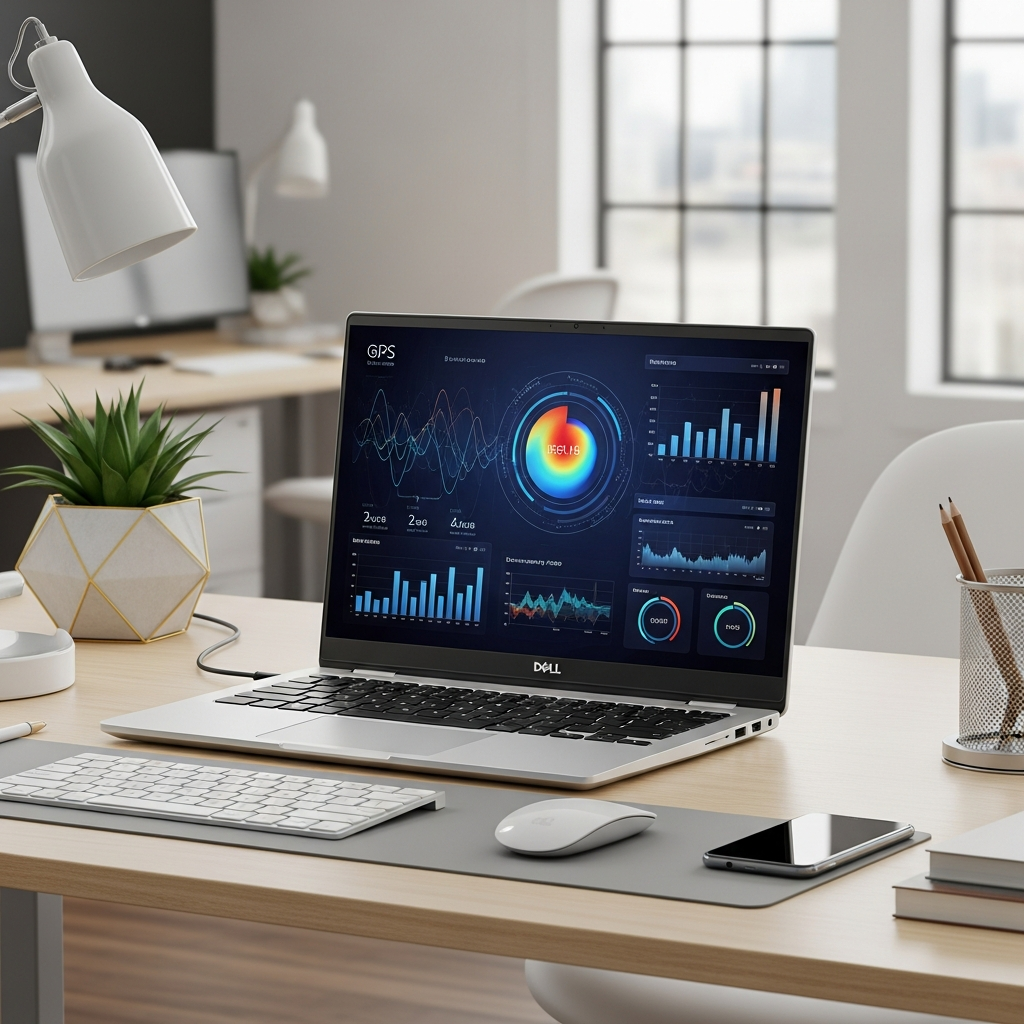
The Dell XPS 16 stands as a testament to engineering excellence, shattering expectations by delivering exceptional computing power alongside remarkable energy efficiency. In a market often forcing a trade-off between raw performance and battery longevity, Dell’s latest flagship redefines what’s possible, establishing itself as a top contender for users who demand both speed and sustainable endurance. This deep dive explores the innovative technologies and design philosophies that position the XPS 16 as one of the most power-efficient premium laptops available today.
Unlocking the XPS 16’s Efficiency Edge
At the heart of the Dell XPS 16’s impressive power efficiency lies a meticulous integration of hardware and software. This isn’t merely about a large battery; it’s about intelligent resource management, cutting-edge component selection, and refined system optimization. Users benefit from longer unplugged productivity and reduced environmental impact, all without compromising on the performance expected from an XPS device. Understanding these core elements reveals Dell’s commitment to a balanced user experience.
The Intel Core Ultra Revolution: Smart Power Management
A pivotal factor in the XPS 16’s efficiency is its adoption of Intel’s Core Ultra processors. These CPUs are not your average laptop chips. They feature a groundbreaking hybrid architecture, integrating a dedicated Neural Processing Unit (NPU) and low-power efficiency cores.
The NPU offloads AI-centric tasks, typically handled by the CPU or GPU, thereby reducing the power draw for common operations like video conferencing effects or background processing. Furthermore, the efficiency cores handle light workloads, allowing the more powerful performance cores to remain dormant until truly needed. This dynamic allocation of tasks significantly curtails overall energy consumption, making the XPS 16 incredibly efficient during everyday use, from browsing to document editing. This sophisticated architecture ensures that power is only utilized where and when it’s genuinely required.
Display Technology: Balancing Brilliance and Battery Life
The display is often one of the most power-hungry components in any laptop. The Dell XPS 16 offers stunning display options, including vibrant OLED panels and high-resolution IPS screens. While OLEDs can be more power-intensive when displaying bright, static content, they excel in efficiency with darker themes and content, as individual pixels can be completely turned off. Dell optimizes this by:
Dynamic Refresh Rates: Adjusting the screen’s refresh rate based on content to save power.
Intelligent Brightness Control: Adapting screen brightness to ambient light conditions.
Software Optimization: Fine-tuning display drivers to minimize power draw without sacrificing visual fidelity.
Choosing the right display configuration, coupled with Dell’s software enhancements, allows the XPS 16 to deliver breathtaking visuals without disproportionately draining the battery.
Engineered for Endurance: Battery Capacity and Thermal Design
A large battery capacity is a fundamental building block for extended endurance. The Dell XPS 16 comes equipped with a substantial battery, providing a robust power reservoir. However, it’s not just about capacity. Dell’s advanced thermal design plays a crucial role in maintaining efficiency.
An effectively cooled system prevents components from overheating, which in turn reduces power consumption by avoiding thermal throttling. The XPS 16 employs sophisticated cooling solutions, including multiple fans and heat pipes, to keep the internals running at optimal temperatures. This allows the processor and graphics card to operate efficiently without drawing excess power to compensate for heat, contributing directly to longer battery life and sustained peak performance.
Maximizing Your Dell XPS 16’s Battery Performance
While the XPS 16 is inherently power-efficient, users can employ several strategies to further extend its battery life. These tips empower you to take full advantage of its capabilities, ensuring maximum unplugged productivity.
Adjust Display Settings: Lower screen brightness when possible, especially in well-lit environments. Utilize dark mode for applications and the operating system, particularly if you have an OLED display.
Optimize Power Profiles: Use Dell Power Manager or Windows’ built-in power settings to select “Battery Saver” or “Optimized” modes for less demanding tasks. This will intelligently throttle CPU and GPU performance.
Manage Background Apps: Close unnecessary applications and background processes that consume CPU cycles and power.
Disconnect Peripherals: Unplug external hard drives, USB devices, or unused monitors when not needed, as they draw power.
Update Drivers and Software: Keep your system drivers, especially for graphics and chipset, up-to-date. Dell’s updates often include efficiency improvements.
Connectivity Management: Turn off Wi-Fi or Bluetooth when not in use.
Implementing these simple adjustments can significantly prolong your XPS 16’s operational time, making it an even more reliable companion for on-the-go professionals and creatives.
Who Benefits Most from the Dell XPS 16’s Efficiency?
The Dell XPS 16’s blend of power and power efficiency makes it an ideal choice for a diverse range of users.
Mobile Professionals: Those who frequently work on the go, presenting, coding, or managing projects, will appreciate the ability to work for extended periods without searching for a power outlet.
Creative Professionals: Video editors, graphic designers, and musicians can run demanding applications while enjoying the flexibility of portable workstations. The XPS 16 allows them to render, edit, and create without constant battery anxiety.
Students and Researchers: For long study sessions, lectures, or field research, the XPS 16 offers reliability and high performance without the bulk of traditional powerful laptops.
- Eco-Conscious Consumers: Users concerned about their carbon footprint will find value in a laptop designed for reduced energy consumption, contributing to a more sustainable computing experience.
The XPS 16 truly caters to anyone needing a high-performance machine that doesn’t tether them to a power cord.
The Future of Portable Power
The advancements seen in the Dell XPS 16 are indicative of a broader trend in the laptop industry: the relentless pursuit of performance per watt. As processors become more sophisticated with hybrid architectures and dedicated AI acceleration, and as display technologies mature, we can expect even greater strides in laptop power efficiency. Dell’s commitment to integrating these innovations ensures the XPS line remains at the forefront, offering users machines that are not only powerful but also incredibly practical for a world increasingly reliant on portable productivity.
Frequently Asked Questions
What specific technologies make the Dell XPS 16 exceptionally power-efficient?
The Dell XPS 16 achieves its impressive power efficiency primarily through its integration of Intel Core Ultra processors, which feature a hybrid architecture with performance and efficiency cores, along with a dedicated Neural Processing Unit (NPU) for offloading AI tasks. Additionally, Dell optimizes display power consumption with dynamic refresh rates and intelligent brightness control. Its advanced thermal design ensures components run optimally without excessive power draw, and sophisticated software optimizations further refine energy management across the system.
How does the Dell XPS 16’s battery life compare to other high-performance laptops?
While specific battery life varies greatly depending on workload and configuration, the Dell XPS 16 typically offers competitive or superior battery endurance compared to other high-performance laptops in its class. Its core ultra processors, large battery capacity, and comprehensive power management strategies allow it to balance demanding tasks with extended unplugged operation. Users often report impressive real-world usage, making it a strong contender for those needing both power and portability from a premium device.
What are the best tips to extend the Dell XPS 16’s battery life during daily use?
To maximize your Dell XPS 16’s battery life, focus on these key actions: reduce screen brightness and utilize dark mode, especially if you have an OLED display. Implement power-saving profiles through Dell Power Manager or Windows settings. Close unnecessary background applications and disconnect unused external peripherals. Regularly update your system drivers, and turn off Wi-Fi or Bluetooth when not actively using them. These adjustments collectively significantly prolong your laptop’s operational time.
The Dell XPS 16 doesn’t just promise performance; it delivers it with an intelligent approach to power consumption. By understanding the innovations behind its efficiency, users can make informed choices and optimize their experience. This premium laptop sets a new benchmark, proving that ultimate power and unrivaled endurance can indeed coexist in a single, elegant package.