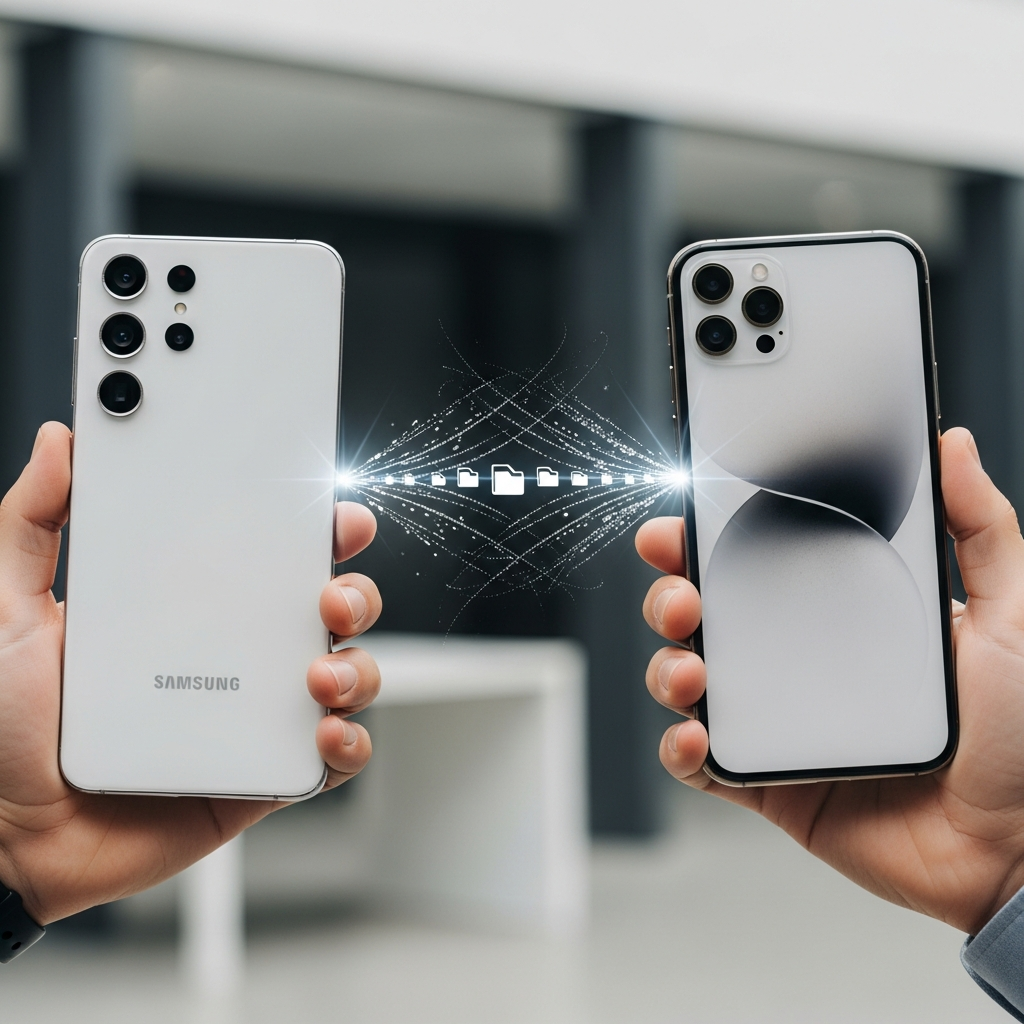
A significant barrier in the mobile world has finally fallen! Samsung Galaxy phones, starting with the innovative S26 series, can now seamlessly share files, photos, and videos with Apple iPhones, iPads, and MacBooks using a newly enhanced Quick Share feature. This breakthrough eliminates the long-standing hassle of cumbersome third-party apps, cloud uploads, or messaging services for cross-platform transfers. If you’ve ever struggled to send a large video from your Galaxy to a friend’s iPhone, get ready for a game-changing update that simplifies your digital life.
Breaking Down the Barriers: The New Era of Cross-Platform Sharing
For years, sharing files wirelessly between Android and iOS devices felt like navigating two different digital planets. Apple’s AirDrop offered effortless transfers within its ecosystem, while Android devices relied on various solutions, including Google’s Quick Share. The lack of direct compatibility often led to frustrating workarounds, diminishing the user experience.
This week marks a pivotal moment, as Samsung introduced a major update that brings native AirDrop compatibility to its Quick Share feature on select Galaxy devices. This means your Galaxy phone can now discover and directly communicate with nearby Apple devices, just like two iPhones would. Interestingly, this wasn’t a collaborative effort with Apple. Both Google and Samsung independently developed this functionality within their respective Quick Share systems. Google first pioneered this with its Pixel 10 and 9 series in November 2025, and now Samsung is extending the same powerful capability to its flagship Galaxy lineup. This strategic move leverages what some describe as a “technical loophole” within AirDrop’s protocol, allowing it to function as a generic peer-to-peer network for a limited duration.
The impact is profound. Users no longer need to rely on emailing large attachments, uploading to Google Drive or Dropbox, or using messaging apps that compress media quality. The integration is fully functional and supports two-way sharing, meaning both Galaxy and Apple users can initiate transfers. This development represents a giant leap forward for device interoperability, fostering a more connected and less fragmented digital landscape for everyone.
Which Galaxy Devices Support AirDrop Compatibility?
The groundbreaking AirDrop compatibility via Quick Share is currently rolling out to the latest Samsung flagships. Initially, this feature is exclusive to the Galaxy S26, Galaxy S26+, and the Galaxy S26 Ultra models. To unlock this functionality, your device needs to meet specific update criteria:
Software Update: Ensure your Galaxy S26 series device has received the second March 2026 update. This crucial update includes the February 2026 security patch and is identified by build number ‘1AZCF’, often weighing around 870MB.
Quick Share App: Verify that the Quick Share application itself is updated to its latest version via the Galaxy Store.
- Google Play System Update: Confirm that the latest Google Play system update is installed on your device.
- Activate AirDrop Visibility: On the receiving Apple device (iPhone, iPad, or Mac), go to Settings > General > AirDrop (or Control Center for quick access). Select “Everyone for 10 minutes.” This temporary setting is crucial for the Galaxy device to detect it.
- Keep Screen Awake: Ensure the Apple device’s screen remains turned on and unlocked throughout the process. It must be active to be discoverable.
- Enable Quick Share AirDrop Compatibility: On your Galaxy S26 series phone, navigate to Settings > Connected devices > Quick Share. Toggle on the “Share with Apple devices” option. This setting might already be enabled by default after the update.
- Select Your File: Open the desired file (photo, video, document) you wish to share from your Gallery, Files app, or another application.
- Tap Share: Tap the standard Share icon (often a three-dot connection or an arrow pointing up).
- Choose Quick Share: From the sharing options, select Quick Share.
- Select Apple Device: Your Galaxy phone will scan for nearby compatible devices. When the name of your Apple device appears, tap on it.
- Accept on Apple Device: On the Apple device, an AirDrop request pop-up will appear. Tap Accept to begin the file transfer.
- Enable Quick Share Visibility: On your compatible Galaxy phone, go to Settings > Connected devices > Quick Share. Tap on “Who can share with you” and choose “Everyone (10 minutes only)”.
- Keep Screen Awake: Make sure your Galaxy device’s screen is turned on and unlocked during the transfer process for discoverability.
- Select Your File: On your iPhone, iPad, or Mac, open the file you want to share.
- Tap Share: Tap the Share button.
- Choose AirDrop: Select the AirDrop icon from the sharing options.
- Select Galaxy Device: Your Apple device will detect nearby AirDrop-compatible devices, including your Galaxy phone. Tap on the name of your Galaxy device when it appears.
- Accept on Galaxy Device: On your Galaxy phone, a pop-up request will appear for the incoming file. Tap Accept to start the transfer.
- www.sammobile.com
- www.cultofmac.com
- www.macworld.com
- www.techradar.com
- www.androidcentral.com
Samsung has confirmed its intention to expand this highly anticipated feature to more Galaxy devices in the future. While an official timeline for this broader rollout has not yet been announced, users of older Galaxy models can look forward to potentially receiving this functionality. Keeping your device’s software and core apps updated is always recommended to ensure you have access to the latest features and security enhancements.
How to Share Files FROM Your Galaxy Phone TO an Apple Device
Sending files from your compatible Galaxy phone to an iPhone, iPad, or MacBook is now remarkably straightforward. Follow these steps for a seamless transfer:
Preparing Your Apple Device
Initiating Transfer from Galaxy
The files will then transfer wirelessly at high speed. It’s that simple!
How to Share Files FROM Your Apple Device TO a Galaxy Phone
The new compatibility also allows Apple users to easily AirDrop files directly to a compatible Galaxy device. Here’s how to do it:
Preparing Your Galaxy Device
Initiating Transfer from Apple
The file will quickly transfer to your Galaxy device, typically saving in your Downloads folder or Gallery. This full two-way functionality truly revolutionizes cross-platform file sharing.
Security and Peace of Mind: A Look at the Technology
The introduction of AirDrop compatibility through Quick Share naturally raises questions about security, especially given the bridge between two typically closed ecosystems. Both Google and Samsung have addressed these concerns, emphasizing the robust security measures built into the feature.
Quick Share, like AirDrop, utilizes a combination of Bluetooth for device discovery and Wi-Fi Direct for high-speed data transfer, creating a secure, ad-hoc connection between nearby devices. Google has stated that its implementation was built “with the same rigorous security standards that we apply to all Google products.”
Furthermore, Apple, while not directly collaborating on this feature, seems to have tacitly acknowledged and even adapted to this new interoperability. The iOS 26.2 update, released in December, introduced an additional security layer for AirDrop interactions with non-contacts. This update implemented a PIN code system, similar to Apple TV pairing, which requires verification on both devices to establish a connection that can last for up to 30 days. This addition ensures that even when an Apple user sets their AirDrop visibility to “Everyone,” they still maintain control over incoming transfers, enhancing security without blocking the cross-platform functionality.
Ultimately, users can proceed with confidence, knowing that these file transfers are designed with privacy and security in mind, offering a convenient yet protected way to bridge the gap between Galaxy and Apple devices.
The Future of Interoperability: What’s Next?
This groundbreaking move by Samsung, following Google’s lead, signals a significant shift in the mobile industry’s approach to cross-platform interoperability. For years, ecosystem lock-in has been a strategy for many tech giants. However, the increasing demand from consumers for seamless experiences, regardless of their device brand, is pushing manufacturers toward more open standards.
This is likely “just the first step in seamless cross-platform sharing,” as Google hinted. We can anticipate other Android manufacturers, such as Oppo and OnePlus, to integrate similar AirDrop compatibility into their devices’ sharing functionalities in the near future. This trend fosters greater choice and flexibility for users, reducing the friction that has historically existed between the Android and Apple worlds. It’s a win for consumers, who now have more power over their data and how they share it, paving the way for a more integrated and user-friendly mobile experience across the board.
Frequently Asked Questions
How does Quick Share’s AirDrop compatibility work, and what are its benefits?
Quick Share’s new AirDrop compatibility allows Samsung Galaxy phones to wirelessly send and receive files directly with Apple iPhones, iPads, and MacBooks. It achieves this by leveraging a “technical loophole” within AirDrop’s protocol, creating a secure, ad-hoc connection using Bluetooth for discovery and Wi-Fi for high-speed data transfer. The primary benefit is the elimination of tedious workarounds like email, cloud storage, or messaging apps, making cross-platform file sharing as fast and easy as sharing between devices of the same brand.
Which specific Galaxy devices currently support AirDrop sharing, and what updates are needed?
Currently, AirDrop compatibility via Quick Share is exclusive to the Samsung Galaxy S26, Galaxy S26+, and Galaxy S26 Ultra models. For the feature to work, these devices must have installed the second March 2026 update (including the February 2026 security patch, build ‘1AZCF’), ensure the Quick Share app is updated via the Galaxy Store, and have the latest Google Play system update. Samsung plans to expand this feature to more Galaxy devices in the future, though no official timeline has been announced.
Is file sharing between Galaxy and Apple devices truly two-way, and how do Apple users prepare?
Yes, the file sharing between compatible Galaxy devices and Apple devices is fully two-way. Galaxy S26 users can send files to iPhones, and iPhone users can also AirDrop files to Galaxy S26 devices. To prepare for receiving files from a Galaxy phone, an Apple user must activate AirDrop in their device’s settings or Control Center and select “Everyone for 10 minutes.” This temporary setting ensures the Apple device is discoverable by the Galaxy phone for the transfer.
Conclusion
The arrival of AirDrop compatibility for Samsung Galaxy S26 series phones through Quick Share is more than just a new feature; it’s a testament to the evolving landscape of mobile technology. This update addresses a long-standing pain point for millions of users, ushering in an era of truly seamless cross-platform file sharing between two of the world’s largest mobile ecosystems. No longer are you tethered by brand; your content can now flow freely.
If you own a Galaxy S26, S26+, or S26 Ultra, ensure your device is fully updated to experience this incredible convenience firsthand. For everyone else, this marks a promising future where device interoperability is the standard, not the exception. Embrace the simplicity and connectivity that this new compatibility offers – the way file sharing should have always been.