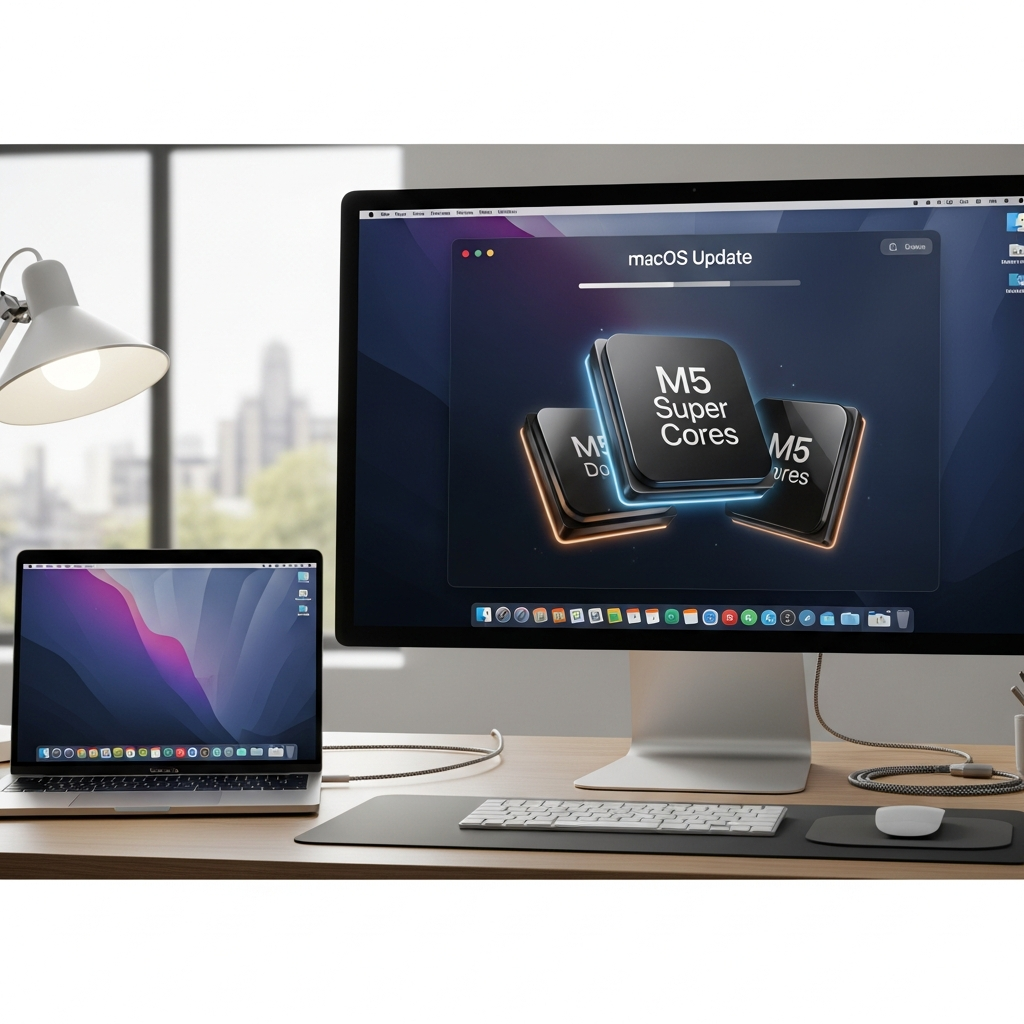
The latest macOS Tahoe 26.3.1 update from Apple brings more than just routine stability improvements. It introduces a significant shift in how Apple names its M5-series CPU cores, now featuring “super” cores, alongside crucial support for the company’s new Studio Displays. This essential software patch, released recently, ensures optimal compatibility and clarifies Apple’s evolving chip nomenclature for compatible Mac users. Understanding these changes is key for M5 MacBook Pro owners and anyone considering Apple’s latest external monitors.
Decoding Apple’s New “Super” CPU Core Nomenclature
Apple is refining the language it uses to describe the powerhouse components within its M5-family processors. What were once recognized as “performance” CPU cores on the standard M5 chip are now officially rebranded as “super” cores. This change, rolled out with macOS Tahoe 26.3.1, reflects an internal re-categorization rather than a physical hardware upgrade. Users should not anticipate any actual difference in computing behavior or performance from their Mac after installing this update.
This renaming strategy stems from the recent announcement of the M5 Pro and M5 Max chips. With these advanced processors, Apple has introduced a new, third tier of CPU core. This intermediate core is now designated as the “performance” core, slotting in between the top-tier “super” cores and the existing “efficiency” cores, which retain their original name. Essentially, the “performance” label has been elevated, creating room for an even higher class of core.
The macOS Tahoe 26.3.1 update officially applies this “super” designation retroactively to the existing M5 processor’s high-power cores. If you own an M5 MacBook Pro – currently the sole M5-family Mac released before this naming convention shift – you’ll observe this change within system utilities. Both the System Information app and Activity Monitor will now display your previously labeled “performance” cores as “super” cores. Newer Macs shipping with M5, M5 Pro, and M5 Max chips will already use these new designations right out of the box.
Essential Support for Apple’s New Studio Displays
Beyond the CPU core renaming, a primary function of the macOS Tahoe 26.3.1 update is to provide indispensable support for Apple’s cutting-edge Studio Displays. These aren’t just ordinary monitors; they integrate advanced hardware, including Apple’s A19-series chips, a significant leap from the A13 found in the original Studio Display. Running iOS-derived software internally, these displays likely require a more complex communication protocol with your Mac than standard Thunderbolt and DisplayPort signals.
To leverage the full capabilities and ensure robust functionality of the new Studio Display and Studio Display XDR, Mac users must be running macOS 26.3.1 or a later version. This update ensures a wide array of Apple Silicon machines can seamlessly connect and drive these advanced Thunderbolt 5 screens. Compatibility extends across machines from the original M1 generation right up to the latest M5-powered MacBooks. This broad support underscores Apple’s commitment to integrating its newest peripherals with both recent and slightly older Apple Silicon hardware.
It’s crucial to note that not all Macs are compatible with these new Studio Displays. Even among supported models, some may not be capable of driving the Studio Display XDR at its maximum 120 Hz refresh rate. Notably, the most recent Intel-based Macs are explicitly excluded from the support list. This marks a clear strategic pivot towards Apple Silicon for complete compatibility and optimal performance with Apple’s latest display technology.
What macOS Tahoe 26.3.1 Means for Your Mac
This specific point release is part of the larger macOS Tahoe 26 ecosystem. macOS Tahoe, known officially as version 26, is Apple’s latest operating system, introducing a visually striking “Liquid Glass” design and extensive functional enhancements. Key features in the broader Tahoe release include an enhanced Spotlight with a native clipboard manager and intelligent search, new cross-platform synergy with a full-fledged Phone app on Mac, and the introduction of Live Activities. The 26.3.1 update fine-tunes this experience, offering targeted improvements crucial for specific hardware.
While the core naming change affects M5-family Macs, those with older-generation M-series processors, such as the M1 through M4, will not see any difference in their core labeling. Their “performance” cores will remain “performance” cores, and “efficiency” cores will stay as such. This update focuses on the M5 architecture and the specific requirements of the new Studio Displays. For general system stability and security, macOS Tahoe 26.3.1 also includes underlying bug fixes designed to improve overall performance and reliability, aligning with Apple’s continuous development cycle.
Keeping your Mac updated is vital, not just for new features and compatibility, but also for security. While Apple does provide security updates for older macOS versions for a period, only the latest macOS versions are guaranteed to receive every critical patch. For new M5 Macs, downgrading to an older macOS version like Sequoia 15 is generally impossible due to Apple’s policy of not backporting drivers for newer hardware. Therefore, staying on macOS Tahoe, and specifically keeping up with minor updates like 26.3.1, is the safest and most functional approach for these devices.
Why the Shift in Nomenclature?
Apple’s decision to rename “performance” cores to “super” cores for the M5 series, while introducing a new “performance” tier, is likely a multifaceted strategic move. From a marketing perspective, “super” evokes a sense of unmatched power and premium capability, clearly differentiating the highest-performing cores. This can help shape consumer perception and reinforce Apple’s leadership in custom silicon design. It also creates a clearer hierarchy, making it easier to communicate the varying power levels within its M-series chip lineup to consumers.
Technologically, this shift may signal Apple’s long-term roadmap for its chip architecture. By introducing a new “performance” tier, it suggests that future M-series chips could feature even more diverse core types, perhaps with ultra-low-power efficiency cores, standard performance cores, and increasingly specialized “super” or even “ultra” cores for demanding tasks. This allows for greater flexibility in design, optimizing for a wider range of workloads from everyday computing to intensive professional applications like video editing, 3D rendering, and AI processing.
This careful redefinition of core capabilities could also be a response to the rapidly evolving competitive landscape, where every major tech company is constantly refining its hardware and software to gain an edge. Apple’s focus on its integrated ecosystem, from macOS to custom silicon and peripherals like the Studio Display, is a key differentiator. The 26.3.1 update reinforces this strategy, ensuring that the latest hardware and software work together seamlessly, providing a cohesive and optimized user experience that continues to push the boundaries of desktop computing.
Frequently Asked Questions
What exactly does the macOS Tahoe 26.3.1 update change regarding CPU cores?
The macOS Tahoe 26.3.1 update primarily implements a name change for the high-performance CPU cores in M5-family Macs. What were previously known as “performance” cores on the standard M5 chip are now officially rebranded as “super” cores. This change is purely cosmetic and does not alter the actual performance or behavior of your Mac. This re-labeling also coincides with the introduction of a new, intermediate “performance” core type for the M5 Pro and M5 Max chips, creating a clearer hierarchy among Apple’s CPU core designations.
Is my Mac compatible with Apple’s new Studio Displays, and what macOS version is required?
To ensure full compatibility and functionality with Apple’s new Studio Display and Studio Display XDR, your Mac must be running macOS Tahoe 26.3.1 or a later version. These displays are primarily supported by Apple Silicon Macs, ranging from the original M1 generation all the way up to the latest M5-powered MacBooks. However, not all Macs are supported, and notably, the most recent Intel-based Macs are excluded from the compatibility list. Always check the specific product pages for the Studio Displays to confirm your Mac’s eligibility and optimal refresh rate support.
Should I install the macOS Tahoe 26.3.1 update immediately on my M5 MacBook Pro?
Yes, it is highly recommended to install the macOS Tahoe 26.3.1 update on your M5 MacBook Pro. While the CPU core change is cosmetic, the update also provides critical support for Apple’s new Studio Displays and includes general “under-the-hood” bug fixes to improve system stability and performance. Keeping your macOS version current ensures you have the latest security patches and maintains compatibility with Apple’s newest hardware and software features. You can install it over the air via “Software Update” in System Settings.
Conclusion
The macOS Tahoe 26.3.1 update marks a subtle yet significant evolution in Apple’s approach to its M-series chips and peripheral ecosystem. By redefining its CPU core nomenclature to introduce “super” cores for the M5 family, Apple is not just rebranding; it’s potentially laying the groundwork for even more advanced chip architectures and clearer product differentiation in the future. Simultaneously, the crucial support for the new Studio Displays underscores Apple’s commitment to an integrated hardware and software experience.
For M5 MacBook Pro users, this update clarifies your Mac’s internal components, even if performance remains unchanged. For anyone eyeing Apple’s latest displays, macOS Tahoe 26.3.1 is an essential requirement. Staying up-to-date with these software releases ensures you benefit from the latest features, security enhancements, and optimal compatibility within the ever-expanding Apple ecosystem. Don’t delay in updating your eligible Mac to experience the full benefits of macOS Tahoe 26.3.1.