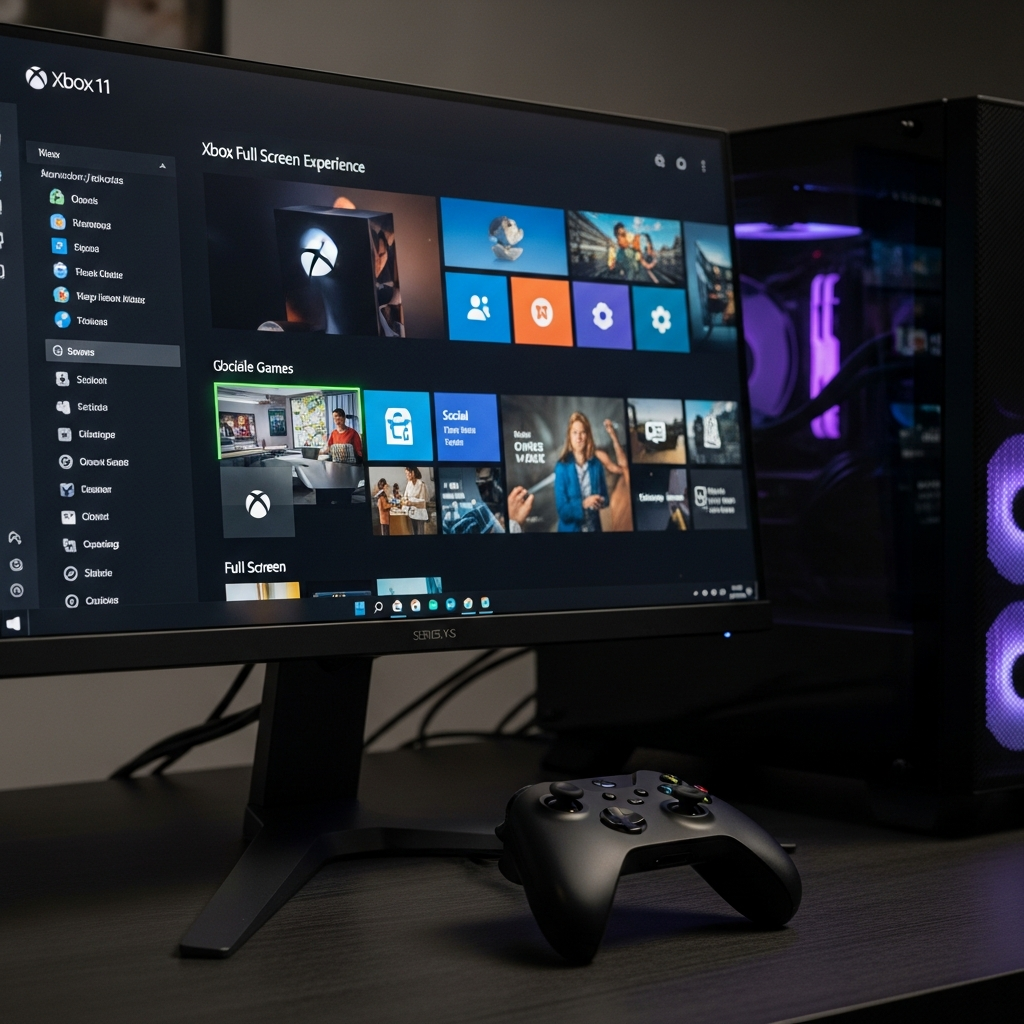
Windows 11 is leveling up its gaming prowess, as Microsoft unveils the public preview of the Xbox Full Screen Experience (FSE) for dedicated gaming PCs. This highly anticipated feature, previously exclusive to compact handhelds, promises to transform your desktop or laptop into a streamlined, console-like gaming hub. Gamers can now dive into a distraction-free interface, designed from the ground up for controller-first play, marking a pivotal moment in Microsoft’s strategy to cement Windows as the premier platform for all forms of PC gaming.
Xbox Full Screen Experience: A New Era for PC Gaming
The Xbox Full Screen Experience is a bespoke interface engineered to provide a seamless, console-style gaming environment directly on your Windows 11 PC. Imagine booting straight into your game library, bypassing the traditional Windows desktop entirely. This is precisely what FSE aims to deliver. Microsoft’s vision is clear: offer a clean, immersive gaming experience that prioritizes your games and removes the typical desktop distractions. While it first debuted on devices like the Xbox Ally and MSI Claw, its expansion to full-fledged gaming PCs signifies a major leap for Windows 11’s gaming aspirations.
Unlocking Console-Like Immersion on Your PC
At its core, the Xbox Full Screen Experience is all about immersion and ease of use. It’s crafted with console-style navigation in mind, ensuring that pairing a controller to your PC provides a fluid, intuitive experience. No more fumbling with mouse and keyboard just to launch a game or switch between applications. This dedicated environment allows for smooth task switching and presents a unified front for your entire gaming library. Whether you’re on a desktop, laptop, or even a larger tablet, the goal is to make your PC feel as responsive and game-ready as a dedicated console.
Performance Boosts: More RAM for Your Games
One of the most compelling technical advantages of the Xbox Full Screen Experience is its impact on system performance. When FSE is active, it intelligently bypasses the loading of the full Windows desktop and many non-essential background processes. This includes suppressing the Explorer shell and other components of a typical Windows 11 installation. The result? Significant memory savings, often freeing up approximately 2GB of RAM.
For gamers, this translates directly into better performance. More available memory means games can run more efficiently, potentially leading to improved frame rates and smoother gameplay, especially in demanding titles. This optimization, crucial for handheld devices with limited RAM, offers tangible benefits for all Windows 11 gaming PCs, ensuring your system’s resources are focused squarely on your gaming experience.
Your Universal Gaming Hub: A Unified Library
Beyond performance, the Xbox Full Screen Experience acts as a powerful, universal game launcher. It boots you directly into the Xbox PC app, which then becomes a central hub for all your games. This means titles from the Microsoft Store, Battle.net, Steam, Epic Games Store, and other digital storefronts are consolidated into one streamlined, controller-friendly interface.
Navigating your diverse game collection has never been easier. The FSE also integrates a dedicated Game Bar, purpose-built for quick access and seamless switching between different games and launchers. This consolidation resolves a long-standing challenge for PC gamers: managing multiple platforms. With FSE, your entire digital library is unified under one roof, ready to launch with the flick of a thumbstick.
How to Access the Xbox Full Screen Experience Preview
If you’re eager to try out this revolutionary feature, you’ll need to meet a couple of requirements. The Xbox Full Screen Experience is currently available through Microsoft’s Insider programs. Here’s what you need to do:
Join the Windows Insider Program: You’ll need to be registered in either the Dev or Beta Channels to access the latest preview builds.
Join the Xbox Insider Program: This ensures you receive specific gaming-related previews and updates.
- Update Windows 11: The feature is accessible as of Windows 11 preview build 26220.7271. Make sure your system is up to date.
- www.windowscentral.com
- www.theverge.com
- www.techbuzz.ai
- www.webpronews.com
- www.notebookcheck.net
Once registered and updated, the feature is off by default. To enable it, navigate to Settings > Gaming > Full screen experience, and then select Xbox as your home application. After activation, you can access the interface via the Task View or by simply pressing the Windows key + F11 simultaneously. Keep in mind that the rollout is gradual, so you might not see it immediately.
Microsoft’s Strategic Play: Fortifying Windows Gaming
Microsoft bringing the Xbox Full Screen Experience to mainstream gaming PCs is more than just a new feature; it’s a significant strategic move. In a competitive landscape featuring devices like Valve’s Steam Deck and the recent announcement of Steam Machines, Microsoft is clearly doubling down on making Windows 11 the undisputed champion of PC gaming. This initiative aims to “nail the ‘console experience'” on top of Windows 11, bridging the gap between the flexibility of PC gaming and the simplicity of console play.
This move also deeply integrates Xbox DNA into Windows, aiming to bolster the Xbox Game Pass subscription service and unify the broader Microsoft gaming ecosystem. By providing a standardized, optimized gaming overlay, Microsoft is doing the “heavy lifting on software optimization,” offering substantial support to hardware manufacturers like Asus and MSI. The ultimate goal is to offer the “best of both worlds”: extensive Windows game compatibility combined with a refined, purpose-built gaming interface.
Early Impressions and What’s Next
Early testing, including on the Xbox Ally, has shown tremendous promise for the Xbox Full Screen Experience. Users have lauded its ability to make Windows much easier to navigate with a gamepad. However, as with any preview, there have been some minor glitches reported, such as occasional controller functionality issues with certain applications or clunky aspects of Windows sometimes interfering. These are typical for early builds, and Microsoft is committed to iterative improvements.
The full public rollout of FSE for all Windows-based handhelds began on November 21st, 2023. For traditional Windows 11 gaming PCs, the Xbox Full Screen Experience is anticipated to become generally available to all users sometime in the new year. This ongoing development underscores Microsoft’s dedication to continuously enhancing the gaming appeal of Windows 11, promising a more streamlined and powerful future for PC gamers worldwide.
Frequently Asked Questions
What is the Xbox Full Screen Experience and how does it improve PC gaming?
The Xbox Full Screen Experience (FSE) is a new, console-style user interface designed by Microsoft for Windows 11 gaming PCs. It improves PC gaming by bypassing the traditional Windows desktop, booting directly into a streamlined, distraction-free environment optimized for controller-first play. FSE also frees up approximately 2GB of system RAM by suppressing unnecessary background processes, leading to better game performance, improved frame rates, and potentially longer battery life on portable devices. It unifies your game library across multiple launchers into one accessible hub.
How can I try the Xbox Full Screen Experience preview on my Windows 11 PC?
To access the Xbox Full Screen Experience preview on your Windows 11 PC, you must be registered in both the Windows Insider Program (Dev or Beta Channels) and the Xbox Insider Program. Ensure your Windows 11 installation is updated to preview build 26220.7271 or later. Once updated and enrolled, enable the feature by navigating to Settings > Gaming > Full screen experience and selecting Xbox as your home application. You can then launch it via Task View or by pressing the Windows key + F11.
What are the main benefits of using the Xbox Full Screen Experience for PC gamers?
The main benefits of the Xbox Full Screen Experience for PC gamers include a significantly more fluid, console-like gaming experience, especially with a controller. It offers a distraction-free environment by minimizing the Windows desktop, boosts game performance through substantial RAM savings, and unifies your entire game library (from Steam, Battle.net, etc.) into one easy-to-navigate interface. This makes PC gaming more accessible and polished, rivaling dedicated consoles and positioning Windows 11 as a truly optimized platform for all types of gaming.
Conclusion
The introduction of the Xbox Full Screen Experience to Windows 11 gaming PCs is a transformative step for Microsoft and the wider PC gaming community. By blending the robust capabilities of Windows with the seamless simplicity of a console, Microsoft is not just offering a new feature; it’s redefining the user journey for controller-first PC gamers. As this innovative interface moves beyond its preview phase towards a general release, it promises to solidify Windows 11’s position as a truly dynamic and comprehensive platform, delivering unparalleled value and an engaging experience for every gamer. Keep an eye on Windows updates in the new year for this game-changing rollout!