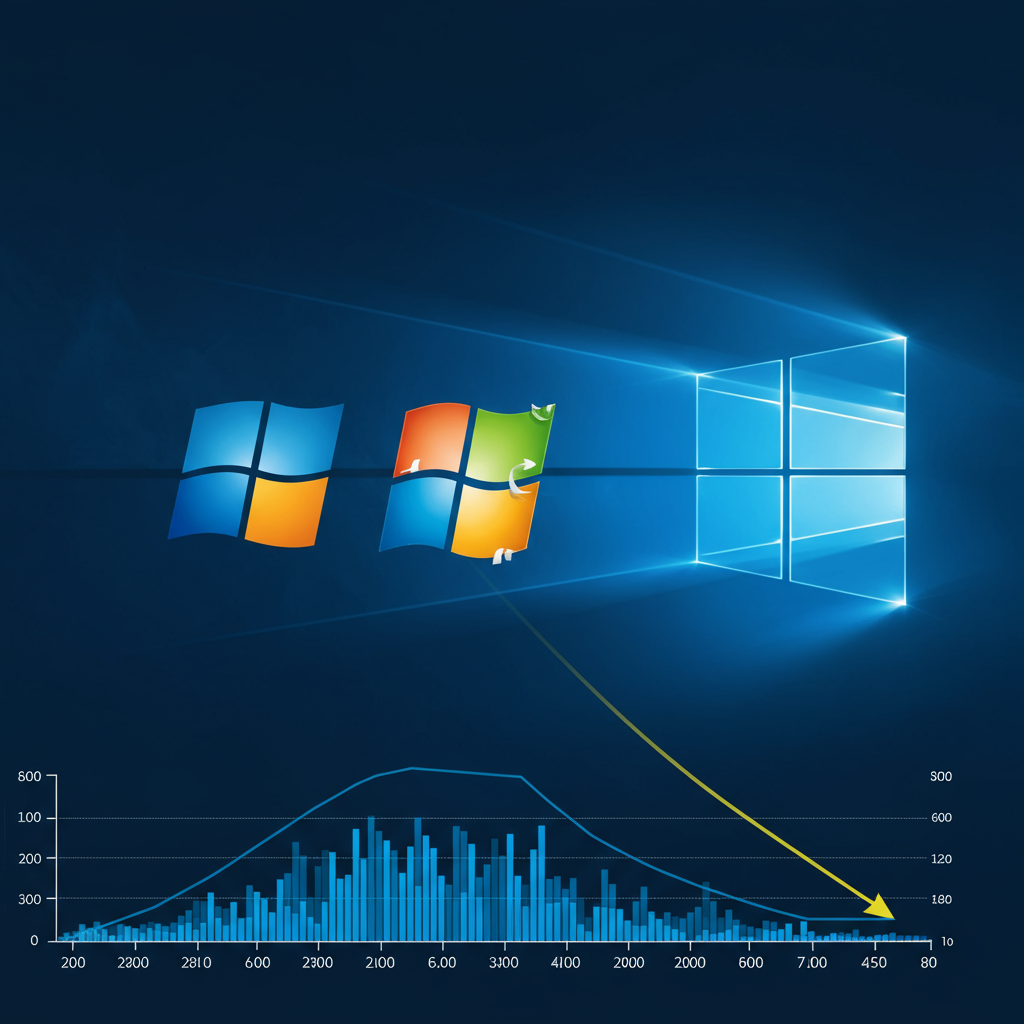
windows 11 has officially surpassed Windows 10 as the most popular desktop operating system globally. This significant milestone, confirmed by recent StatCounter data, marks the end of Windows 10’s nearly seven-year reign. The shift arrives just months before Windows 10 is set to lose free security support, prompting millions of users to consider upgrading or changing their plans.
The transition reflects a pivotal moment in the Windows ecosystem. While Windows 11’s journey to the top was slower than anticipated, its current dominance signals a clear trend ahead of a critical deadline. Understanding this shift requires looking at the data, the factors that influenced adoption, and the crucial security implications for users worldwide.
The Data Confirms the Shift
Market share data from analytics firm StatCounter provides concrete evidence of this transition. According to their figures, Windows 11 now powers approximately 52% of desktop and laptop computers running Windows globally. This puts it firmly ahead of its predecessor.
In contrast, Windows 10, which held the top spot since early 2018, has dropped to around 45% market share. While precise percentages from different sources may vary slightly, the overall trend is undeniable: Windows 11 is now the leading version of microsoft‘s flagship operating system based on active usage. This change impacts hundreds of millions of machines globally.
A Slow Start: Why Windows 11 Took Its Time
Windows 11’s path to market dominance was not as rapid as previous Windows versions. Launched in October 2021, its initial adoption lagged significantly behind Windows 10. Windows 10 reached the 400 million device milestone within just one year of its release. Windows 11 took twice as long to hit that same number.
A major roadblock for Windows 11 was its stricter minimum system requirements. These demands necessitate more modern CPUs and specific security features like TPM 2.0. Consequently, millions of older Windows 10 PCs were deemed incompatible. This prevented many users from taking advantage of the free upgrade path offered by Microsoft. The complexities of migration and device refresh cycles also contributed to slower uptake, particularly within the business sector. Last year, analysis indicated over 82% of enterprise devices still ran Windows 10.
The Impending Windows 10 End-of-Life Drives Migration
The recent acceleration in Windows 11 adoption isn’t happening in a vacuum. It aligns almost exactly with the looming end-of-life (EOL) date for Windows 10. On October 14, 2025, Windows 10 will stop receiving free security updates and crucial bug patches from Microsoft.
Remaining on an unsupported operating system after this date poses significant cybersecurity risks. Without updates, systems become vulnerable to new malware, ransomware, and evolving hacking techniques. Cybersecurity experts like Steve Prescott-Jones warn of increased exposure to threats for enterprises and individual users alike. He also notes that operating an unsupported OS can lead to operational inefficiencies and compliance issues for businesses. The security imperative is now a major factor compelling users to make a change.
Microsoft’s Push and User Options
Microsoft has actively worked to encourage users to transition to Windows 11. This includes utilizing full-screen prompts on Windows 10 PCs reminding users of the impending deadline. They’ve also used social media and marketing efforts to push the upgrade. Company executives have reportedly branded 2025 as the “year of the Windows 11 PC refresh.”
Users still running Windows 10 face several key options as the EOL date approaches. The most straightforward is upgrading to Windows 11, assuming their hardware meets the requirements. For those with incompatible older PCs, purchasing a new computer with Windows 11 preinstalled becomes a strong consideration.
Microsoft has also introduced options for those who wish to remain on Windows 10 temporarily. While paid Extended Security Updates (ESU) will be available after October 2025, Microsoft is offering a way to receive the first year of ESU for free. This requires signing into a Microsoft account and enabling Windows Backup to sync your Documents folder to OneDrive. Users unwilling to use cloud sync must pay for ESU, priced at $30 per year or redeemable via 1,000 Microsoft Reward points annually. Switching to an alternative operating system like Linux or ChromeOS is another path some users might explore.
Implications for Users and the Future of Windows
The shift to Windows 11 isn’t just about market share numbers; it impacts user experience and future hardware trends. Windows 11 has recently become the most popular OS among PC gamers on platforms like Steam, indicating its growing acceptance in performance-sensitive segments. Microsoft has also signaled a focus on stability for 2025. They plan to keep version 25H2 on the same platform release as 24H2, aiming to avoid compatibility issues.
Despite its newfound dominance, Windows 11 still faces some user criticism. The strict hardware requirements continue to be a point of contention. Millions of users with functional older PCs feel pressured to buy new hardware if they want to stay on a supported Windows version. Other criticisms include the requirement for a Microsoft account and internet connection during the initial setup process, along with concerns about pre-loaded “bloatware” and advertisements. However, these lingering issues haven’t halted the overall migration trend. The pressing security deadline appears to be the primary driver overriding these hesitations for a significant portion of the user base.
Frequently Asked Questions
Why did Windows 11 take nearly four years to become the most popular OS?
Windows 11 experienced a much slower initial adoption rate compared to its predecessor, Windows 10. A primary reason for this delay was its stricter minimum hardware requirements. Many older PCs did not meet the necessary specifications for CPUs and security features like TPM 2.0, making them ineligible for the free upgrade and requiring users to upgrade their physical hardware.
How can Windows 10 users get free security updates after the October 14, 2025 deadline?
While paid Extended Security Updates (ESU) will be available, Microsoft offers a way to get the first year for free. Users must sign into a Microsoft account and enable Windows Backup, syncing their Documents folder to OneDrive. If these conditions are not met, continuing updates will require payment, currently priced at $30 per year or 1,000 Microsoft Reward points annually.
What are the risks of staying on Windows 10 after support ends?
Remaining on Windows 10 past October 14, 2025, means your system will cease receiving crucial free security updates and bug fixes. This significantly increases your exposure to modern cyber threats like malware, ransomware, and zero-day exploits that target unpatched vulnerabilities. Experts warn this also risks operational inefficiencies and potential compliance issues for businesses.
Conclusion
The shift seeing Windows 11 finally overtake Windows 10 in market share represents a significant changing of the guard. Fueled by its steady organic growth and a crucial push from Microsoft ahead of the Windows 10 end-of-life date, Windows 11 has achieved dominance. While challenges like hardware compatibility persist, the overwhelming security risks associated with using an unsupported operating system are the primary driver accelerating migration. As the October 14, 2025 deadline draws nearer, the trend towards Windows 11 is expected to continue, fundamentally reshaping the landscape for Windows users worldwide and highlighting the importance of staying on a supported version.