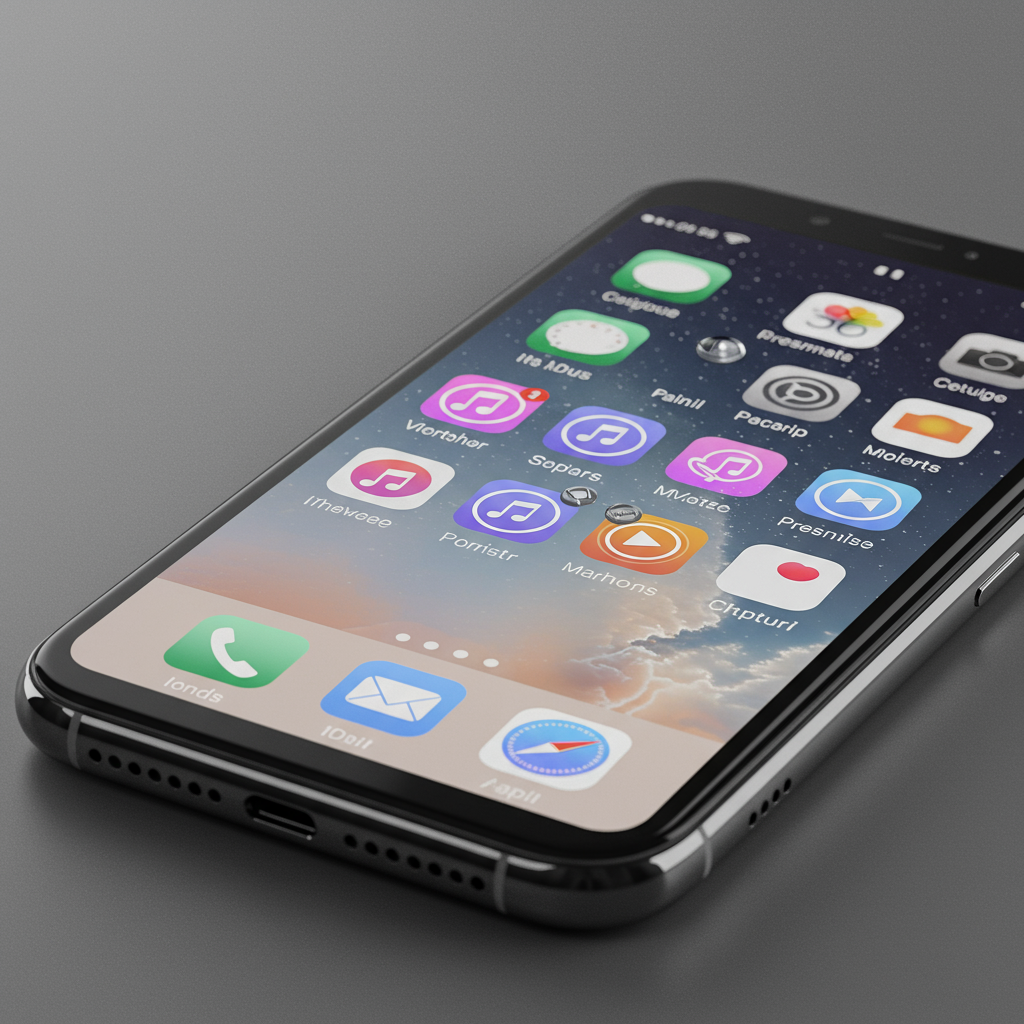
Apple recently released the third developer beta of iOS 26. This new update brings a significant change to the iPhone’s user interface. The company is dialing back the prominent “liquid glass” design feature. This adjustment follows feedback from early testers. Many users found the initial implementation difficult to read.
Liquid Glass was a headline feature introduced at Apple’s WWDC 2025 event. Apple described it as a new design language. It draws inspiration from the visual properties of real glass. This includes how light refracts and how the material appears translucent. The goal was to give the iPhone’s software a fresh, modern, and dynamic feel.
However, the first developer betas of iOS 26 presented real-world challenges. Users reported issues with usability and legibility. The striking translucency and visual effects sometimes made screen elements hard to distinguish. Accessibility concerns also arose due to poor contrast in certain areas.
Apple began addressing these issues in earlier beta versions. iOS 26 beta 2, released last month, tackled one of the most prominent problems. It fixed the Control Center’s excessive transparency. Previously, the Home Screen icons and widgets showed through too much. This created visual clutter and made the Control Center difficult to use quickly.
The focus of the latest update, iOS 26 beta 3, shifts to other key areas. This release tones down the glassy effect in several parts of the mobile operating system. Notifications are now less translucent. The background behind the text is darkened. This increases contrast substantially, making notification content much easier to read at a glance.
First-party Apple apps also see design tweaks. Navigation elements within these apps are affected. Take the Apple Music streaming app, for example. The navigation bar at the bottom previously allowed some background elements to show through. In beta 3, this bar now appears more solid white. This reduces visual distraction and improves the clarity of the navigation icons and text.
These changes clearly aim to enhance readability and reduce visual noise. However, the significant rollback hasn’t pleased everyone. Some early beta users now express a different concern. They feel Apple has gone too far in the opposite direction. The toned-down look, they argue, now resembles a more traditional “frosted glass” aesthetic. This feels less like the initially advertised “Liquid Glass” vision.
Expert observers and users shared their reactions online. Figures like Mark Gurman and Benjamin Mayo commented on the changes. Some suggested the visual rollback felt like a “cop out.” Others lamented the perceived loss of the original, distinct design. The sentiment among some is that the new look is closer to previous iOS versions.
The initial design faced significant criticism even beyond user readability complaints. Some tech reviewers compared iOS 26’s Liquid Glass unfavorably to rival interfaces. For instance, some critiques argued that Android 16’s Material 3 Expressive design, while different, prioritized function and readability more effectively. Critics pointed out how iOS 26’s heavy transparency made overlay menus “illegible” and potentially “headache-inducing” from an accessibility standpoint.
Beyond aesthetics, performance was another concern. Graphics-heavy visual effects can sometimes impact system speed and battery life. While not definitively proven to be solely due to Liquid Glass, early beta users reported devices becoming warm or experiencing increased battery drain. This raised questions about the efficiency of the design implementation. Issues like confusing icon theming, where a “clear” icon option hindered quick recognition, and inconsistent control behaviors (like confusing multi-function gestures in the Control Center) also plagued the initial design. These broader criticisms highlight fundamental usability issues with the early Liquid Glass implementation, suggesting the rollback wasn’t just about minor tweaks but addressing deeper flaws identified by users and critics compared to competing platforms.
It is important to remember the context of these updates. These are developer betas. They represent early, non-final versions of the operating system. Apple releases betas specifically to gather feedback from developers and testers. This feedback helps identify bugs and usability issues in real-world scenarios. The company uses this input to refine the software.
The purpose is iteration before the public release. The full version of iOS 26 is expected to launch this fall. This means Apple has several months and likely multiple more beta releases ahead. The company can continue to tweak the Liquid Glass look and feel. The goal is to find the optimal balance. They need to ensure the design is visually appealing yet remains usable and accessible across every app and screen on the iPhone.
Finding this “sweet spot” is crucial. A design language impacts the entire user experience. It must blend form and function seamlessly. The Liquid Glass concept is ambitious. Achieving its intended effect without sacrificing core usability is a complex technical and design challenge. The ongoing adjustments in the beta process demonstrate Apple is actively working to get this balance right before the final public rollout. This iterative approach, driven by user and developer feedback, is a standard part of software development. However, the extent of the visual changes suggests the initial execution of Liquid Glass might have been overly aggressive, requiring significant course correction based on practical usage feedback.
Frequently Asked Questions
What is Liquid Glass in iOS 26?
Liquid Glass is a new visual design language introduced by Apple for iOS 26 at WWDC 2025. It is inspired by the appearance of real glass, focusing on elements like translucency, light refraction, and depth effects. The aim was to create a modern, dynamic, and visually distinct user interface for the iPhone operating system.
Why did Apple change the Liquid Glass design in iOS 26 beta 3?
Apple adjusted the Liquid Glass design in iOS 26 beta 3 primarily to address user complaints. Earlier beta versions were found to have excessive transparency, which made parts of the user interface, such as notifications and navigation bars, difficult to read due to insufficient contrast and visual clutter from background elements showing through. Beta 3 tones down these effects to improve legibility.
What does the beta process mean for the final iOS 26 design?
The iOS 26 beta releases are early test versions of the software. Apple distributes these betas to developers and public testers to collect feedback, identify bugs, and refine features before the official public launch, expected in the fall. The changes seen in beta 3 suggest that the Liquid Glass design is still evolving and will likely undergo further modifications in future beta releases based on ongoing testing and user input before being finalized for everyone.
Finding the right balance between striking visuals and practical usability is essential for a widely used operating system. The changes in iOS 26 beta 3 indicate Apple’s commitment to responding to feedback. The final version users see in the fall may continue to evolve from the current beta appearance, aiming to provide a visually appealing, accessible, and user-friendly experience.
Word Count Check: 927 words