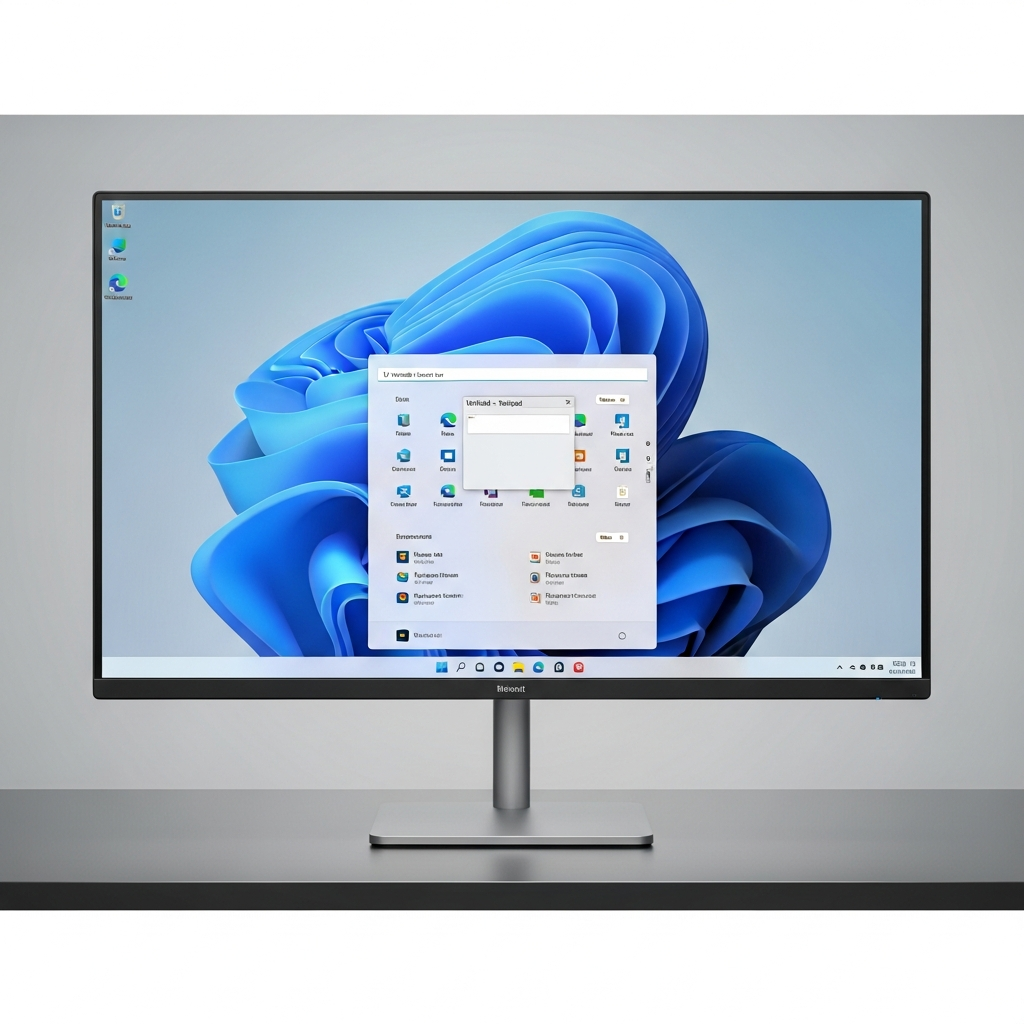
Microsoft is signaling a pivotal shift for Windows 11, moving towards a significantly “calmer” and more user-friendly operating system. This strategic pivot, revealed amidst widespread user frustration and an acknowledged decline in its reputation, involves scaling back aggressive advertisements and “upsells,” alongside granting users unprecedented control over system updates. The tech giant is actively responding to feedback, aiming to rebuild trust and redefine the Windows 11 experience for millions globally.
This overhaul comes after a period where Windows 11’s intrusive promotions and update policies drew sharp criticism. Users reported a constant barrage of nudges towards Microsoft’s services, often feeling their purchased OS was a vehicle for relentless advertising. Microsoft’s leadership now appears committed to fostering a more respectful relationship with its user base, prioritizing genuine value and a less disruptive computing environment.
The Shifting Tides: Why Microsoft is Rethinking Windows 11
The journey to a calmer Windows 11 stems from a critical period of user dissatisfaction. By early 2026, Windows 11’s reputation had reportedly hit an all-time low. This decline wasn’t just anecdotal; it was fueled by a confluence of persistent bugs and an aggressive integration of AI features. Recent updates, for instance, were linked to severe issues, including BitLocker recovery triggers, detrimental impacts on game performance, boot failures, and even “Black Screen of Death” crashes.
Beyond technical glitches, the pervasive “Copilotification” of the operating system sparked significant backlash. Users found Copilot integrated into core areas like the Start menu and Notepad, often feeling it transformed essential utilities into cluttered “AI playgrounds.” This widespread discontent even led some frustrated users to coin the term “Microslop,” encapsulating their exasperation with Microsoft’s direction. The company is now in “damage-control mode,” recognizing the urgent need to win back its loyal audience, including enterprise users.
A Calmer OS: Less Noise, More Focus
Microsoft’s commitment to a more serene user experience is now official. Scott Hanselman, a prominent Microsoft engineering leader, publicly affirmed on X that a “calmer and more chill OS with fewer upsells is a goal.” This statement directly addressed user complaints regarding what many perceived as “borderline malware tactics” employed to push services like Edge, Bing, and other Microsoft offerings.
Past tactics included displaying Bing Chat (now Copilot) pop-ups within Google Chrome and even attempting to automatically reset default browser settings, installing Bing extensions without clear consent. While some of these specific pop-ups were rolled back due to public outrage, they underscored a significant “upsell problem” within Windows 11. Users frequently encountered promotions for Microsoft 365, OneDrive, and Copilot during initial setup. Edge promotions also often appeared as full-screen alerts for Chrome users.
These aggressive promotions will now be significantly scaled back. Moreover, Microsoft is considering other user-centric changes. This includes potentially eliminating the mandatory Microsoft account sign-in during the Out-Of-Box Experience (OOBE) setup, offering users greater privacy and control from the very first interaction. This signals a broader reset, moving away from forced adoption towards a more opt-in model.
Reclaiming Control: User-Centric Updates
One of the most significant changes addresses the long-standing “Windows Update nightmare.” Pavan Davuluri, the Windows boss, has pledged a fundamental shift in how Windows 11 handles updates, aiming to rebuild user trust by giving back control. This marks a stark contrast to previous mandatory and often disruptive practices that frequently led to automatic shutdowns and lost work.
Microsoft’s new commitments for Windows 11 users include:
Indefinite Update Pausing: Users will gain the power to pause Windows updates “for as long as you need,” a stark departure from past forced installations.
No Forced Reboots: The system will allow users to reboot or shut down their computers “without being forced to install” pending updates.
Monthly Reboot Cycle: For users who choose not to pause updates, Microsoft promises only one required reboot per month, though faster update cycles will remain available for those who prefer them.
Improved Insider Program: Participation will become easier, with clearer communication about expected features and changes.
Beyond update control, Microsoft is also focusing on core performance and stability. A major update released on March 20, 2026, already introduced performance enhancements. These include a faster File Explorer, a transition of the Start menu to WinUI 3 (from web-based React components), and generally improved responsiveness under heavy loads. The company is committed to reduced memory consumption, quicker application launch times, fewer crashes, and more reliable device wake-up functionality throughout the year.
The initial device setup experience, a known pain point, is also being streamlined. Microsoft will offer the option to skip updates during OOBE to reach the desktop faster. Setup processes will feature “fewer pages and reboots,” even allowing gamepad controls to create a PIN, eliminating the need for a touchscreen.
The Nuance of AI: Scaling Back and Scaling Up Copilot
While Microsoft is scaling back intrusive Copilot entry points in some built-in apps, it’s simultaneously expanding Copilot’s core capabilities across all Windows 11 PCs. This nuanced strategy aims for “more intentional” AI integration, focusing on genuinely useful and well-crafted experiences rather than pervasive, unwanted suggestions. The company may even drop the “Copilot” branding from some AI features to emphasize performance improvements.
The “unnecessary Copilot entry points” will be reduced in apps like Notepad, Snipping Tool, Photos, and Widgets. For instance, in Notepad, where AI summarization or rewriting was seen as counterproductive, Copilot’s presence will be minimized or potentially removed. This addresses criticism that such integrations transformed basic utilities into AI-centric tools.
Simultaneously, Microsoft is aggressively rolling out advanced Copilot features like Voice, Copilot Vision, and Copilot Actions to all Windows 11 devices. This initiative, timed with the end of Windows 10 support in October 2025, aims to demonstrate AI’s practical value widely.
Voice Interaction: Users can now activate Copilot with “Hey, Copilot,” making voice a “third input mechanism” alongside the mouse and keyboard. Microsoft data suggests voice interaction doubles user engagement with Copilot.
Copilot Vision: This feature allows Copilot to “view” the user’s screen, offering context-aware assistance. It acts as a “floating toolbar,” providing tutorials or highlighting actions within any app. This feature, previously exclusive to Copilot+ PCs, is now available across all devices, even those without a dedicated Neural Processing Unit (NPU).
- Copilot Actions: Representing Microsoft’s vision for AI agents, this allows Copilot to perform tasks on the user’s behalf directly within apps. Instead of just showing a setting, Copilot Actions can enable or modify it, or even perform batch operations. “Connectors” will facilitate actions within apps like OneDrive, email, and third-party integrations.
- www.windowslatest.com
- www.theverge.com
- www.techradar.com
- www.windowslatest.com
- www.wired.com
This dual approach means users can expect a refined AI experience: less unsolicited AI nudges in simple apps, but more powerful, accessible, and integrated AI capabilities for complex tasks, ideally driven by user command rather than forced discovery.
Windows 10’s Shadow: The Urgency to Win Over Users
The urgency behind these changes is underscored by the continued prevalence of Windows 10. Despite its end of service in October 2025, Windows 10 still held a significant 36% market share in February 2026, compared to Windows 11’s 62%. This slow uptake of Windows 11 has prompted Microsoft to offer a paid Extended Security Update (ESU) program for Windows 10 users, providing crucial security patches for a fee that doubles annually.
While the ESU program offers a temporary lifeline, Microsoft’s ultimate goal remains to migrate users to Windows 11. These new user-centric improvements are crucial to making Windows 11 a more appealing, less frustrating upgrade for millions who have resisted the transition. A better, calmer Windows 11 serves not just Microsoft’s interests but also benefits the broader industry and consumers by fostering innovation and competition.
The Path Forward: A Commitment to Quality and Trust
Microsoft’s leadership is actively listening, pledging to “raise the bar on Windows 11 quality this year.” This commitment focuses on three critical areas: performance, reliability, and delivering “well-crafted experiences.” Users can expect tangible progress in these aspects in the coming weeks and months, with internal tests already revealing features like a movable taskbar and a native Start menu built for speed.
These comprehensive changes represent a significant effort to move beyond past missteps. By addressing core grievances around ads, forced updates, and intrusive AI, Microsoft aims to transform Windows 11 into an operating system that truly serves its users, fostering trust and a positive computing experience. The success of this ambitious reset will hinge on Microsoft’s ability to consistently deliver on these promises and genuinely listen to the community that cares deeply about the future of Windows.
Frequently Asked Questions
Why is Microsoft reducing ads and upsells in Windows 11?
Microsoft is scaling back ads and “upsells” in Windows 11 primarily due to significant user backlash and a decline in the operating system’s reputation. Users expressed frustration over aggressive promotions for Microsoft services, feeling their purchased OS was a vehicle for relentless advertising. This sentiment, encapsulated by the term “Microslop,” led Microsoft to enter “damage-control mode,” aiming to rebuild trust and provide a “calmer and more chill OS” as confirmed by engineering leaders.
What new control features for updates are coming to Windows 11?
Windows 11 is set to introduce several key user control features for updates to end the “Windows Update nightmare.” These include the ability to pause updates indefinitely (“for as long as you need”), ensuring no forced reboots for pending installations, and committing to only one monthly reboot for users who don’t pause updates. This initiative aims to give users unprecedented power over when and how their system updates, preventing disruptive interruptions and lost work.
How does Microsoft’s evolving Copilot strategy impact the average Windows 11 user?
Microsoft’s Copilot strategy involves a nuanced dual approach for Windows 11 users. While the company is reducing “unnecessary Copilot entry points” in basic apps like Notepad to create a less intrusive experience, it’s simultaneously expanding core Copilot capabilities system-wide. Users can expect powerful new features like voice interaction (“Hey, Copilot”), context-aware assistance via Copilot Vision, and the ability for Copilot to perform tasks directly within applications (Copilot Actions). This means less unsolicited AI integration but more powerful, user-invoked AI tools.