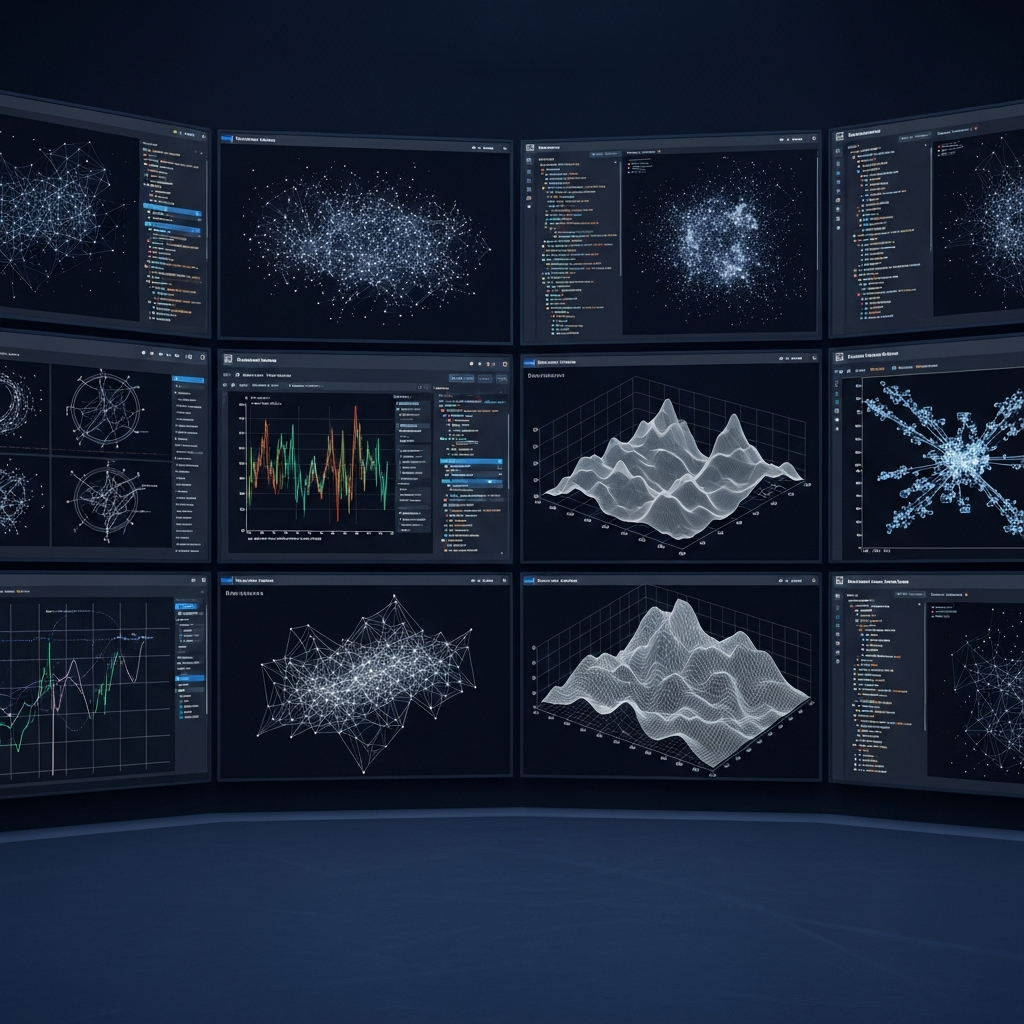
The world of artificial intelligence is rapidly evolving beyond simple text generation, ushering in an era where AI doesn’t just understand language, but also “sees,” creates, and interprets visuals. At the forefront of this transformation is Anthropic’s Claude, a powerful large language model (LLM) that is redefining how we interact with data and code through innovative visualization capabilities. This guide will explore how the Claude Visualizer and its underlying technologies are making complex information more accessible, empowering developers and non-technical users alike to unlock insights, build interactive applications, and even peer into the very “thoughts” of AI models themselves. Get ready to discover a new dimension of AI-driven understanding.
Beyond Text: How Claude AI Powers Interactive Visualizations
Claude is not just a conversational AI; it’s a dynamic platform capable of generating and analyzing visual content, marking a significant leap in AI application. Its advanced features extend far beyond traditional LLM tasks, venturing into the realm of dynamic visualization and interactive web development.
Building Web Apps and Visual Tools with Claude Artifacts
The concept of “vibe coding” — where you describe what you want, and AI generates the code — has democratized app development. Claude stands out in this space with Claude Artifacts, enabling users to build interactive applications and games directly within its chat interface, often with zero coding skills required. Imagine needing to visualize data from a complex CSV file. Instead of writing lines of code, you can simply prompt Claude. For instance, it can generate a fully functional, interactive web app using React, designed specifically to visualize your data, all from a single descriptive input. This dramatically shortens the path from idea to functional prototype, making sophisticated AI visualization tools accessible to everyone.
Furthermore, Claude’s capability extends to creating intricate visual representations of abstract processes. Users can request interactive React animations that illustrate complex systems, such as the internal workflow of an LLM, detailing tokenization or neural network layers. This allows for a deeper, more intuitive understanding of how these advanced models operate, transforming abstract concepts into tangible, visual experiences.
Claude as a Development Partner: The Case of the WebSerial Plotter
Claude’s influence on visualization isn’t limited to generating visuals directly. It also acts as a powerful assistant for developers building specialized visualization tools. Take, for example, the “better serial plotter” developed by Chris Greening for microcontrollers. This advanced web-based tool, designed to visualize real-time data from Arduino and ESP32 projects, significantly surpasses the limitations of standard IDE plotters. What’s remarkable is that Greening specifically utilized the Anthropic Claude large language model to assist in its development. This highlights how Claude functions as a sophisticated coding companion, helping engineers craft robust and interactive visualizers with greater efficiency.
This practical application resonates with Linus Torvalds’s recent, implicit adoption of AI-assisted programming for a Python visualization tool for his AudioNoise project. Despite his past skepticism, Torvalds bypassed traditional coding for this specific task, employing a new-generation AI programming tool. This shift underscores a broader trend: AI models like Claude are no longer just “toys” but have become invaluable “productivity revolutions,” transforming programming from a line-by-line skill into a process of describing requirements and verifying AI-generated output. Whether it’s crafting a complex serial plotter or a simple Python visualization, Claude is proving its mettle as an indispensable partner in the creation of visual software.
Decoding AI’s “Thoughts”: Visualizing LLM Internals with Claude-Backed Tools
Understanding how an AI arrives at its conclusions is becoming critically important. Anthropic, the creators of Claude, are leading the charge in this area, recognizing the growing disparity between AI capabilities and our understanding of their internal mechanisms. They’ve made significant strides in making LLM interpretability research accessible to the wider community through powerful visualization tools.
Unveiling Attribution Graphs for Interpretability
A groundbreaking initiative by Anthropic involves open-sourcing its circuit tracing tools. These innovations are designed to reveal the internal “thoughts” of an LLM, culminating in the generation of attribution graphs. These graphs partially expose the intricate computational steps a model undertakes to produce a specific output. Imagine being able to see the decision-making pathways within an AI – that’s what attribution graphs aim to achieve.
This open-source release includes a library for generating these graphs across various popular models, alongside a frontend hosted by Neuronpedia. Neuronpedia allows researchers and curious minds to interactively explore, visualize, and annotate the generated graphs. This interactive AI visualization not only helps in tracing circuits on supported models but also enables testing hypotheses by modifying feature values and observing changes in model outputs. Anthropic has already used these tools to investigate complex behaviors like multi-step reasoning and multilingual representations in models such as Gemma-2-2b and Llama-3.2-1b, pushing the boundaries of what’s visible within AI.
Why LLM Interpretability Matters for Future AI
The motivation behind open-sourcing these sophisticated interpretability tools is profound. As Anthropic CEO Dario Amodei notes, there’s an urgent need to bridge the gap between AI’s rapid advancements and our understanding of its inner workings. By democratizing access to these visualization tools, Anthropic aims to accelerate the community’s ability to scrutinize and comprehend language models. This isn’t just about curiosity; it’s about building safer, more reliable, and more trustworthy AI systems. The ability to visualize and understand internal AI processes is crucial for identifying biases, mitigating risks, and ultimately, guiding the development of more robust and beneficial AI.
Claude’s Versatile Models & Ecosystem for Visual Tasks
Anthropic’s commitment to diverse AI capabilities is evident in its Claude 4 family, offering models tailored for different computational needs, all of which can contribute to or benefit from visualization tasks.
Choosing the Right Claude Model for Your Visualization Needs
The Claude 4 family offers distinct models, each suited for varying visualization complexities:
Claude Opus: The flagship model, Opus is ideal for highly complex AI visualization tasks requiring deep analysis, intricate coding for custom visualizers, or handling long contexts for large datasets. It’s the most powerful and excels at non-trivial reasoning.
Claude Sonnet: Often described as the “workhorse,” Sonnet strikes a balance between performance and speed. It’s an excellent default choice for many practical visualization tasks, performing nearly on par with Opus but responding significantly faster.
Claude Haiku: This lightweight and fast model delivers answers almost instantly. It’s perfect for simple classification tasks, quick data summaries, or rapid prototyping where speed takes precedence over exhaustive depth, making it suitable for generating basic visual components.
Additionally, Claude offers an “Extended thinking” toggle, providing deeper reasoning for complex tasks, albeit with more processing time. This feature is particularly valuable when crafting nuanced visual explanations or debugging intricate visualization code.
Beyond Chat: Practical Features for Visual Thinkers
Claude’s robust ecosystem provides several features that directly enhance its Claude Visualizer capabilities:
Computer Vision: Claude can process and analyze visual input directly. You can attach images to chats and prompt Claude for feedback. This includes extracting information from charts, generating code from image snippets, or assessing website screenshots for design and conversion potential. For instance, analyzing a plant’s health from an uploaded photo.
Cowork Mode (Desktop App): Available in the desktop application for macOS and Windows, Cowork mode allows Claude to access a user-specified folder on your computer’s file system, work with its contents in real-time, and execute multi-step tasks in the background. This is incredibly powerful for data preparation, processing large datasets for visualization, or automating recurring visual reports.
Projects and Memory: Claude’s “Projects” act as persistent knowledge bases, allowing users to define shared contexts, instructions, and document sets. This is perfect for maintaining consistent instructions for specialized visualization assistants. The “Memory” feature saves user preferences and work context from past conversations, ensuring that Claude understands your preferred visual styles or data formats across sessions.
These features, combined with mobile and desktop apps that sync across devices, a Chrome extension for in-browser content analysis, and customizable personal preferences, make Claude a truly versatile tool for any visual-centric workflow.
The Future of Visualization: AI-Driven and Accessible
The era of the Claude Visualizer signals a profound shift in how we approach data, code, and understanding. AI is moving from a supporting role to a central player in the creation, interpretation, and accessibility of visual information. This paradigm-level leap, driven by advanced models like Claude, GPT-5.2, and Gemini 3, means that the act of writing code for visualization is transforming from a core “skill” into a readily available “tool.”
This revolution makes sophisticated AI visualization accessible to everyone, regardless of their programming background. For professionals, it redefines their role, shifting focus from meticulous syntax to higher-level architecture, problem description, and output verification. Programmers are becoming “code architects” and “AI trainers,” leveraging powerful AI to concentrate on more complex design and logical challenges. The future promises a landscape where insightful, interactive visualizations are no longer the exclusive domain of specialist developers but are within reach for anyone with a clear idea and the power of AI.
Frequently Asked Questions
What is the Claude Visualizer and how does it help users?
The Claude Visualizer refers to the expanding capabilities of Anthropic’s Claude AI in generating, analyzing, and assisting with visual content. It helps users by enabling “vibe coding” to create interactive web apps and visualizations (like React animations or data plotters) directly from text prompts, making app development accessible without traditional coding skills. It also includes Claude’s computer vision for analyzing images and its internal tools, like attribution graphs, for understanding AI’s own “thoughts” through visual representations, ultimately democratizing and enhancing data and code interpretation.
Where can I access Claude’s visualization capabilities or tools like Neuronpedia?
Claude’s direct visualization capabilities, such as generating interactive web apps or React animations, can be accessed through its main chat interface, leveraging features like “Claude Artifacts.” For advanced LLM interpretability and visualizing AI’s internal processes, Anthropic has open-sourced its circuit tracing tools, with a frontend hosted by Neuronpedia. You can find the open-source library on platforms like GitHub, and interact with the visualization features directly on Neuronpedia for exploring attribution graphs.
How does Claude’s “vibe coding” approach benefit those without programming skills?
Claude’s “vibe coding” approach is a game-changer for non-programmers. It allows individuals to describe their desired application or visualization using natural language prompts, and Claude generates the necessary code (e.g., React for web apps) to bring that vision to life. This eliminates the steep learning curve of mastering coding languages and syntax, enabling anyone to create functional, interactive tools like data visualizers or simple apps. This dramatically lowers the barrier to entry for app development, transforming complex coding into a simple descriptive process and empowering a wider audience to innovate.