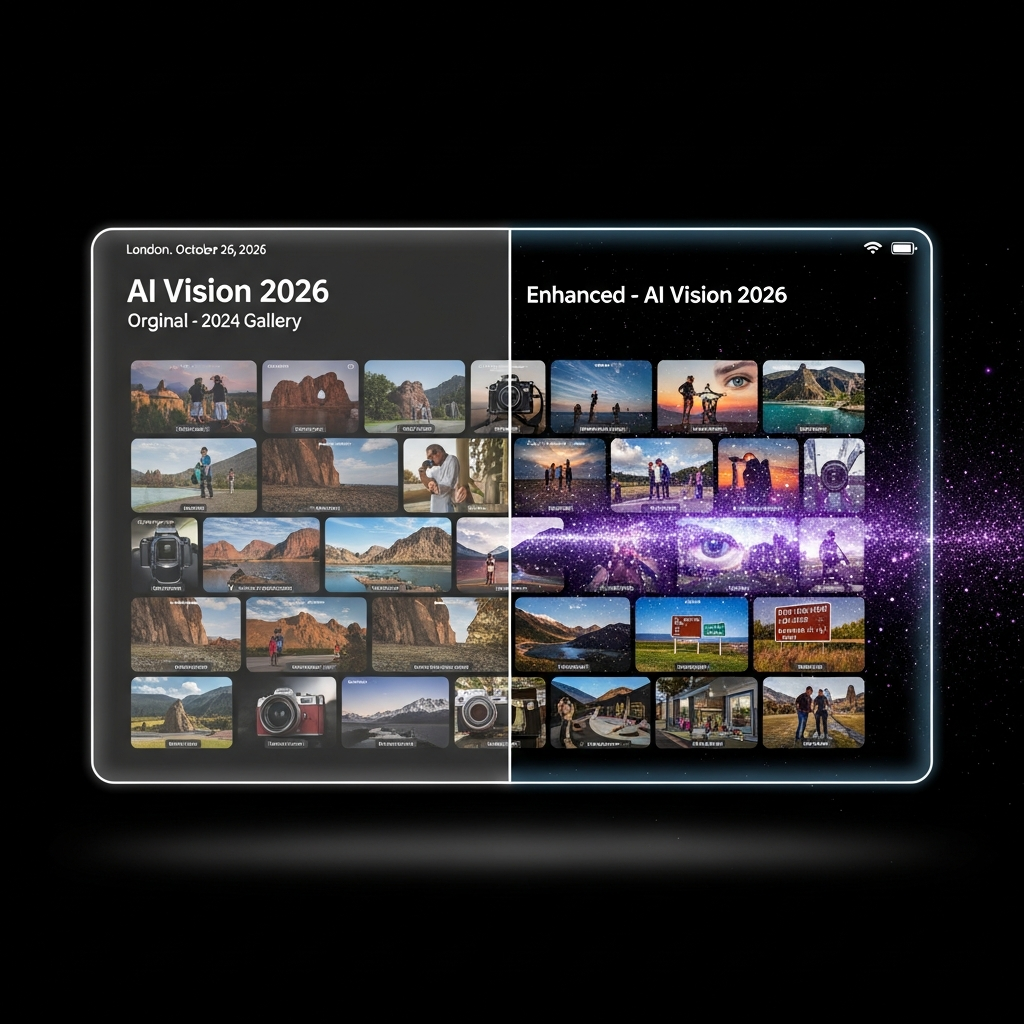
Transforming ordinary pictures into extraordinary visuals is now easier than ever. In 2026, cutting-edge AI image enhancer tools are revolutionizing how we approach digital photography. These intelligent solutions rescue old, grainy photos, refine modern snaps, and unlock unparalleled image quality with just a few clicks. As artificial intelligence continues its rapid ascent, impacting everything from healthcare to personal assistants, its role in visual content creation is profound. The global AI market, valued at approximately $391 billion today, is projected to surge to nearly $3.5 trillion by 2033, underscoring its indispensable role across industries. If you’re ready to discover the top AI tools for enhancing your images, read on.
What Makes an AI Image Enhancer “Ultimate”?
An ultimate AI image enhancer goes beyond simple filters. It uses sophisticated algorithms to analyze and intelligently improve every pixel. These tools can perform tasks like upscaling low-resolution images, removing digital noise, correcting blur, and even enhancing colors and details. Unlike traditional manual editing, AI works much faster. It automates complex adjustments, delivering professional-grade results without extensive photo editing skills. This accessibility is a game-changer for hobbyists and professionals alike.
The Best AI Image Enhancer Tools Worth Using in 2026
Choosing the right tool depends on your specific needs. Do you require batch processing for many photos? Or perhaps specialized enhancement for portraits? This curated list highlights the strengths of each leading platform.
1. BeautyPlus: The Versatile AI Photo Editor
BeautyPlus has earned its reputation as a comprehensive photo editing application. It offers far more than basic AI image enhancement. This versatile tool integrates advanced AI filters. These intelligent filters remove the guesswork, eliminating vague prompts often misinterpreted by chatbots.
Over time, BeautyPlus has become a central hub for various AI-powered features. Its robust free AI image enhancer allows batch editing for up to 50 images. Crucially, it processes these batches without any noticeable quality degradation. Users can select various resolution options, including 1x, 2x, or 4x. Enhancement modes like Ultra HD and AI Ultra HD are also available. For greater precision, the tool provides preset categories. These include portraits, objects, scenery, pets, and text. This ensures tailored improvements for diverse image types. While free to use, there’s a limit of three enhancements per day.
Key Strengths:
Online AI image enhancement with batch processing for up to 50 images.
Multiple resolution options: 1x, 2x, and 4x.
Advanced enhancement modes like Ultra HD and AI Ultra HD.
Specialized preset categories for diverse image types.
Considerations:
Free usage is restricted to three enhancements daily.
Advanced features or higher usage may require paid plans.
2. Picsart: Instant Blur Correction & Portrait Refinement
Picsart’s online image enhancer is a top free AI tool. It instantly improves blurred images. Users will immediately notice its streamlined workflow. After uploading an image, minimal settings are available. The enhancement applies using a default, optimized mode.
Despite these limited controls, Picsart performs exceptionally well. It is particularly suitable for portraits. It effectively corrects blur from camera movement or dull lighting conditions. Its focus on simplicity makes it perfect for quick fixes. It delivers acceptable results for common portrait issues. It shines when speed and ease are priorities over detailed editing.
Key Strengths:
One-click AI enhancement with intuitive default settings.
Fully online, requiring no software setup.
Optimized specifically for portrait images.
Considerations:
Offers limited control over fine-tuning enhancement settings.
Not ideal for highly complex images or extreme high-resolution upscaling.
3. Canva: Design-Integrated AI Enhancement
Canva presents another strong option for AI photo enhancement. While widely recognized as a graphic design platform, its AI integrations are powerful. These include background removal, image enhancement, and AI image generation. This allows it to function as a standalone solution for many image tasks.
The results from Canva’s AI tools are consistently reliable. This reliability stems from its powerful underlying AI engine. For users already familiar with Canva for design work, this integration is incredibly convenient. It combines multiple AI capabilities within a single, familiar workspace.
Key Strengths:
AI-powered image enhancement integrated into a popular online design platform.
Includes related tools like background removal and AI image generation.
Operates directly within your web browser.
Considerations:
Image enhancement is a secondary feature, not its core focus.
Some advanced AI functionalities are part of paid plans.
4. AirBrush: Quick Upscaling & Speedy Results
AirBrush stands out as another effective free online AI image enhancer. It is designed for quick image upscaling and quality improvements. This online tool provides two distinct enhancement modes. It also offers three resolution levels, similar to BeautyPlus.
AirBrush is incredibly user-friendly. It produces results almost instantly. You can quickly download your enhanced image and move on. Its straightforward interface makes it ideal for rapid enhancements. There’s no steep learning curve involved.
Key Strengths:
Fast processing with a simple, direct interface.
Offers two enhancement modes for varied results.
Three resolution levels help manage output size.
Considerations:
Provides fewer customization options compared to more advanced tools.
Offers less control for highly professional or detailed editing requirements.
5. Upscale Media: Transparent Upscaling with Visual Comparison
Upscale Media is a popular tool known for its ease of use and transparency. It supports convenient batch processing. After upscaling your images, it provides a unique side-by-side comparison view. A zoom feature lets you clearly inspect the upscaling process.
This visual feedback is invaluable. It allows users to meticulously examine fine details. You can easily understand precisely how the tool improves pixel quality. Its clean and transparent interface builds user confidence.
Key Strengths:
AI image upscaling with support for batch processing.
Unique side-by-side comparison view with zoom functionality.
A clean, intuitive, and transparent user interface.
Considerations:
Primarily focused on upscaling rather than comprehensive image enhancement.
Free usage might have limitations on resolution or total enhancements.
How to Choose the Right AI Image Enhancer for You
Selecting the perfect AI image enhancer depends heavily on your individual needs. Consider the types of images you often process. Are they mostly portraits, old family photos, or high-resolution landscape shots? Think about your workflow. Do you need batch processing to save time? Or is a simple one-click solution enough? Evaluate the level of control you desire. Some tools offer extensive customization, while others prioritize speed and simplicity. Finally, factor in your budget; many tools offer free tiers with limitations, and paid plans unlock advanced features. Testing out a few free versions can help you determine the best fit before committing.
The Future of AI in Photography
The trajectory of AI in photography is nothing short of revolutionary. As the overall AI market continues its exponential growth, reaching staggering projections, image enhancement will only become more sophisticated. We can anticipate even more intuitive interfaces, hyper-realistic restoration capabilities, and deeper integration with other creative tools. AI is democratizing high-quality image production, making professional-level results accessible to everyone. This continuous innovation ensures that our digital memories and visual content will keep improving, reflecting an ever-smarter world.
Frequently Asked Questions
How do AI image enhancers fundamentally improve photo quality?
AI image enhancers leverage deep learning algorithms to analyze image data. They identify elements like noise, blur, and low resolution. The AI then intelligently “reconstructs” or “upscales” these areas. For instance, it can generate missing pixel information to increase resolution. It can also distinguish between actual image details and unwanted noise, removing the latter without blurring the former. This process mimics human perception and artistic principles, but at an incredibly precise and rapid scale. The result is clearer, sharper, and more vibrant images.
Are there any completely free AI image enhancers that support batch processing?
Yes, several AI image enhancers offer free tiers with batch processing capabilities. For example, BeautyPlus allows batch editing for up to 50 images in its free version, though it has a daily limit of three enhancements. Upscale Media also supports batch processing, letting you enhance multiple images simultaneously. While these tools provide substantial free functionality, they often come with certain restrictions. These might include daily usage caps, watermarks, or limits on output resolution for free users. Reviewing the specific terms of each platform is key.
What key features should I prioritize when selecting an AI photo enhancement tool?
When choosing an AI photo enhancement tool, prioritize features aligned with your goals. For extensive improvements, look for comprehensive options like BeautyPlus offering multiple resolution and enhancement modes (Ultra HD, AI Ultra HD) and preset categories. If quick fixes for blurry portraits are essential, Picsart’s one-click enhancement is ideal. Batch processing saves time for large collections, a feature offered by BeautyPlus and Upscale Media. Transparency, like Upscale Media’s side-by-side comparison, helps you assess quality. For design integration, Canva is unparalleled. Consider your primary use case to guide your choice.
Conclusion
The journey of image enhancement has evolved dramatically. What once required specialized skills or expensive studios is now at your fingertips, powered by AI. Tools like BeautyPlus, Picsart, Canva, AirBrush, and Upscale Media are not just improving images; they’re transforming how we interact with our visual world. They offer speed, efficiency, and accessibility previously unimaginable. By providing intelligent customization and robust performance, these AI-powered platforms are solidifying their place as invaluable assets in modern photography. Embrace these innovative solutions to unlock the full potential of your photos and share truly stunning visuals in 2026 and beyond.