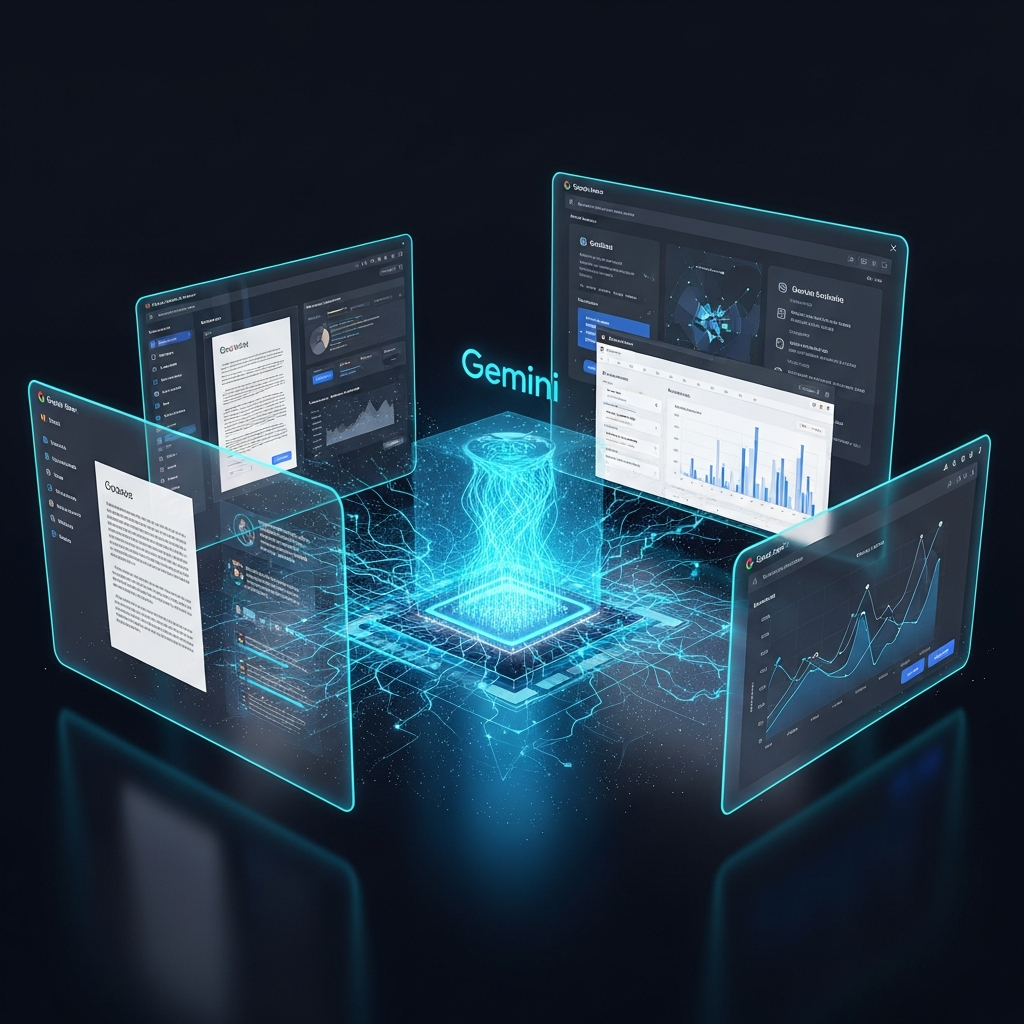
The dreaded blank page or empty spreadsheet often stifles creativity and productivity. Whether tackling a complex project, planning an event, or managing daily tasks, initiating the process can feel like the biggest hurdle. Fortunately, a powerful transformation is underway, promising to revolutionize how we interact with our digital workspace. Starting today, March 10, 2026, Google is rolling out significant enhancements to Gemini across Docs, Sheets, Slides, and Drive, making these essential applications more personal, intelligent, and collaborative than ever before. These groundbreaking new beta features, accessible initially to Google AI Ultra and Pro subscribers, leverage advanced AI to securely draw information from your files, emails, and the web, connecting dots and revealing invaluable insights while maintaining stringent data safeguards.
Transform Your Workflow with Gemini in Google Workspace
Imagine a digital assistant that understands your intent, anticipates your needs, and proactively helps you achieve your goals. This is the promise of Gemini’s deeper integration into Google Workspace. By bringing state-of-the-art generative AI directly into your most-used applications, Google is empowering users to streamline workflows, accelerate content creation, and gain profound understanding from their data. The goal is simple: help you get more done, faster and smarter, allowing you to focus on the strategic and creative aspects of your work.
Gemini in Docs: Your Intelligent Writing Partner
Gemini in Docs emerges as your ultimate writing collaborator, leveraging contextual understanding and advanced editing capabilities to craft personalized documents with remarkable speed. Say goodbye to writer’s block.
From Prompt to Polished Draft: Instantly generate a customized first draft by simply describing your needs in the side panel or new bottom bar. For instance, prompt Gemini to “draft a newsletter for our neighborhood association using the meeting minutes from my January HOA meeting and the list of upcoming events,” and it will pull relevant details from your stored files to produce a ready-to-refine document. This intelligent assistant significantly reduces the time spent on initial content creation.
Refine and Perfect with Ease: Beyond generating drafts, Gemini excels at refining your writing. Highlight specific sections or entire documents and ask Gemini to “make this doc more professional while keeping the tone energetic.” It can strengthen your message, build on existing ideas, and ensure your communication is impactful and precise. This iterative editing process is designed for maximum efficiency.
Effortless Style and Format Matching: Maintaining a consistent voice and format across documents is crucial for professionalism. With “Match writing style,” Gemini unifies the tone and style across an entire document, ensuring it sounds authentically like you. The “Match doc format” feature takes this further, automatically aligning your content to the style of a reference document. For example, if you adore a specific travel itinerary template, Gemini in Docs can populate it instantly with your flight, hotel, and rental car details pulled directly from your emails. This level of personalization saves countless hours.
Gemini in Sheets: Spreadsheet Creation & Data Mastery
Gemini in Sheets transforms the way you interact with data, acting as a collaborative partner capable of creating, organizing, and editing entire spreadsheets. From simple task lists to complex data analysis, Gemini performs with state-of-the-art efficiency.
Build Spreadsheets from Simple Prompts: Just describe your project to Gemini, and it will construct the entire spreadsheet for you. If you’re organizing a move to Chicago, you can ask for “a checklist for packing by room, a contact list for utilities, and a spreadsheet to track moving company quotes from my inbox.” Gemini will intelligently draw on relevant details from your emails and files to set up a comprehensive project tracker. It can also enhance existing spreadsheets by adding tables, dashboards, and more.
Accelerated Data Population with “Fill with Gemini”: For more intricate tasks, the innovative “Fill with Gemini” feature populates tables faster than ever. Generate custom text, categorize data, summarize information, or access real-time details from Google Search. A recent 95-participant study demonstrated significant efficiency gains with “Fill with Gemini” for a 100-cell task compared to manual entry. For example, college applicants tracking application details can simply label columns for “due date” or “tuition,” then drag down. Gemini will automatically fill in the information for each school, sourcing details from the web.
State-of-the-Art Performance: Gemini in Sheets has achieved remarkable proficiency in autonomously manipulating complex, real-world spreadsheets. Validated against the comprehensive SpreadsheetBench dataset, it boasts a 70.48% success rate, outperforming competing models and nearing human-expert capabilities. This ensures powerful, reliable data insights for all users. Furthermore, Gemini in Sheets helps you build custom, visual spreadsheets from a single prompt, effortlessly creating tools like a personal finance tracker that organizes your data around your specific goals, or a health tracker aligning workouts and nutrition.
Gemini in Slides: Design Collaborator for Impactful Presentations
Gemini in Slides acts as your personal design collaborator, transforming concepts into polished, presentation-ready decks. It generates professional layouts, fully editable diagrams, and even entire presentations from scratch, allowing you to concentrate on your narrative.
Create & Edit Editable Slides: With updated slide generation features, Gemini can now draft new slides that seamlessly align with your deck’s theme, pulling context from your files, emails, and the web. If a slide isn’t quite right, simply ask Gemini to “make this match the colors of the rest of my deck” or “make this more minimal.” This collaborative editing dramatically speeds up the design process. For example, you can ask Gemini to draft a “life update” slide for a social presentation or a persuasive pitch for a family getaway, even referencing a document for additional context.
Future: Generate Entire Decks: A highly anticipated feature, coming soon, will allow users to generate an entire, polished presentation from a single prompt. Imagine saying “create a 5-slide deck for my upcoming Tokyo trip,” and Gemini produces a complete, contextually rich presentation. This will revolutionize presentation creation, taking rough notes and instantly designing the layout so you can focus on your vision.
Gemini in Drive: Instant Insights from Your Digital Files
Google Drive transcends its role as mere storage; it’s now an active collaborator designed to help you extract insights and understanding from your entire digital repository. With “Ask Gemini,” finding information and making sense of your data becomes instantaneous.
Get Instant Answers with AI Overviews: When you search in Drive using natural language, Gemini now provides an “AI Overview” at the top of your results. This summary extracts the most relevant information from your files, complete with citations, delivering the answer you need without even opening a document. For example, simplify tax prep by letting Gemini surface recent downloads and last year’s return, getting you tax-ready without the hunt.
Gain Deeper Understanding: The all-new “Ask Gemini in Drive” feature allows you to pose complex questions across your documents, emails, calendar, and the web. Select all your tax-related files and ask, “What should I ask my tax advisor before I file this year’s tax returns?” to receive a detailed, data-informed response. You can effortlessly track down exactly what you need, like synthesizing research on sleep benefits for an academic paper, all within Google Drive. Use “Ask Gemini” to compare catering proposals for an upcoming wedding, highlighting cost differences and key contract clauses.
Expanding the Horizon: Gemini’s Broader Ecosystem Innovations
The power of Gemini extends beyond core Workspace applications, weaving into a broader ecosystem of tools designed to enhance productivity and intelligence across your digital life. These innovations signify a deeper integration of AI into Google’s product suite.
Gemini Deep Research: Unlocking Comprehensive Insights
Gemini Deep Research now integrates directly with Google Workspace applications, including Gmail, Google Drive, and Google Chat, enabling even more comprehensive reports. This powerful capability allows Deep Research to incorporate context and information from your internal Workspace data alongside public web sources. You can initiate a market analysis by directing Deep Research to analyze team brainstorming documents, relevant email threads, and existing project plans, combined with external market data. Similarly, detailed competitor reports can cross-reference public web data with your internal strategies, comparison spreadsheets, and team discussions from chat. This bridging of internal proprietary data and public information is now available to all Gemini users via the “Deep Research” tool menu on desktop.
Gemini in Chrome: Your Agentic Browsing Assistant
Google Chrome is receiving significant Gemini 3 enhancements, designed to transform web browsing into a more helpful and productive “agentic” experience for MacOS, Windows, and Chromebook Plus users in the U.S.
Intelligent Side Panel & Nano Banana: A new side panel for Gemini in Chrome provides a constant AI browsing assistant, allowing multitasking without switching tabs. Use it to compare options across multiple tabs, summarize product reviews, or find event times efficiently. For creative tasks, Nano Banana integrates directly into Chrome, enabling on-the-fly image transformations with simple prompts, perfect for generating design inspiration or converting data into infographics without leaving your browser.
Connected Apps & Personal Intelligence: Deeper integrations with popular Google Apps like Gmail, Calendar, YouTube, Maps, Shopping, and Flights streamline complex workflows. Plan a conference by retrieving event details from old emails, consulting Google Flights for recommendations, and drafting emails to colleagues – all through Gemini. Users retain full control via Connected Apps settings. Soon, Chrome will introduce Personal Intelligence, making it a proactive assistant that remembers context from past conversations and user instructions, offering uniquely tailored and context-aware assistance.
Chrome Auto Browse: A powerful “agentic” experience for Google AI Pro and Ultra subscribers in the U.S., Chrome Auto Browse extends autofill to complex, multi-step workflows. It can offload time-consuming chores like researching hotel and flight costs across multiple dates, scheduling appointments, filling online forms, collecting tax documents, or managing subscriptions. Utilizing Gemini 3’s multimodal capabilities, it can interpret images to add similar items to a shopping cart, apply discounts, or manage party budgets. With user permission, it can even interact with Google Password Manager for sign-ins. These agentic capabilities are supported by Google’s Universal Commerce Protocol (UCP), an open standard co-developed with industry leaders, ensuring seamless AI agent actions. Security and user control are paramount, with Auto Browse pausing for explicit confirmation on sensitive actions like purchases.
Opal & Experimental Gems: Customizing Your Gemini Experience
For users seeking to personalize their AI interactions, Opal, a tool for developing AI-powered mini applications, is now directly integrated into the Gemini web app. This allows users to create “experimental Gems,” reusable mini apps designed to customize and enhance their Gemini experiences. Accessible via the “Gems manager,” Opal provides a new visual editor that translates user prompts into step-by-step lists, simplifying the understanding and editing of mini app operations. An “Advanced Editor” at opal.google offers granular control for more sophisticated development. This experimental feature is available starting today in the Gemini web app, putting customization directly in users’ hands.
Availability and Getting Started
These powerful new features for Gemini in Google Workspace, Deep Research, Chrome, and Opal are beginning their beta rollout today, March 10, 2026. They will be first available to Google AI Ultra and Pro subscribers. Specifically, Gemini in Google Docs, Sheets, and Slides will support English globally, while Gemini in Google Drive, Deep Research, and Chrome features (like Auto Browse) will initially be available in the U.S. Google continues to refine these experiences and looks forward to expanding availability to more languages and regions soon. Businesses interested in leveraging these updates can find more information on the Google Workspace blog.
Frequently Asked Questions
What new AI capabilities does Gemini bring to Google Docs?
Gemini in Google Docs acts as an intelligent writing partner, offering several new capabilities. It can generate customized first drafts from simple prompts by pulling information from your files and emails. Users can also ask Gemini to refine sections, strengthen messages, or adjust the tone of an entire document. Additionally, features like “Match writing style” unify document voice, while “Match doc format” automatically aligns content to a reference document’s style, even populating templates with personal details like travel itineraries from your emails.
Who can access these new Gemini features in Google Workspace, and where?
These cutting-edge Gemini features are rolling out in beta starting March 10, 2026, primarily to Google AI Ultra and Pro subscribers. Availability varies by application: Gemini in Docs, Sheets, and Slides supports English globally. However, Gemini in Google Drive, along with advanced features like Gemini Deep Research and Chrome Auto Browse, are initially available in the U.S. only. Google has indicated that it will continue to refine the experience and expand language and regional availability over time.
How can Gemini in Google Sheets significantly improve data analysis for users?
Gemini in Google Sheets dramatically enhances data analysis by acting as a collaborative partner that can create, organize, and edit entire spreadsheets from a single prompt. It can build complex project trackers by drawing details from your emails and files. Crucially, the “Fill with Gemini” feature accelerates data population, allowing users to generate custom text, categorize, summarize, or access real-time information from Google Search to fill tables quickly. This intelligent automation, combined with its state-of-the-art performance (70.48% success on SpreadsheetBench), means users can transform raw data into actionable insights with unprecedented speed and accuracy.
Conclusion
The evolution of Gemini within Google Workspace marks a pivotal moment in productivity. By integrating advanced AI directly into Docs, Sheets, Slides, and Drive, Google is empowering users to overcome creative blocks, accelerate complex tasks, and derive deeper insights from their digital information. Beyond these core applications, the expanded Gemini ecosystem, encompassing Deep Research, Chrome, and Opal, demonstrates a commitment to an agentic and personalized digital future. For Google AI Ultra and Pro subscribers, the ability to leverage Gemini’s intelligence, securely pulling context from across their digital lives, promises a more efficient, intuitive, and genuinely valuable experience. Embrace these transformative tools today and unlock a new era of digital creation and collaboration.